
Premiers pas · Service page: start the free trial or subscribe directly
How do I find out what a service offers before turning it on?
Every service has an introduction page inside your account: what it offers, the length and limits of its free trial, its plans and prices, and the “Start free trial” and “Subscribe” buttons.
Pour qui : Propriétaire et responsable
Où : “My services” → service card → “Details”
Étapes
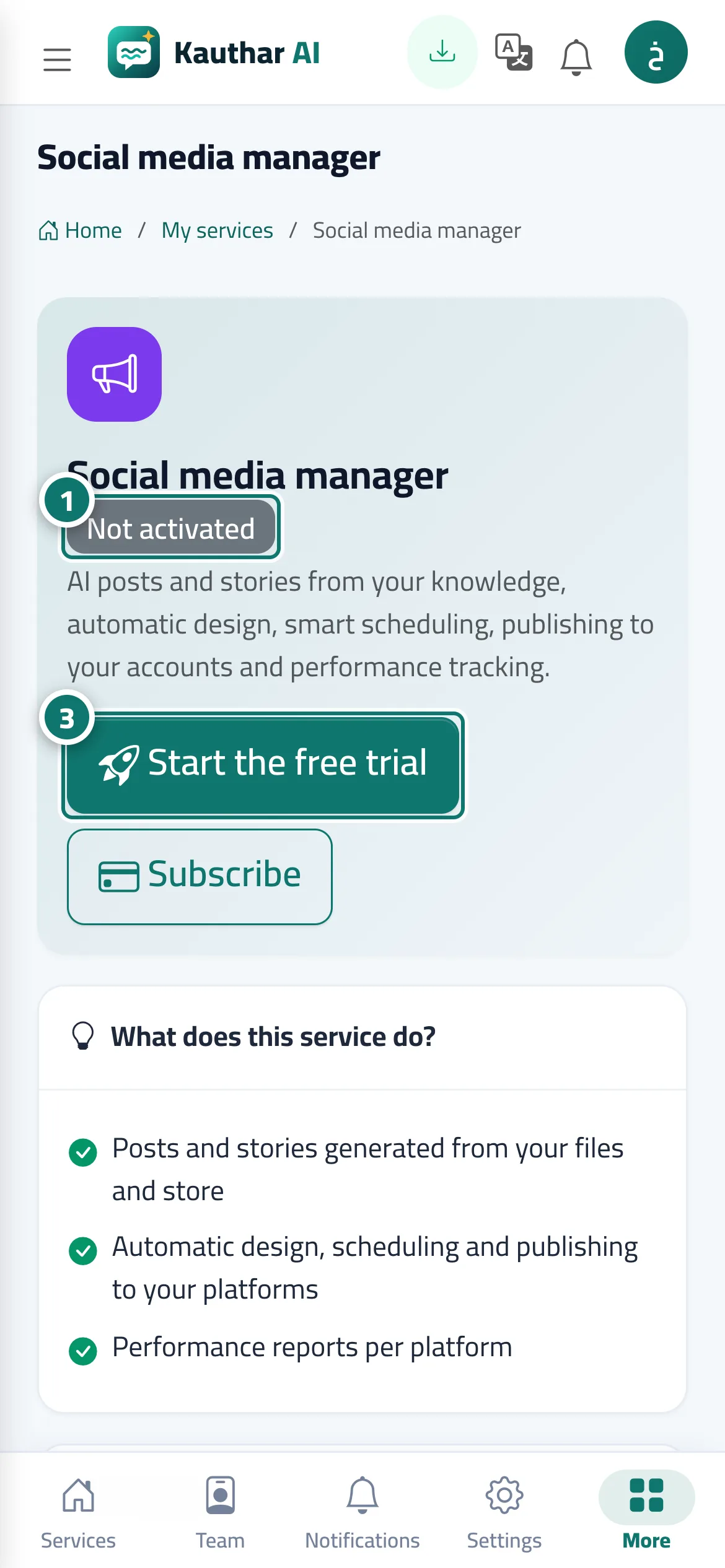
- In “My services”, click “Details” on the service card. Numéro 1 sur l’image
- Review “What does this service do?”, the trial limits and the plans.
- Click “Start free trial” to turn it on immediately, or “Subscribe” to choose the plan and duration and pay directly. Numéro 3 sur l’image
Étapes
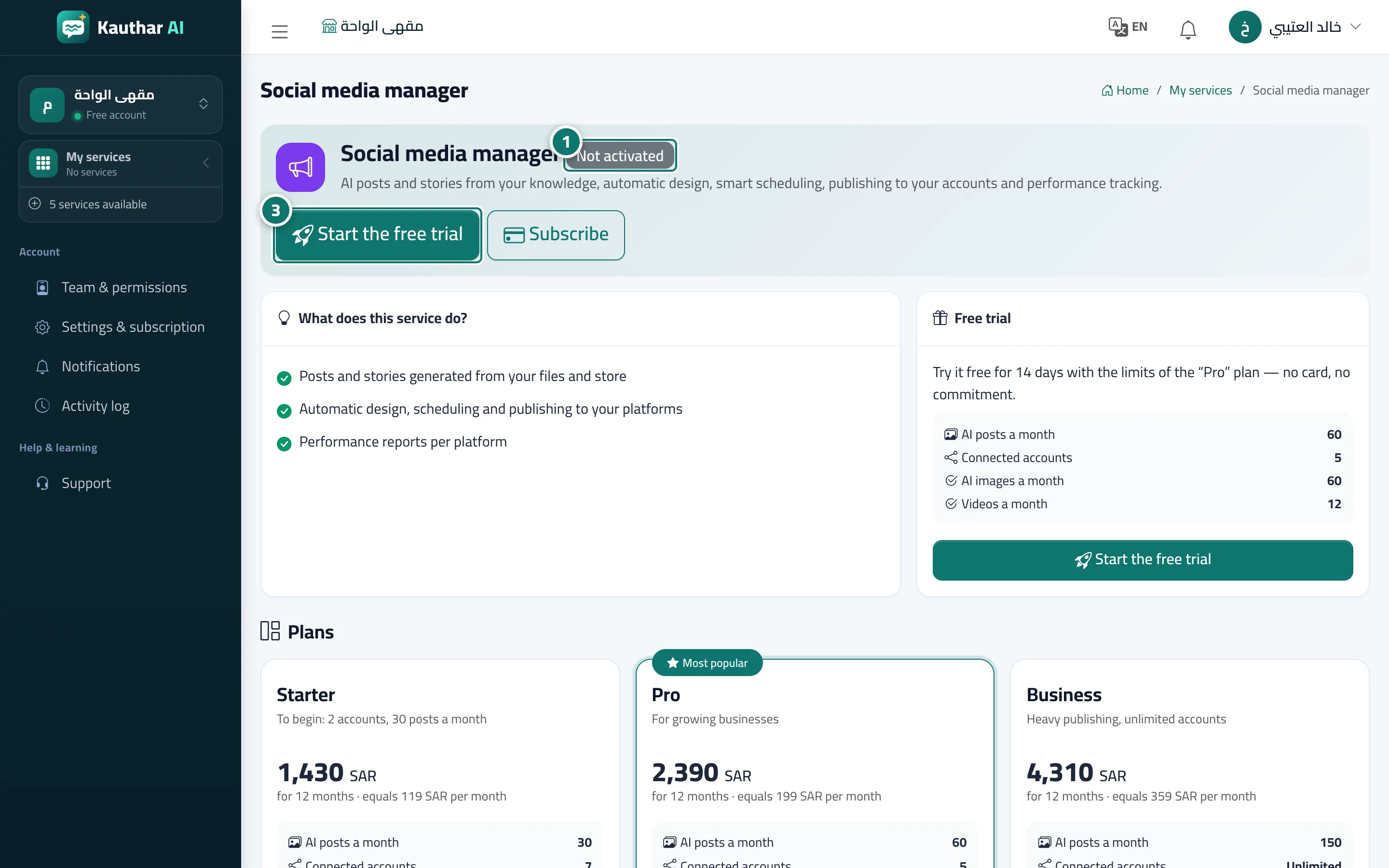
- In “My services”, click “Details” on the service card. Numéro 1 sur l’image
- Review “What does this service do?”, the trial limits and the plans.
- Click “Start free trial” to turn it on immediately, or “Subscribe” to choose the plan and duration and pay directly. Numéro 3 sur l’image