
E-mail professionnel · Business email: mailboxes on your domain and a unified inbox
How do I create email addresses on my business domain?
A service of its own: mailboxes on your domain hosted by Kauthar (“Email on your domain”), and a unified inbox (“Mail”) where your team answers your business mail, Gmail and Outlook in one place, with smart reply drafts.
Pour qui : Propriétaire et responsable
Où : Sidebar → Business email → “Email on your domain” and “Mail”
Étapes
- In “My services”, start the “Business email” trial or subscribe to it, or open it if it is included in your plan.
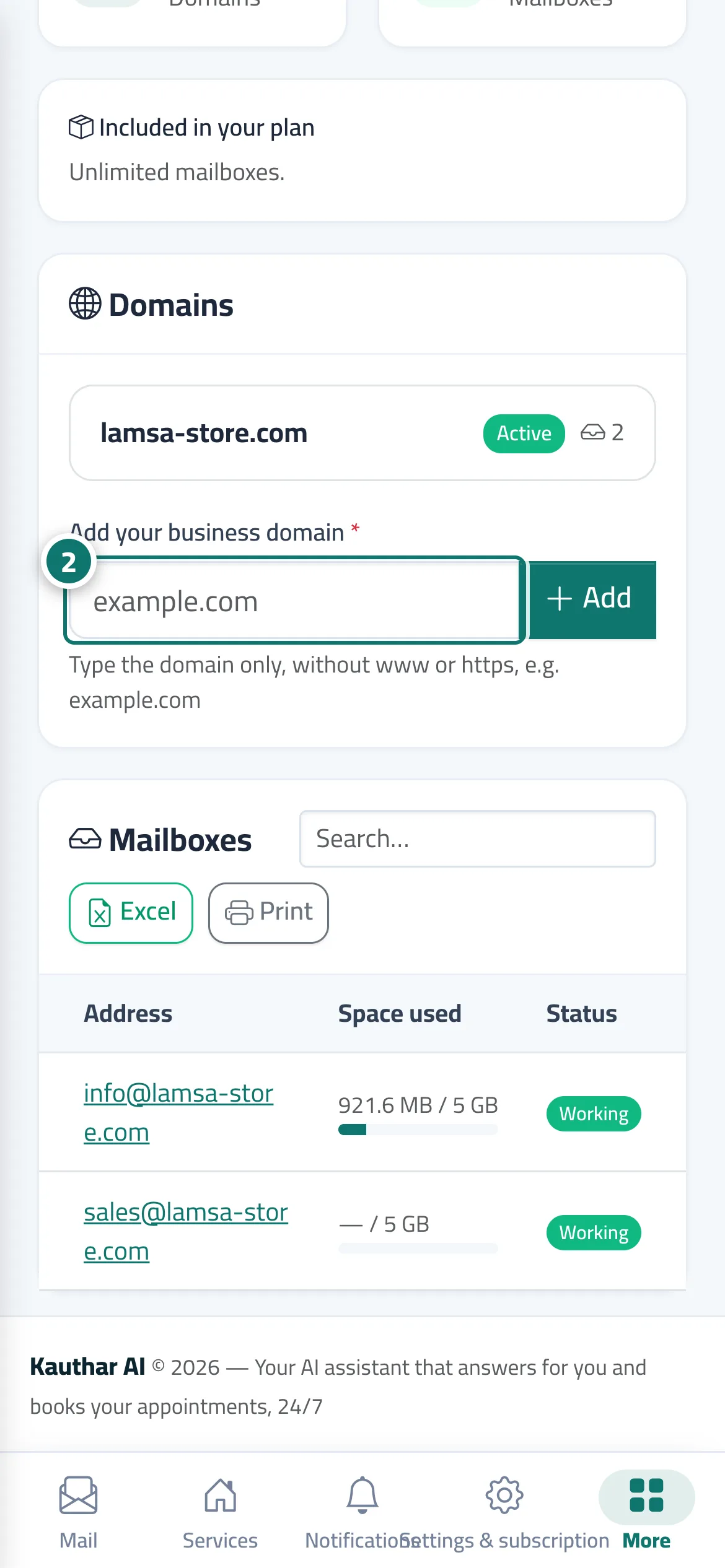
- Open “Email on your domain”, add your domain and then the DNS records exactly as the screen shows them (see the topic “Email on your domain”). Numéro 2 sur l’image
- Create the mailboxes you need within your plan's limit.
- Open “Mail” and connect the mailboxes your team answers (see the topic “Mail: a unified inbox”).
Étapes
- In “My services”, start the “Business email” trial or subscribe to it, or open it if it is included in your plan.
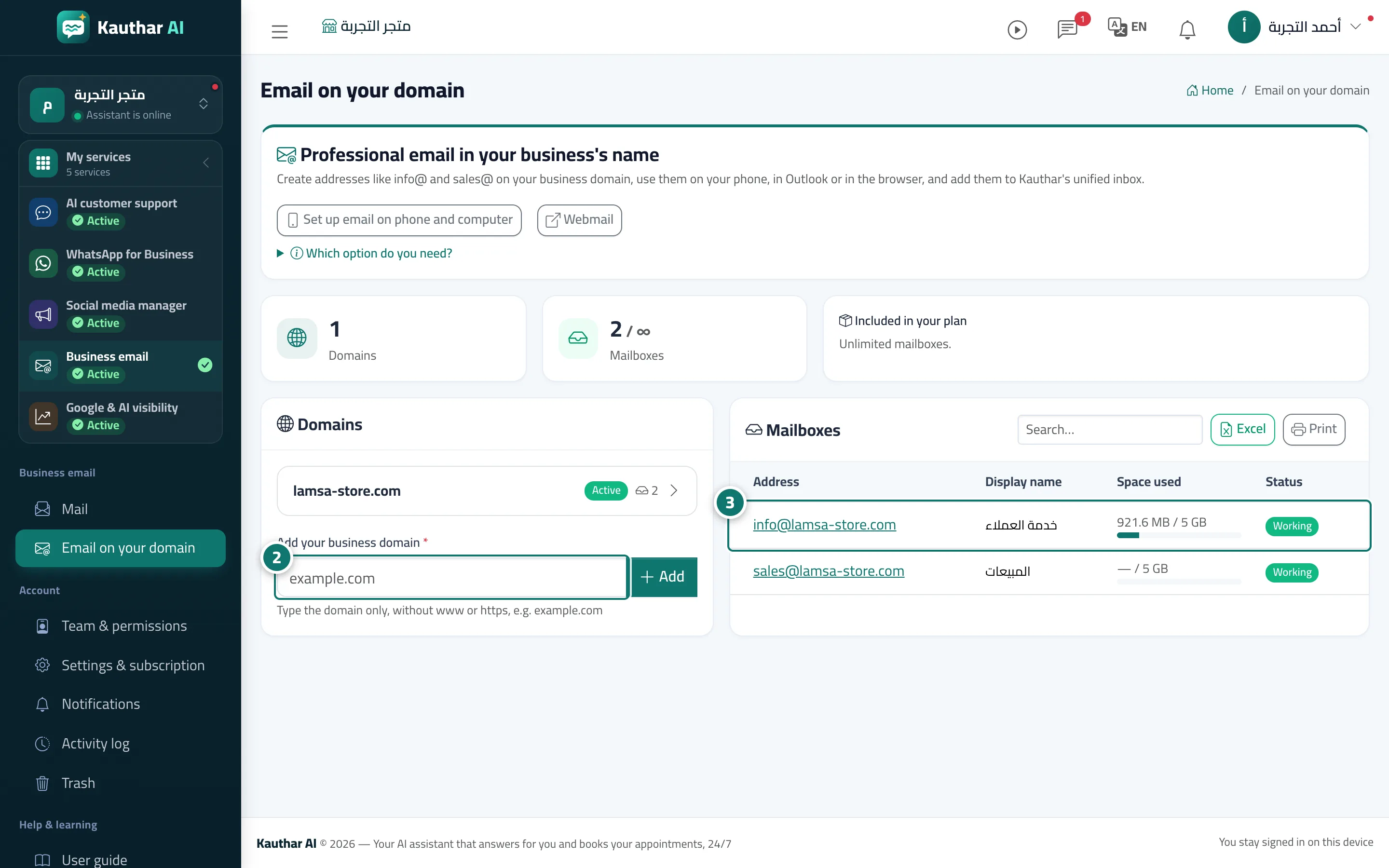
- Open “Email on your domain”, add your domain and then the DNS records exactly as the screen shows them (see the topic “Email on your domain”). Numéro 2 sur l’image
- Create the mailboxes you need within your plan's limit. Numéro 3 sur l’image
- Open “Mail” and connect the mailboxes your team answers (see the topic “Mail: a unified inbox”).