
Channels · Talk to a person
How does a customer ask to talk to a person instead of the AI assistant?
Customers can ask for someone from your team at any moment and are handed over to you in the same chat, or through your business WhatsApp.
Who this is for: Your customers
Where: Chat page → “Talk to a person”
Steps
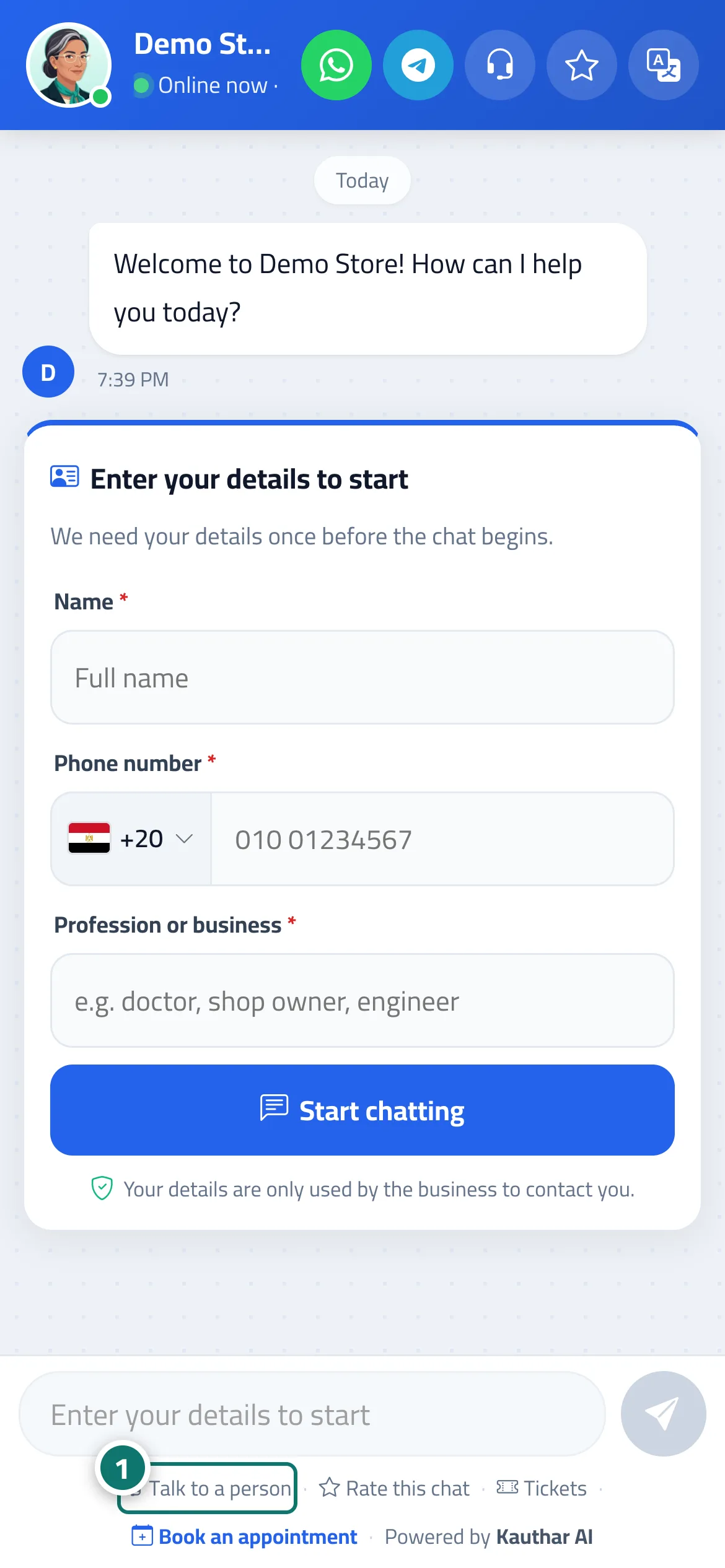
- The customer taps “Talk to a person”. Number 1 on the picture
- They enter their name and phone number if asked.
- When a staff member takes over the conversation from “Conversations”, the customer sees “Support agent (name) joined the conversation” and continues with them on the same page.
Steps
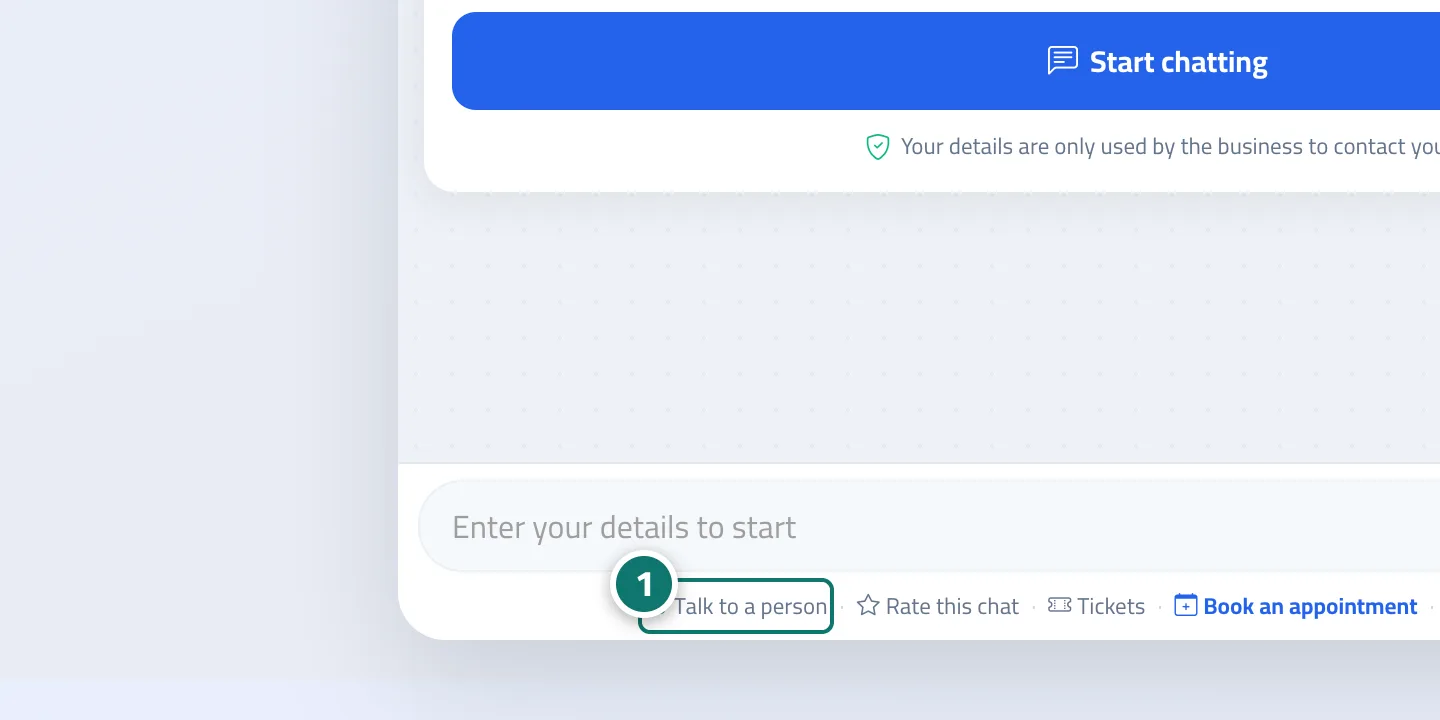
- The customer taps “Talk to a person”. Number 1 on the picture
- They enter their name and phone number if asked.
- When a staff member takes over the conversation from “Conversations”, the customer sees “Support agent (name) joined the conversation” and continues with them on the same page.