
Channels · Recipe: a HubSpot contact for every lead
How do I add new leads to HubSpot automatically?
Every new lead in Kauthar AI becomes a HubSpot contact with the name, phone and where they reached you.
Who this is for: Owner & manager
Where: Webhooks → n8n
Steps
- In HubSpot create a Private App with the crm.objects.contacts.write scope and copy its token.
- In n8n import the recipe, pick «Kauthar AI API» in the start node and create a «HubSpot App Token» credential with the token in the HTTP Request node.
- Activate the workflow and send a test event from the Webhooks screen.
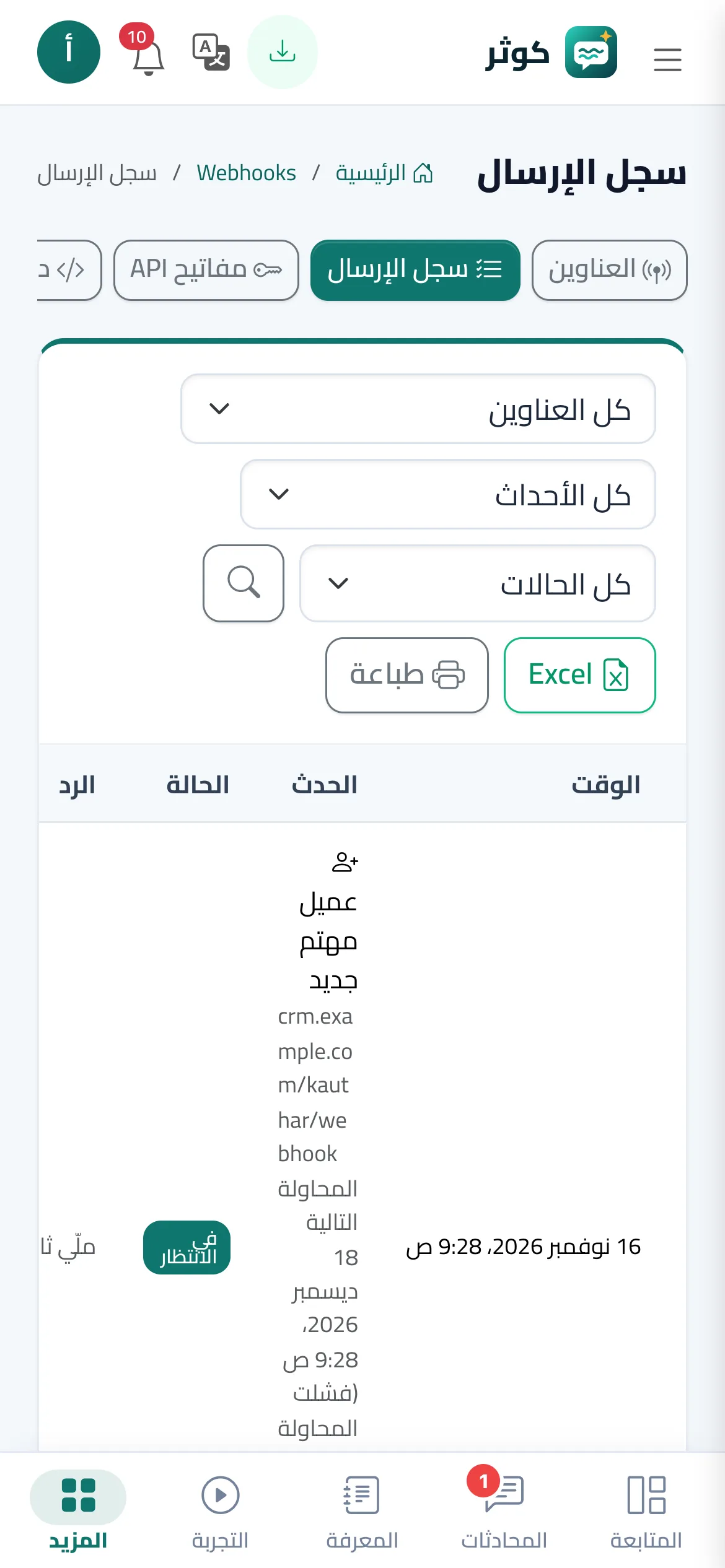
- Open the delivery log in Kauthar AI, check the answer is 200, then find the contact in HubSpot.
Steps
- In HubSpot create a Private App with the crm.objects.contacts.write scope and copy its token.
- In n8n import the recipe, pick «Kauthar AI API» in the start node and create a «HubSpot App Token» credential with the token in the HTTP Request node.
- Activate the workflow and send a test event from the Webhooks screen.
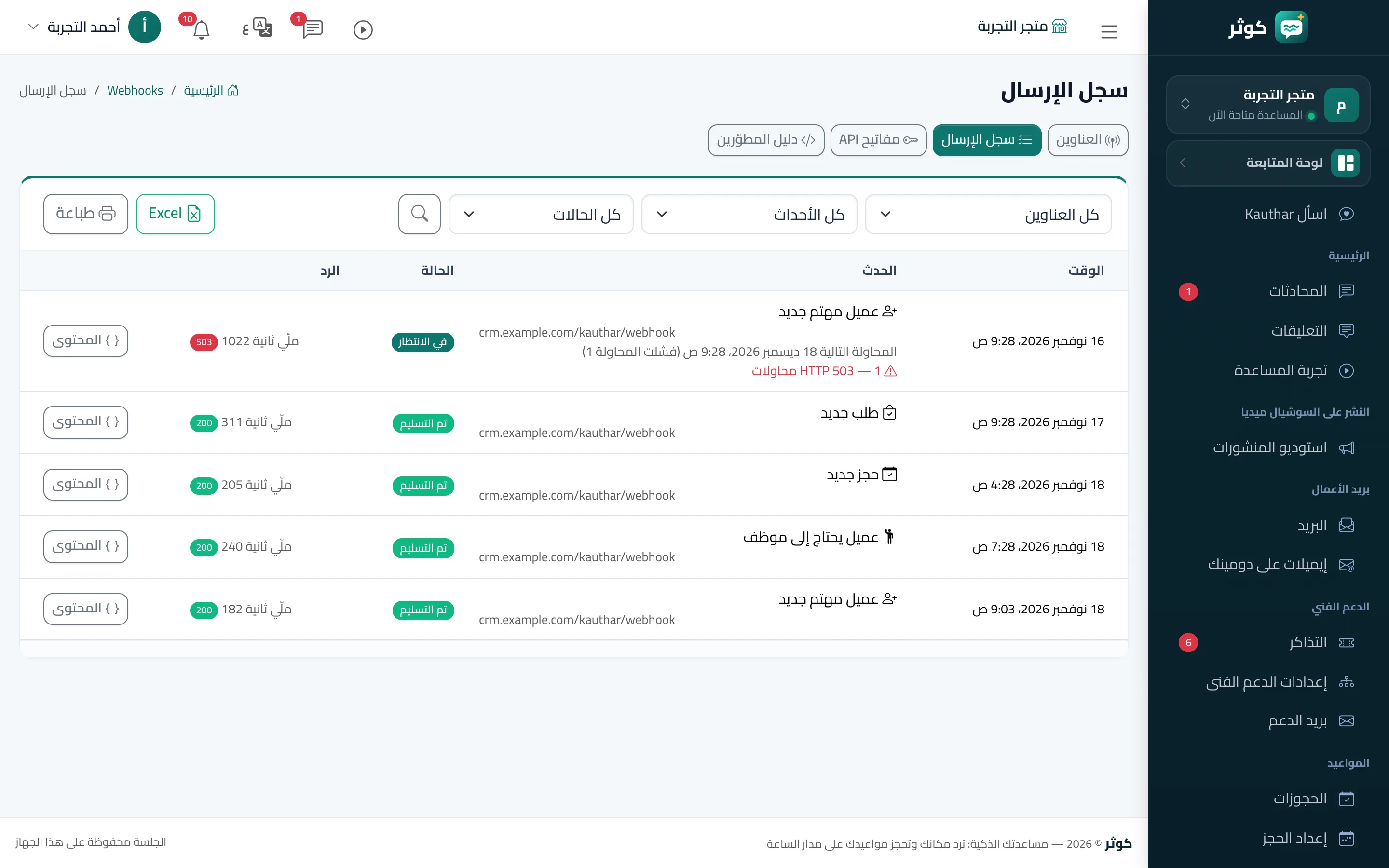
- Open the delivery log in Kauthar AI, check the answer is 200, then find the contact in HubSpot.