
Channels · Recipe: Slack alert when a customer needs a person
How does my team get a Slack alert when a customer needs a person?
An instant message in your team's Slack channel whenever a customer asks for a person, with their name, phone, reason and a link to the conversation.
Who this is for: Owner & manager
Where: Webhooks → n8n
Steps
- In n8n import the recipe and pick the «Kauthar AI API» credential.
- In the Slack node connect your workspace and choose the channel.
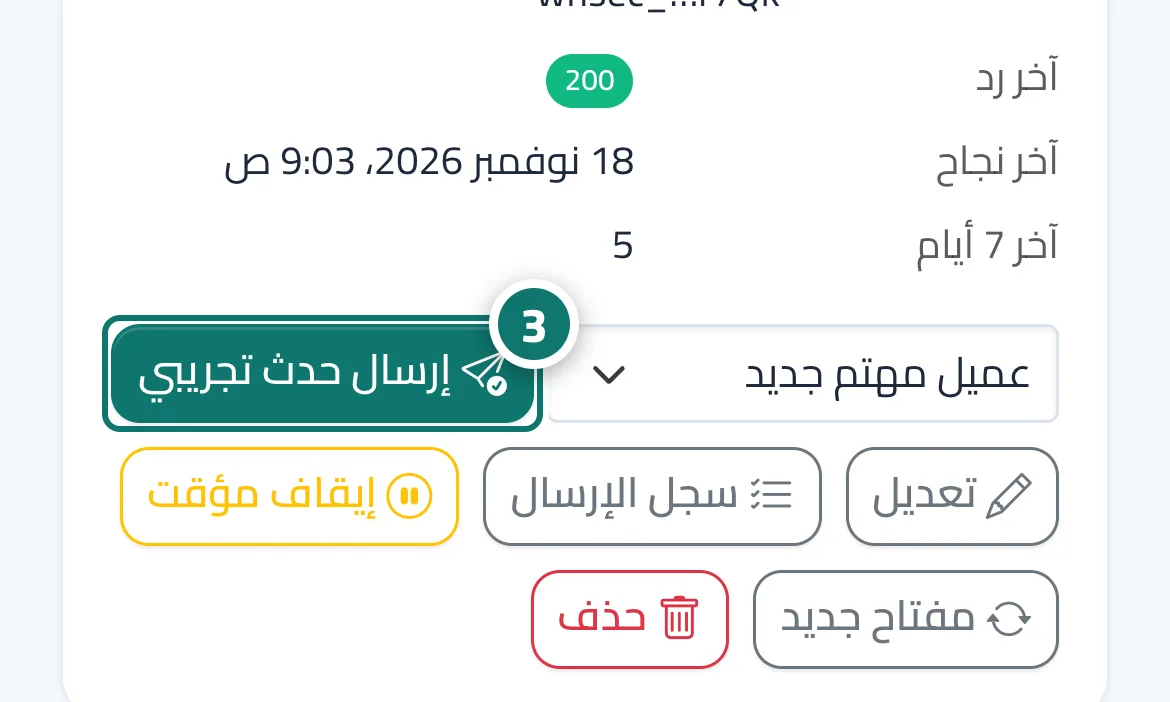
- Activate the workflow, then press «Send test event» on the n8n endpoint and choose «Customer needs a person». Number 3 on the picture
- Check the message in the channel and open the link to go to the conversation in Kauthar AI.
Steps
- In n8n import the recipe and pick the «Kauthar AI API» credential.
- In the Slack node connect your workspace and choose the channel.
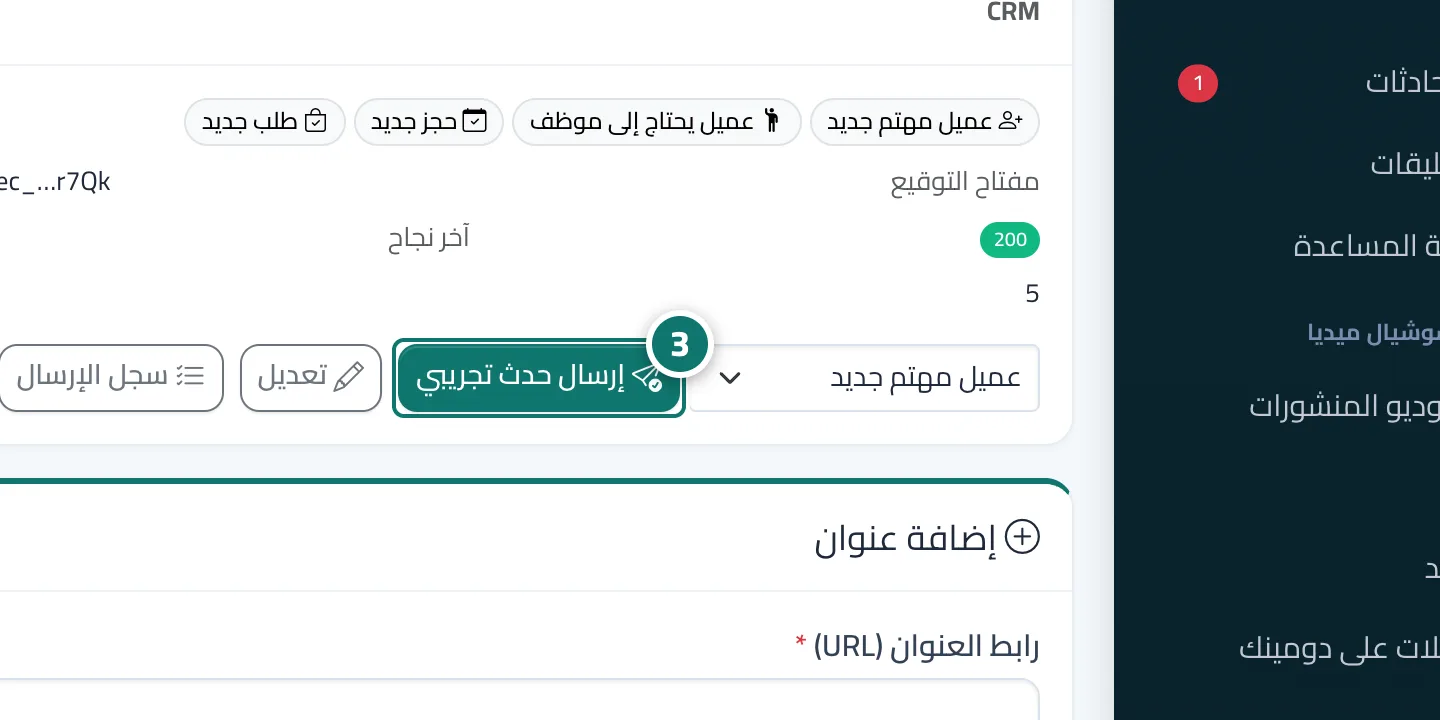
- Activate the workflow, then press «Send test event» on the n8n endpoint and choose «Customer needs a person». Number 3 on the picture
- Check the message in the channel and open the link to go to the conversation in Kauthar AI.