Recipe: Slack alert when a customer needs a person
An instant message in your team's Slack channel whenever a customer asks for a person, with their name, phone, reason and a link to the conversation.
On this page
Overview#
A ready n8n recipe (kauthar-needs-human-to-slack.json): Kauthar AI Trigger on Customer needs a person, then Slack → Send message to the channel you choose with the customer's name, phone, channel, reason and a take the conversation link.
- Who can use it
- Business owner / admin
- Where to find it
- Webhooks → n8n
Step by step#
- In n8n import the recipe and pick the Kauthar AI API credential.
- In the Slack node connect your workspace and choose the channel.
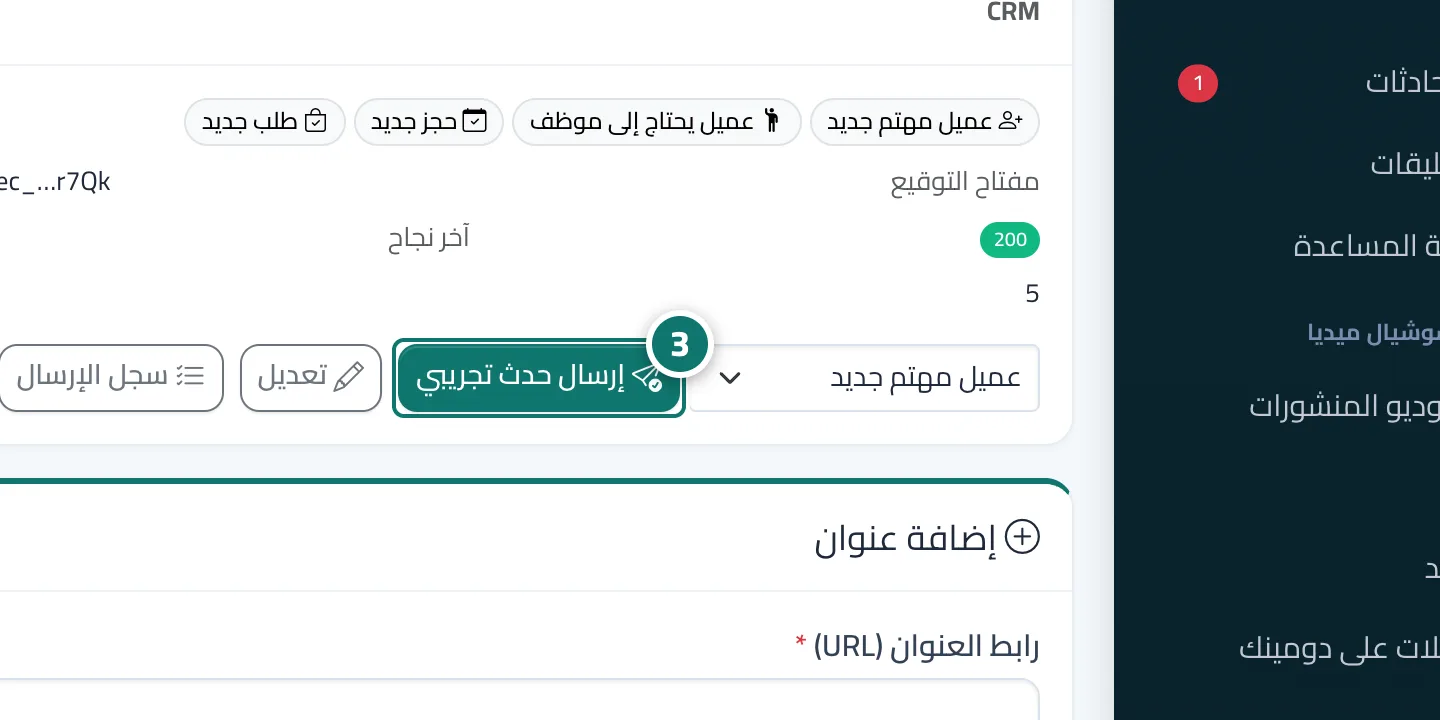
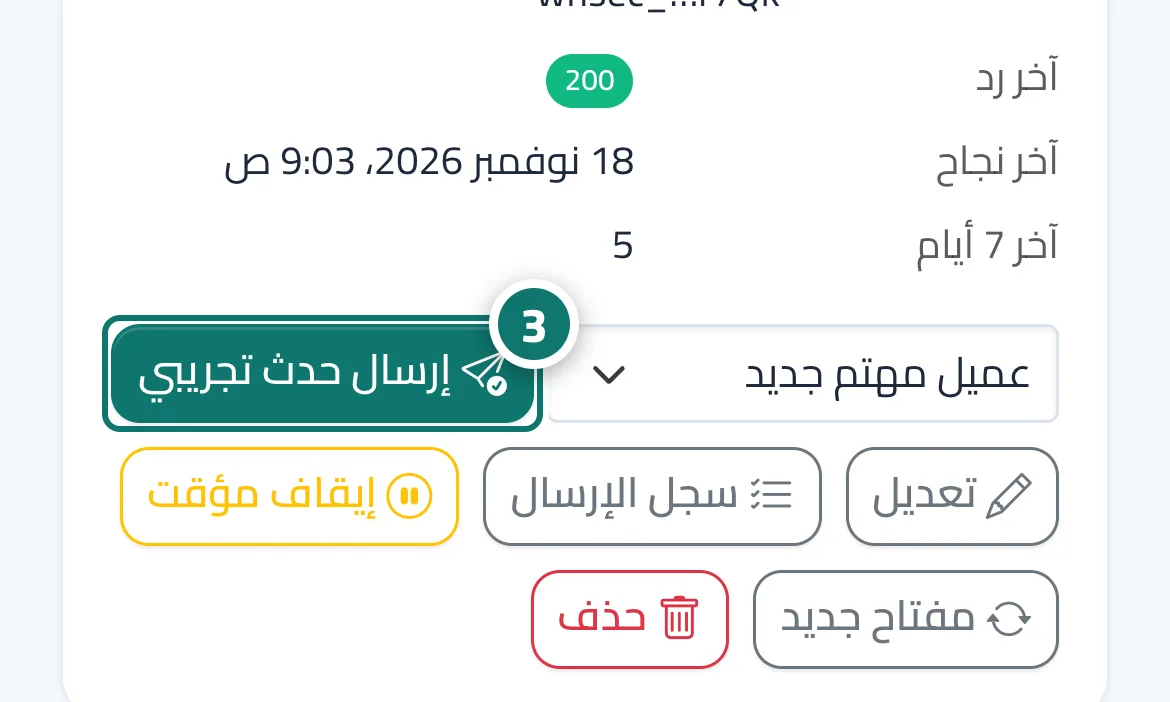
- Activate the workflow, then press Send test event on the n8n endpoint and choose Customer needs a person.
- Check the message in the channel and open the link to go to the conversation in Kauthar AI.