Connecting your Google Maps business profile
Connect the Google account that manages your business on Maps and pick the location: your reviews, average rating and the views, calls and direction requests appear inside Kauthar.
On this page
Overview#
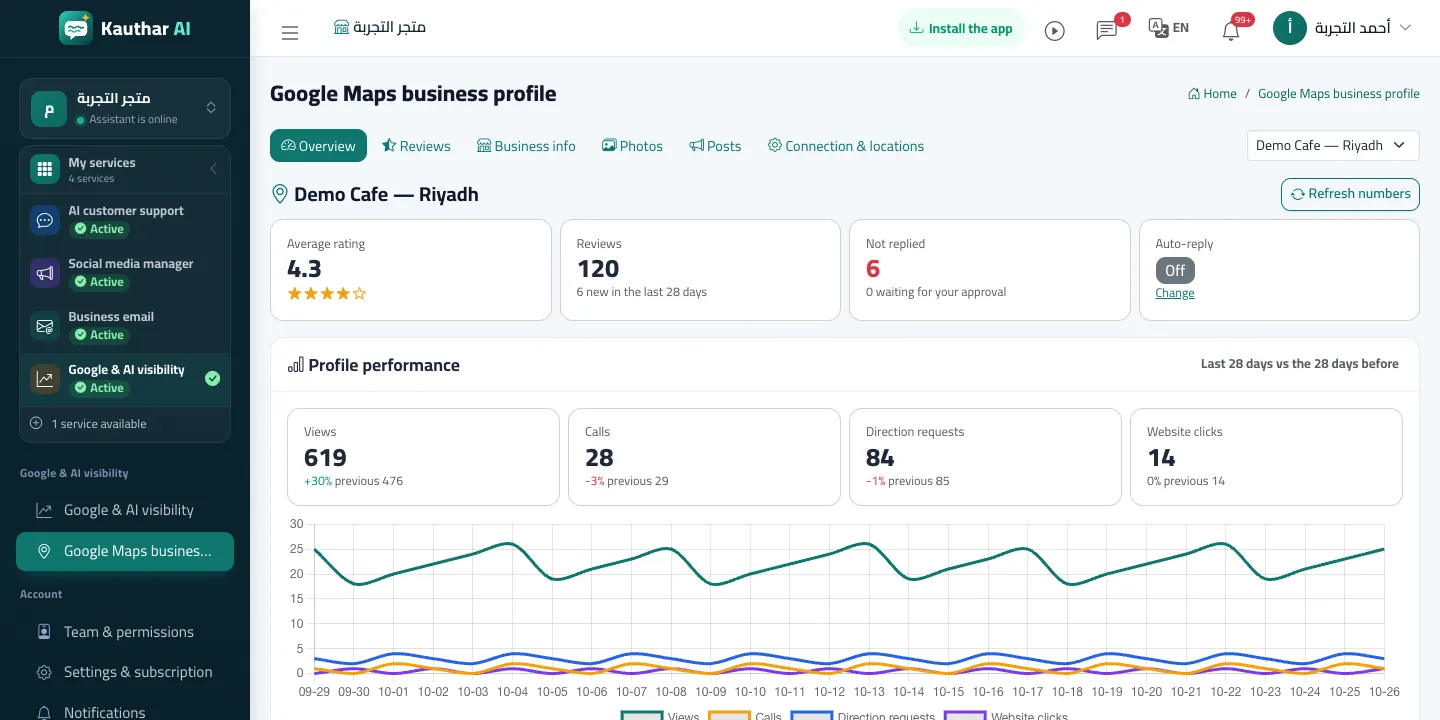
The Google Maps business profile screen of the visibility service connects the Google account that manages your business on Maps. After connecting you pick the location(s); the overview shows the average rating, the number of reviews, the new ones in the last 28 days and those without a reply, plus views, calls, direction requests and website clicks compared with the 28 days before.
- Who can use it
- Business owner / manager
- Where to find it
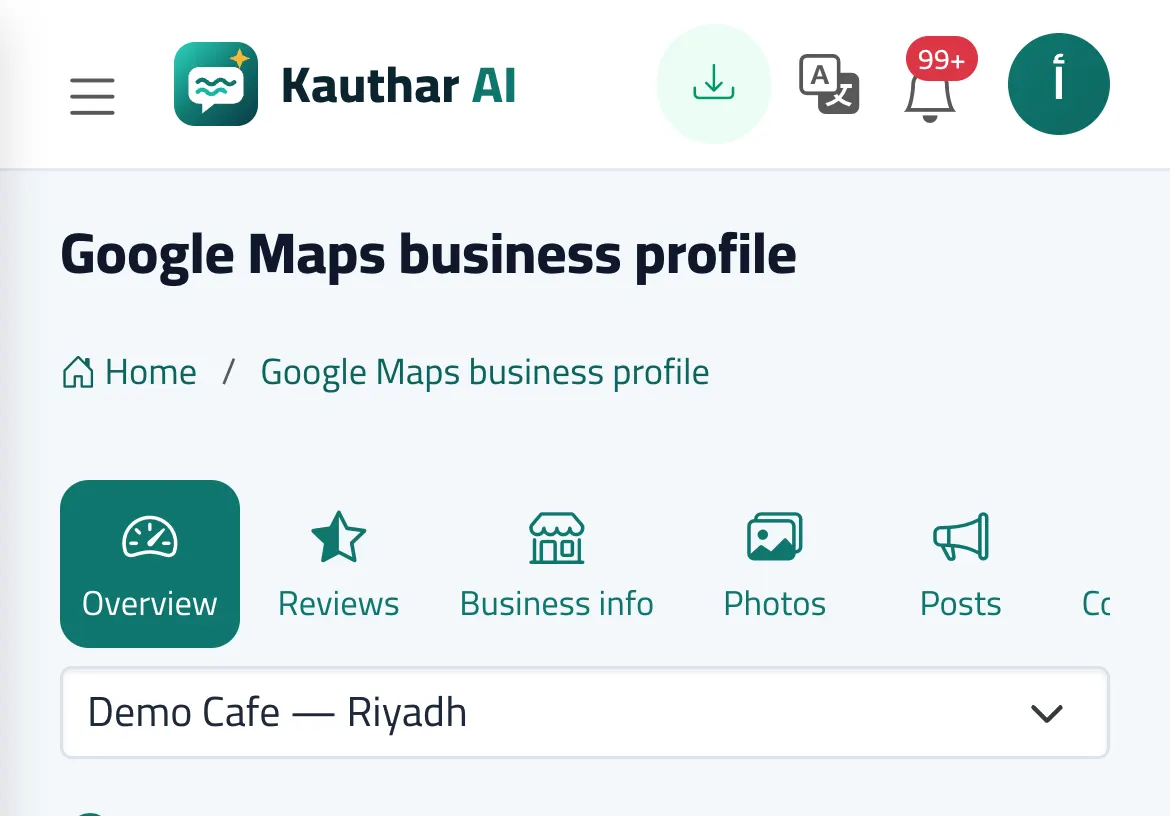
- Sidebar → Google & AI visibility → Google Maps business profile
Step by step#
- Click Connect Google account, sign in with the profile's owner or manager account and approve the access.
- In Connection & locations tick the location(s) and click Save selection.
- Open Overview to see the rating and numbers; Refresh numbers fetches the latest.