Business email: mailboxes on your domain and a unified inbox
A service of its own: mailboxes on your domain hosted by Kauthar (“Email on your domain”), and a unified inbox (“Mail”) where your team answers your business mail, Gmail and Outlook in one place, with smart reply drafts.
On this page
Overview#
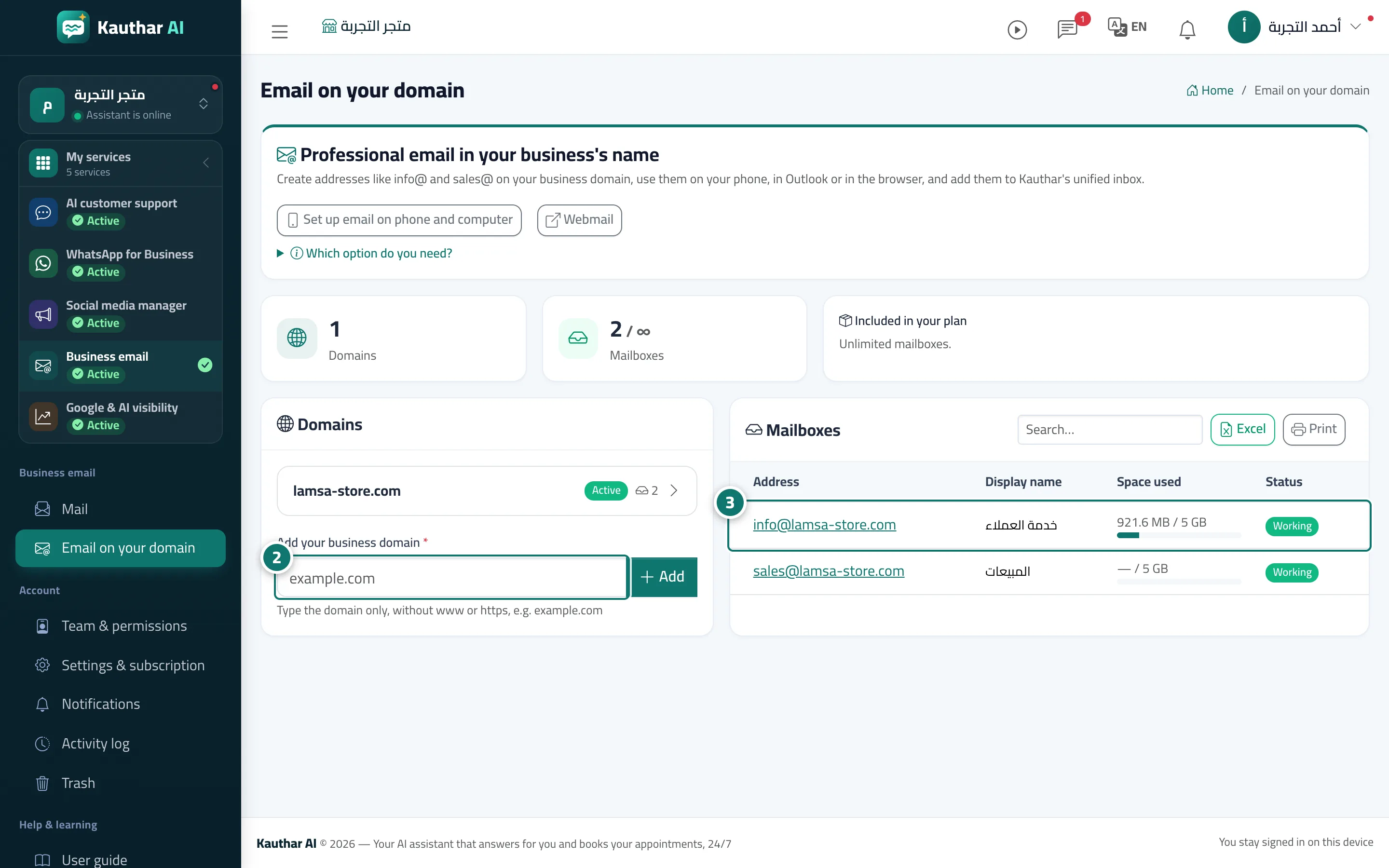
The Business email service has two pages: Email on your domain (create mailboxes such as info@ and sales@ on your business domain, hosted by Kauthar, with aliases and forwarding between your mailboxes) and Mail (a unified inbox that connects your business mailboxes, Gmail, Outlook or any IMAP mailbox, assigns messages to the team and suggests replies from your business information). Each plan has a limit on hosted mailboxes and unified inbox accounts, and the counter appears on the service card in My services. The AI customer support plans include a number of mailboxes (such as 2 on Pro and 5 on Business), so the service shows as Included in your plan; you can also subscribe to Business email on its own.
- Who can use it
- Business owner / manager (setup) and the whole team (Mail)
- Where to find it
- Sidebar → Business email → Email on your domain and Mail
Step by step#
- In My services, start the Business email trial or subscribe to it, or open it if it is included in your plan.
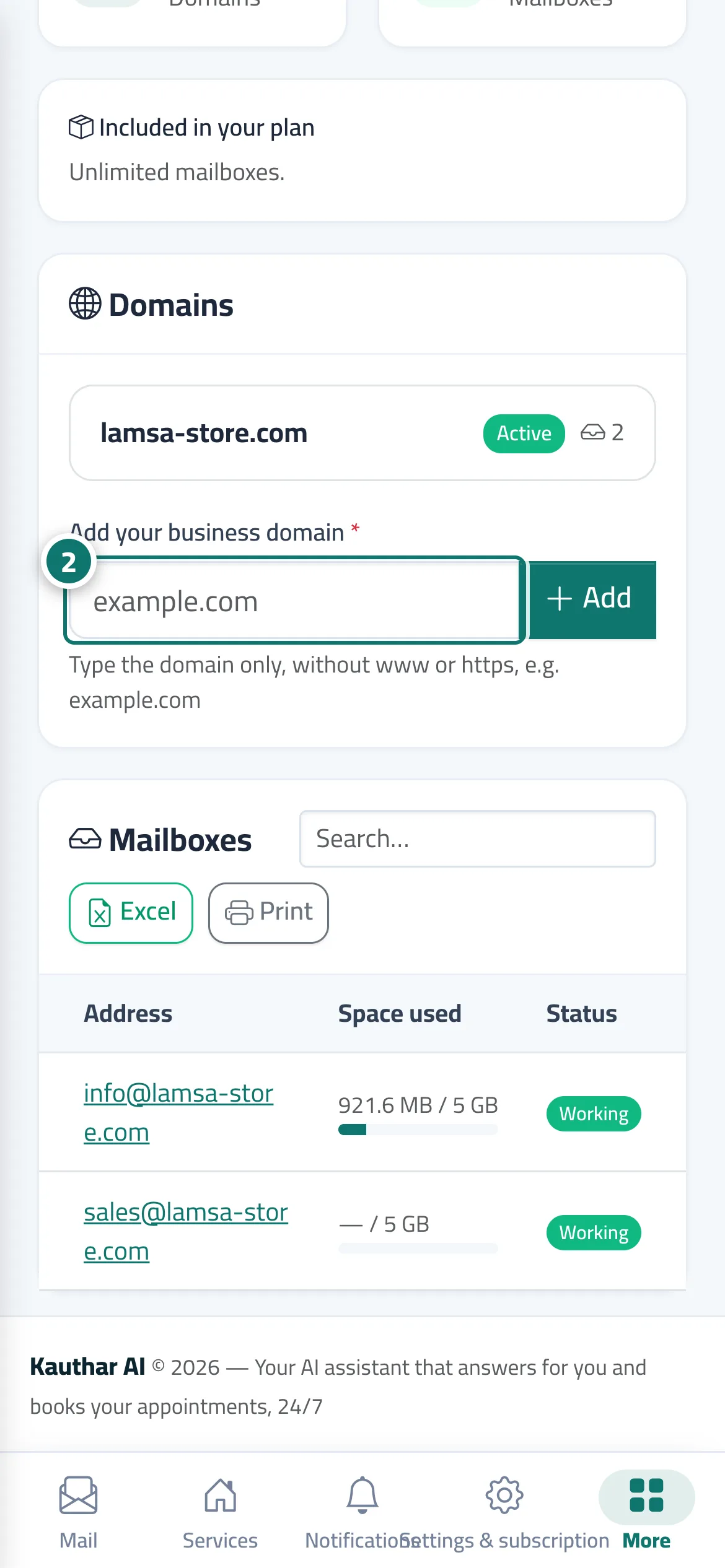
- Open Email on your domain, add your domain and then the DNS records exactly as the screen shows them (see the topic Email on your domain).
- Create the mailboxes you need within your plan's limit.
- Open Mail and connect the mailboxes your team answers (see the topic Mail: a unified inbox).