
Activate WhatsApp Business (OTP and marketing)
WhatsApp Business is a separate product inside Kauthar: OTP verification codes on WhatsApp, paid per message with no subscription, and marketing campaigns with their own monthly plan. It turns on with a single click.
Overview#
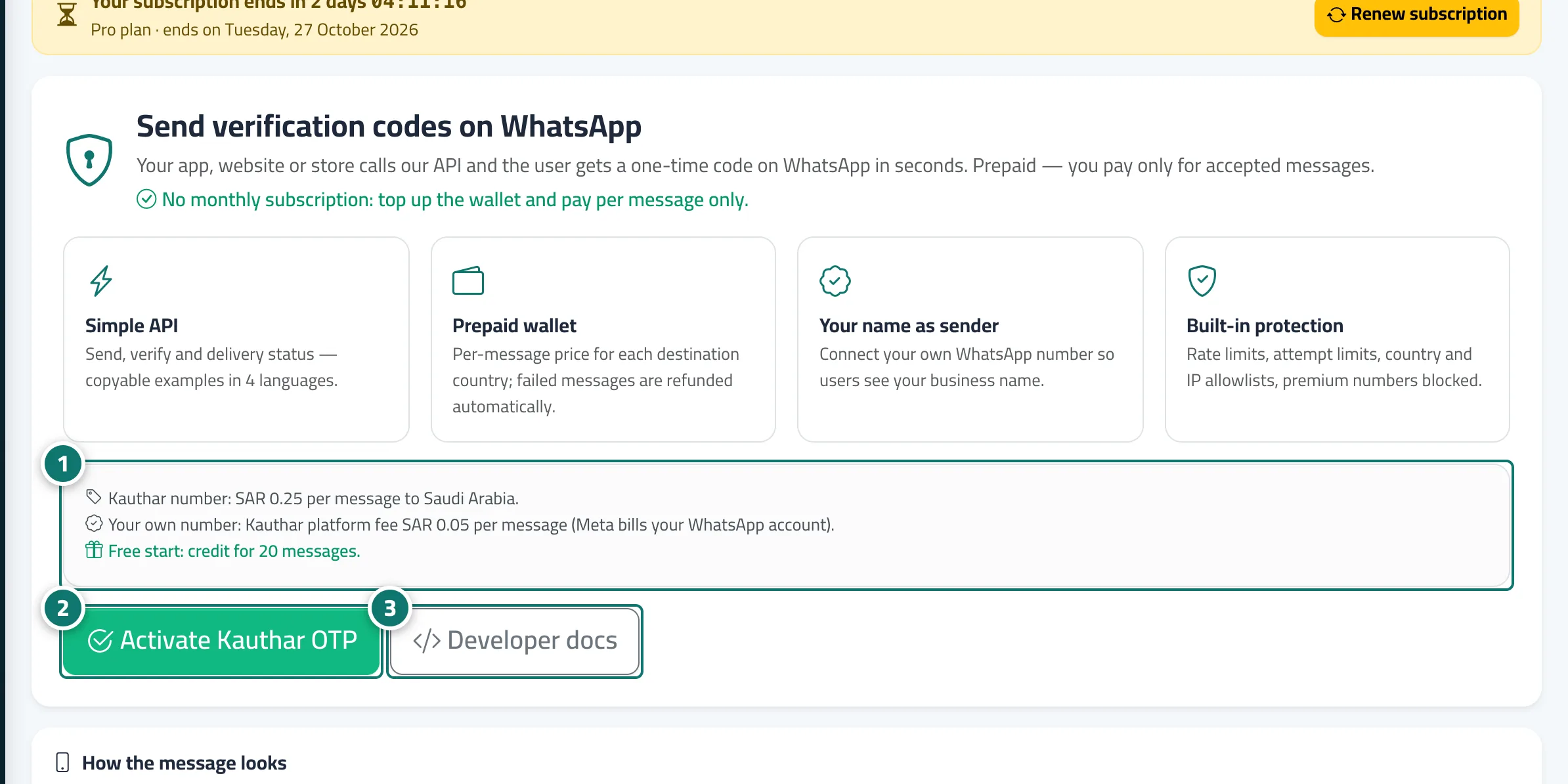
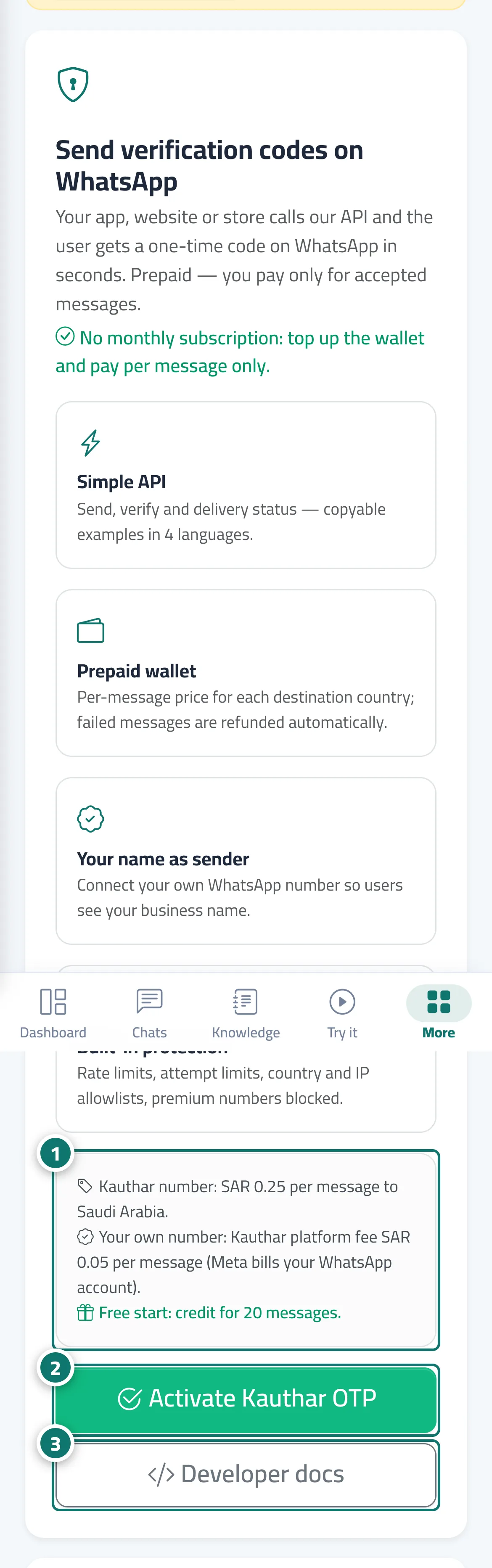
Before activation, the sidebar shows a single item, WhatsApp Business (OTP + marketing), which opens the page Send verification codes on WhatsApp: what the product offers (a simple API, a prepaid wallet, your name as the sender, built-in protection), the price per message to your country on the Kauthar number, the Kauthar platform fee on your own number, the free starting credit, and a preview of how the message looks for both numbers. After Activate Kauthar OTP your wallet opens (with the free credit), a free marketing trial starts automatically, and the full WhatsApp Business section appears in the sidebar.
- Who can use it
- Business owner / manager (only they can activate it)
- Where to find it
- Sidebar → WhatsApp Business (OTP + marketing)
Step by step#
- Read what the product includes, the message price for your country and the free starting credit.
- Click Activate Kauthar OTP.
- To preview the API integration before activating, click Developer docs.
Tips#
Good to know#
Frequently asked questions#
Is this subscription tied to the AI assistant subscription?
No. The marketing subscription is completely separate from the AI assistant subscription, and OTP codes need no subscription at all.