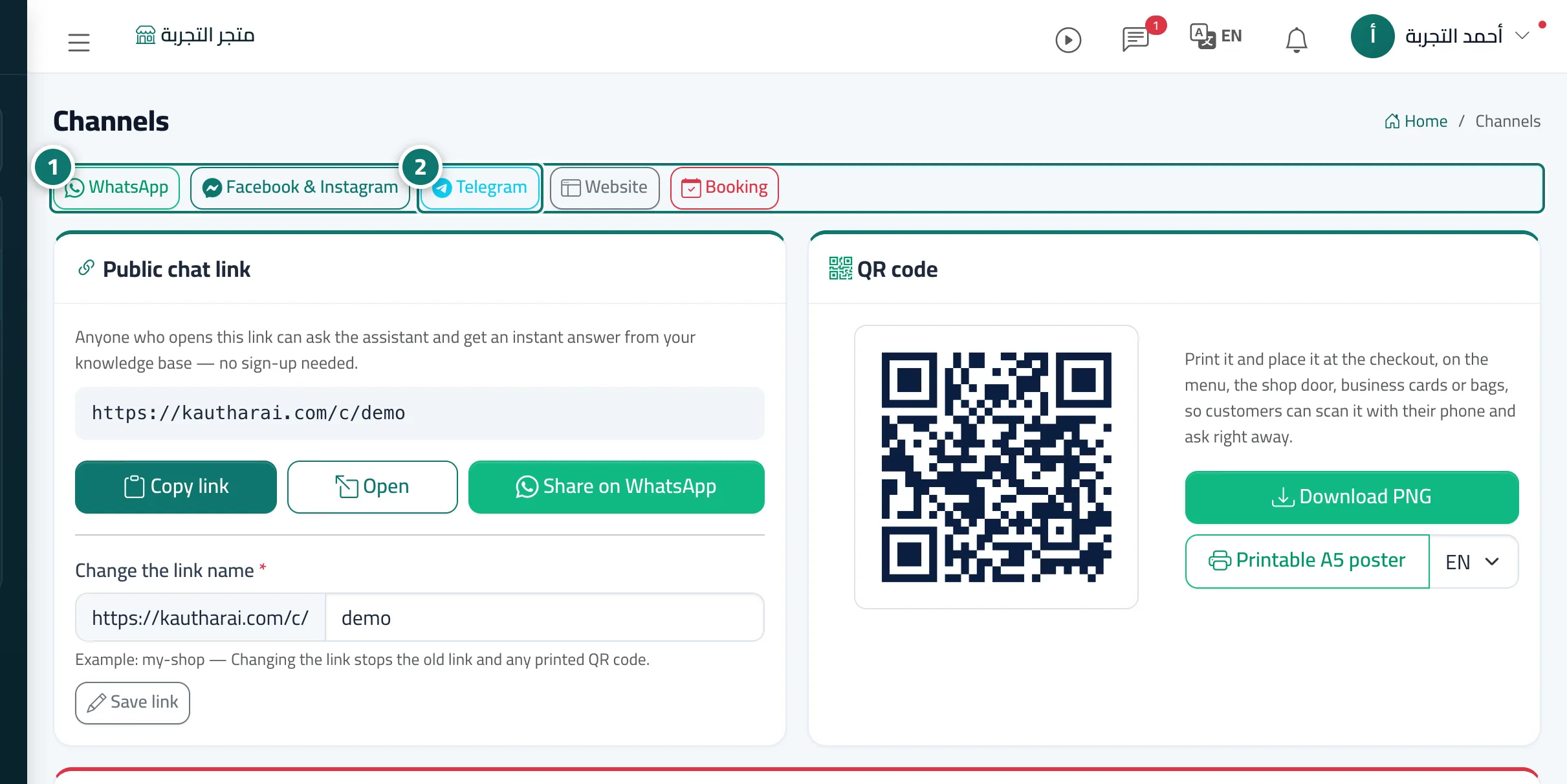
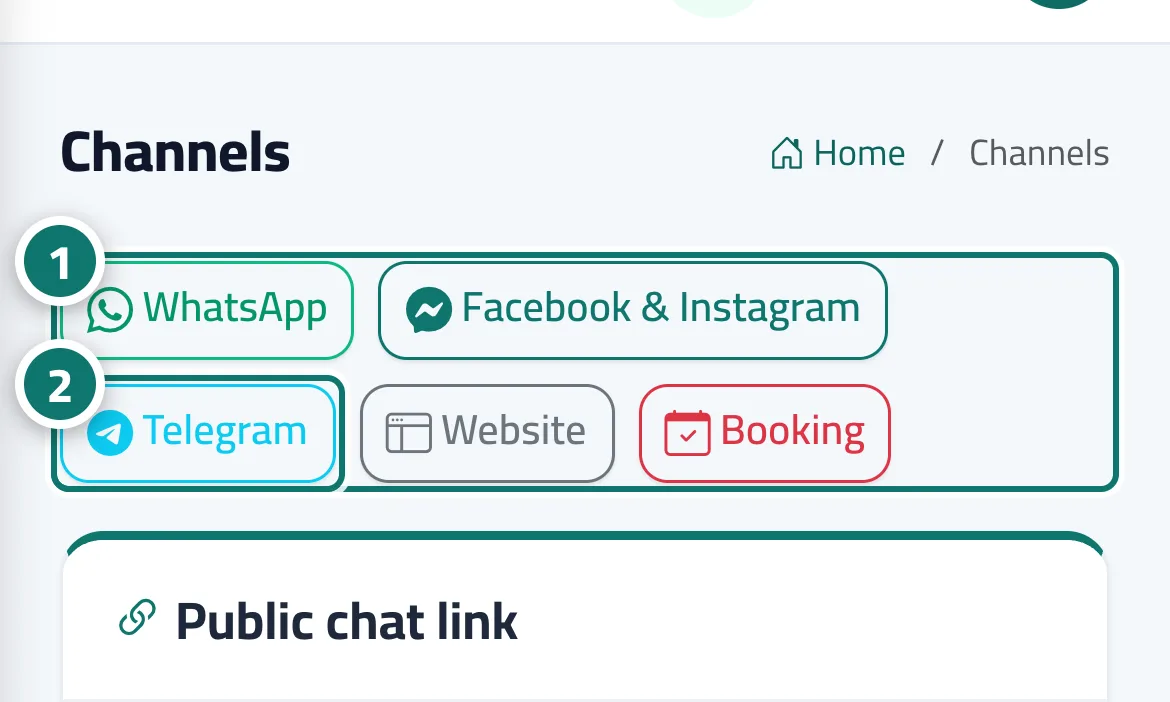
Channel jump bar
Buttons at the top of the Channels page take you straight to the card of the channel you want, instead of scrolling the long page.
On this page
Overview#
The Channels page lists all your channels as cards one after another. At its top, the Jump to a channel bar has buttons for WhatsApp, Facebook & Instagram, Telegram, Website (the chat link and website widget) and Booking (the booking page). Pressing a button scrolls the page straight to that channel's card.
- Who can use it
- Anyone who opens the Channels page
- Where to find it
- Sidebar → Channels & customers → Channels → top of the page
Step by step#
- Open Channels — the bar of channel buttons appears at the top of the page.
- Press the channel's name (for example Telegram) and the page jumps to its card.