
Service page: start the free trial or subscribe directly
Every service has an introduction page inside your account: what it offers, the length and limits of its free trial, its plans and prices, and the “Start free trial” and “Subscribe” buttons.
Overview#
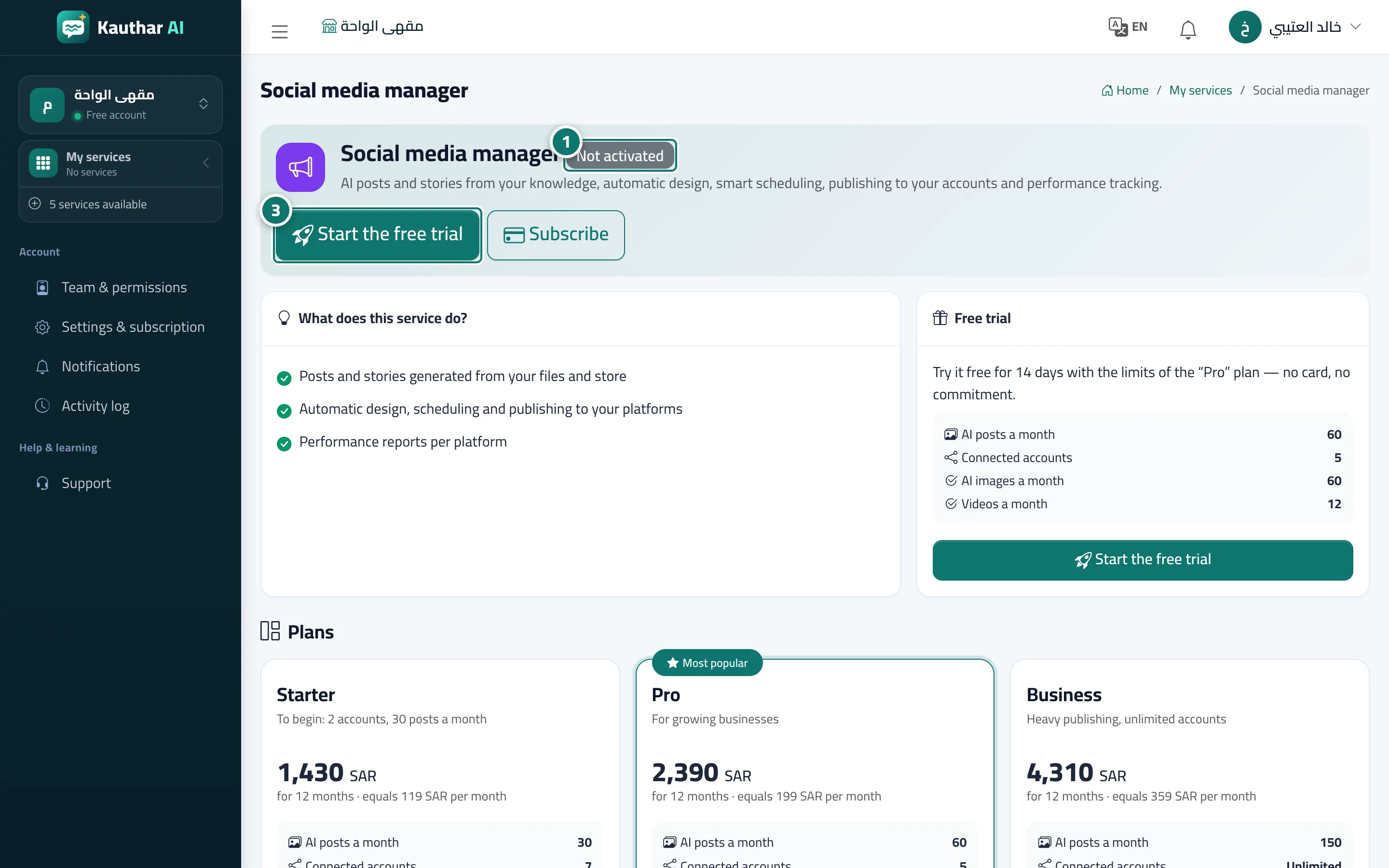
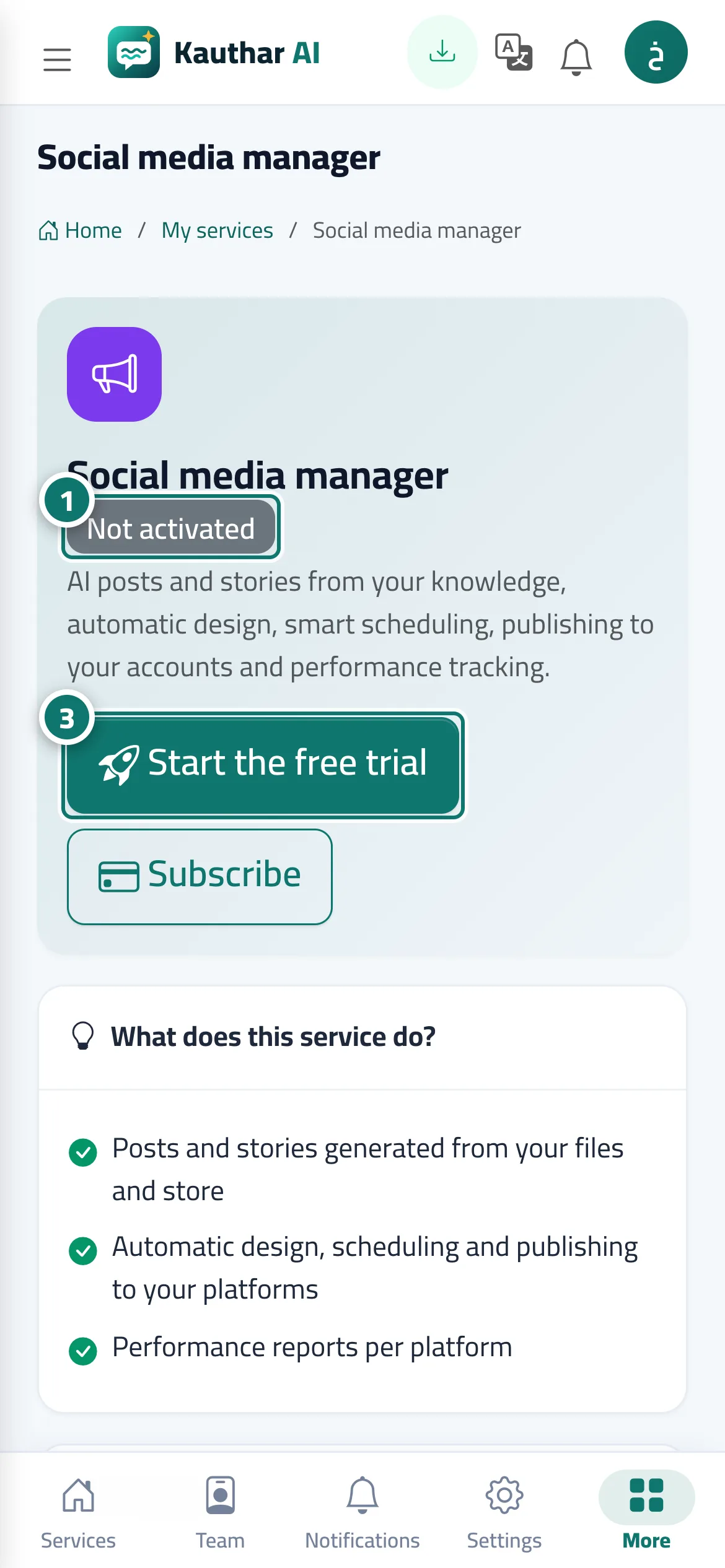
Click Details on any service card in My services to open the service page: at the top are the service name, its description and its status badge on your account (Not activated, Free trial, Active, Ended, Included in your plan), plus the Start free trial and Subscribe buttons. Below are the What does this service do? card and the Free trial card, which states the trial length and the plan limits that apply during it (for example, a 14-day free trial with Pro plan limits, no card and no commitment), then Plans with prices in your country's currency and each plan's limits and features. Once the service is active, the buttons change to Open the service and Manage the subscription.
- Who can use it
- Business owner / manager
- Where to find it
- My services → service card → Details
Step by step#
- In My services, click Details on the service card.
- Review What does this service do?, the trial limits and the plans.
- Click Start free trial to turn it on immediately, or Subscribe to choose the plan and duration and pay directly.
Tips#
Good to know#
Frequently asked questions#
Do I need an AI customer support subscription to subscribe to the Social media manager?
No. Each service is turned on and bought on its own.