Campaign reports
The performance of all your campaigns over a period you choose: messages per day, delivery and read rates, and the campaigns table, with A4 print and Excel export.
On this page
Overview#
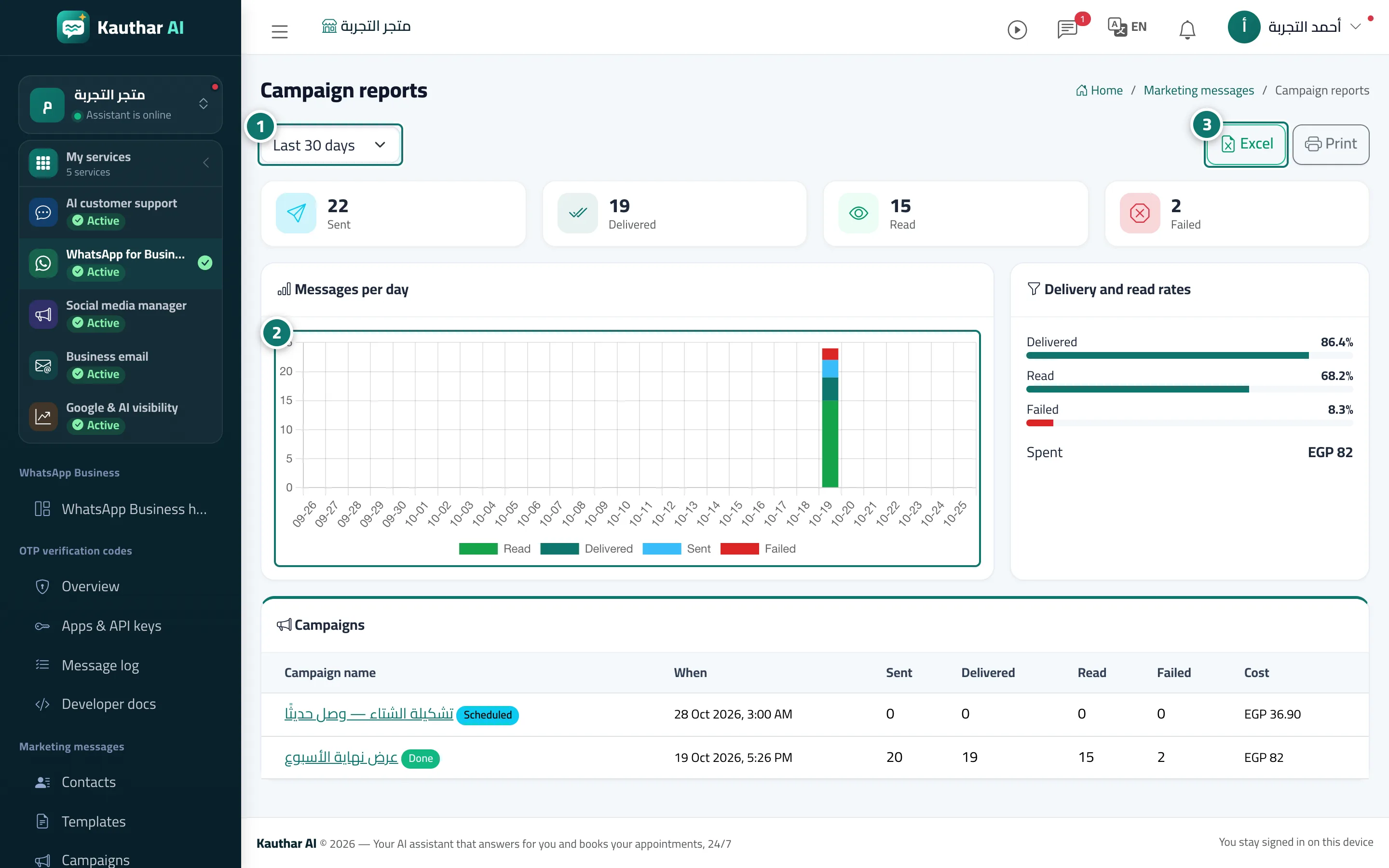
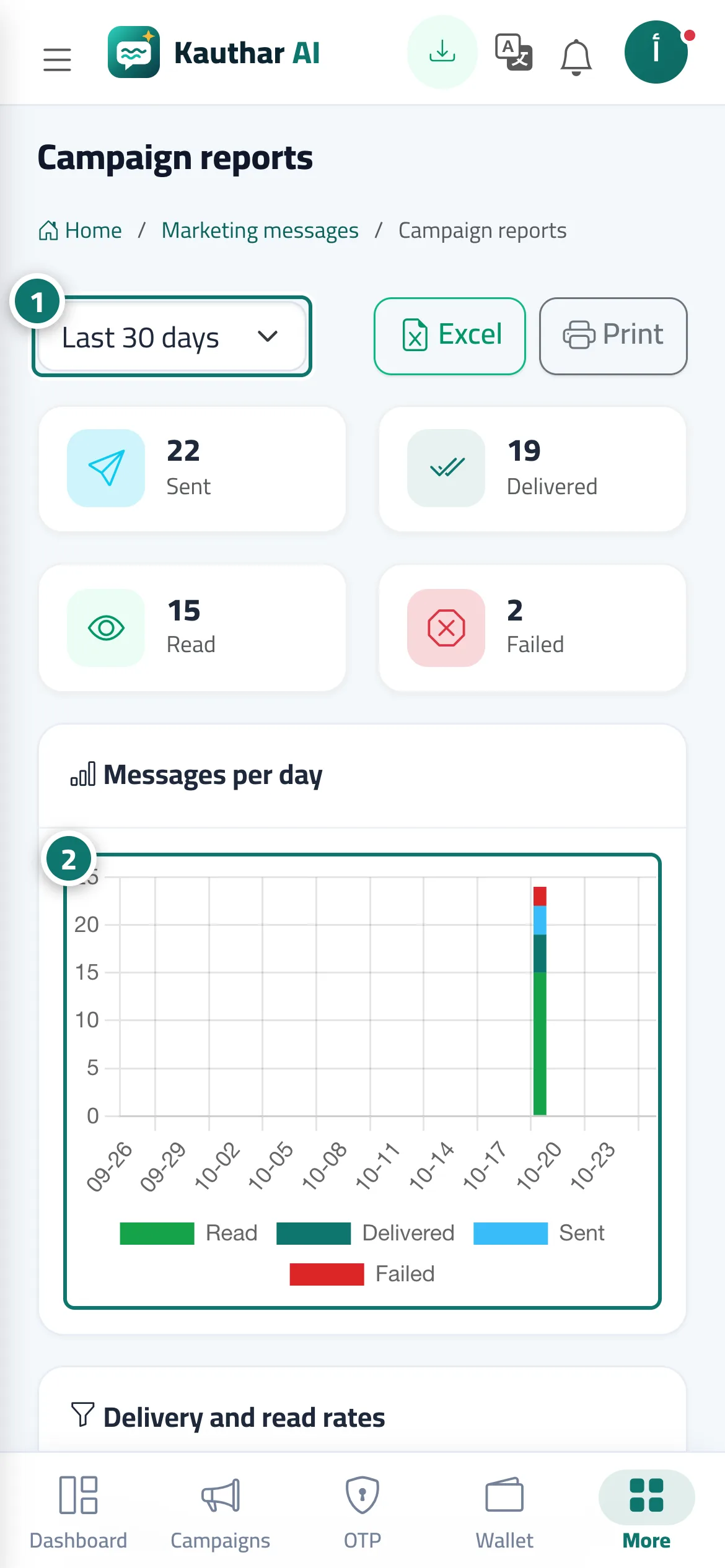
The Campaign reports screen: a period picker (last 7, 30, 90 or 365 days), the Messages per day chart, the Delivery and read rates card, the table of campaigns in the period, plus Excel and Print.
- Who can use it
- Business owner / manager / staff member with marketing permission
- Where to find it
- Sidebar → WhatsApp Business → Marketing messages → Campaign reports
Step by step#
- Choose the period.
- Review the Messages per day chart.
- Review Delivery and read rates and the campaigns table.
- Click Excel or Print.