
Canned responses with variables
Saved replies that fill in the customer's name, ticket number and agent's name automatically, inserted in two clicks.
Overview#
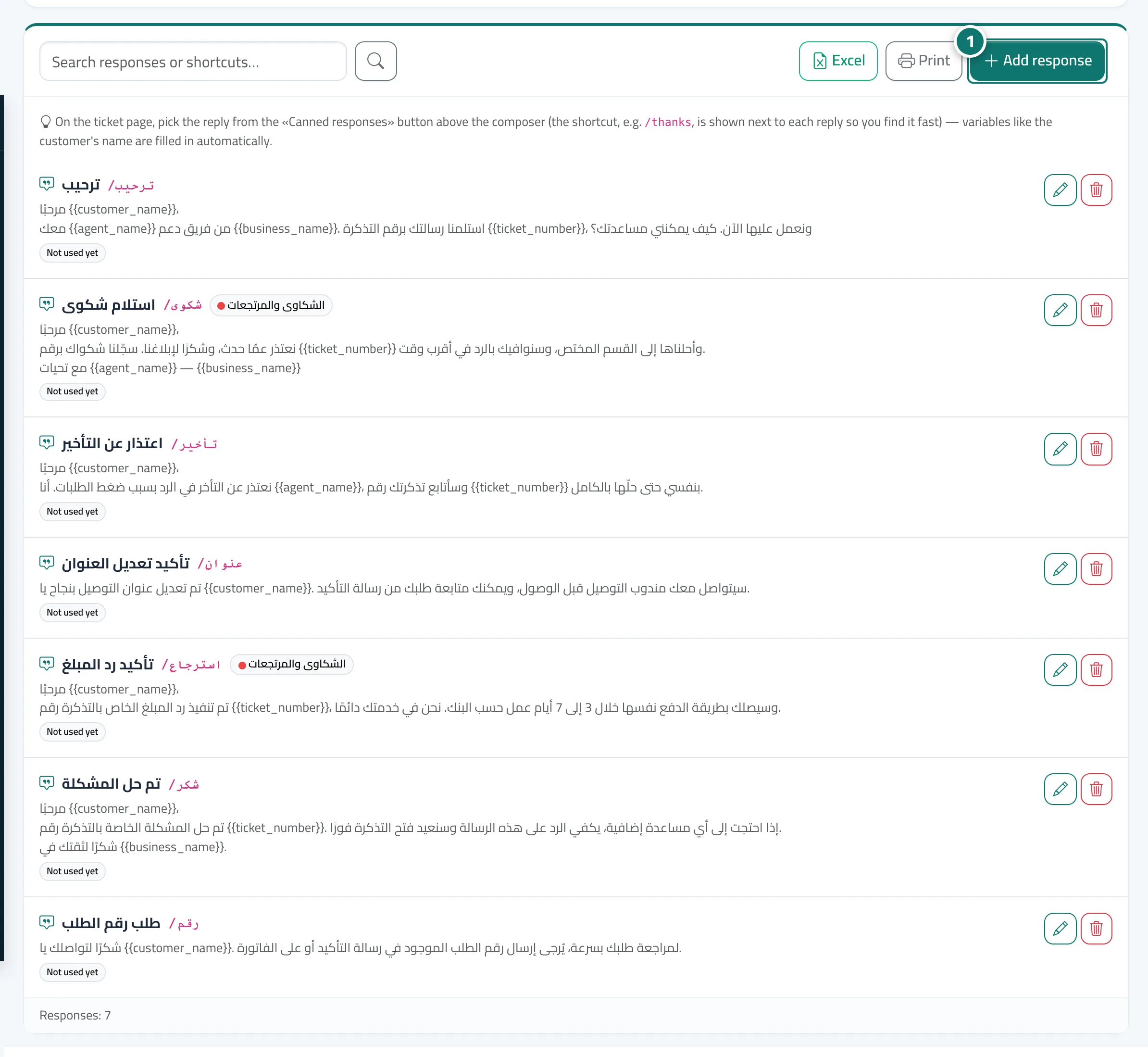
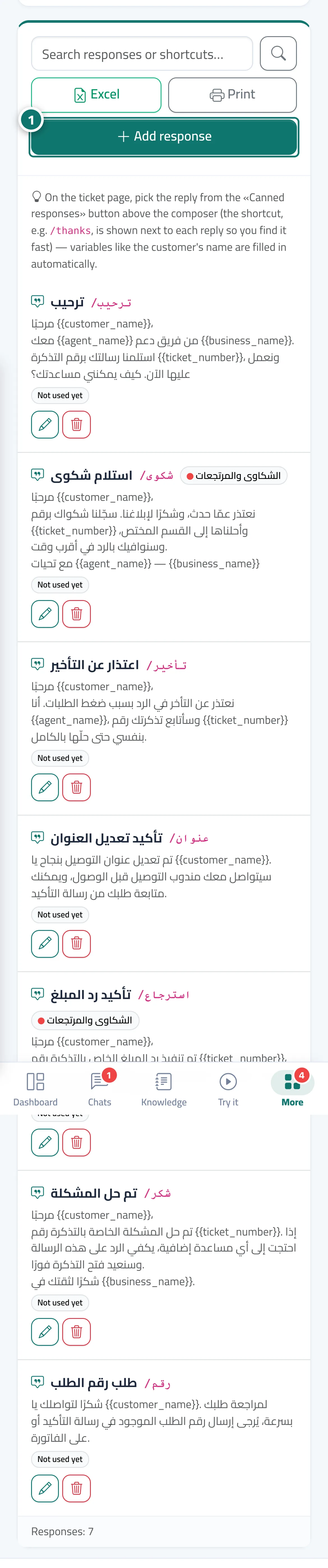
Canned responses are texts you write once and use in any ticket. They can contain variables that are replaced automatically: {{customer_name}} the customer's name, {{ticket_number}} the ticket number, {{agent_name}} the agent's name and {{business_name}} your business name. Each response has a shortcut (such as /thanks), can be linked to a specific department, and shows how many times it has been used. The first time you open the tab, Kauthar prepares 6 responses: welcome, complaint received, ask for the order number, refund done, apology for the delay, problem solved.
- Who can use it
- Business owner / manager / agent
- Where to find it
- Sidebar → Support desk → Support desk settings → Canned responses
Step by step#
- Open Support desk settings → the Canned responses tab and press Add response.
- Enter the Title, Shortcut and Response text, click the variables (Customer name, Ticket number…) to add them to the text, and check the Preview.
- Press Save.
- On any ticket page, press the Canned responses button in the composer, search by shortcut or a word from the title, then pick the response.
- The response is inserted into the composer with the variables filled in; edit it if you like, then press Send.
Tips#
Good to know#
Frequently asked questions#
What appears in place of a variable if the customer's name isn't known?
The variable is removed and the space is left empty — the code never shows — so read the sentence before pressing Send.
Can a response be reserved for the complaints department only?
Yes. When you add the response, choose its department from the Department list.
Can agents edit canned responses?
Editing depends on their permissions for Support desk settings. Using responses is open to every agent who can reply to tickets.