
Ready-made sample files
Download an Excel template for FAQs or for products and prices, fill it with your details, then upload it.
Overview#
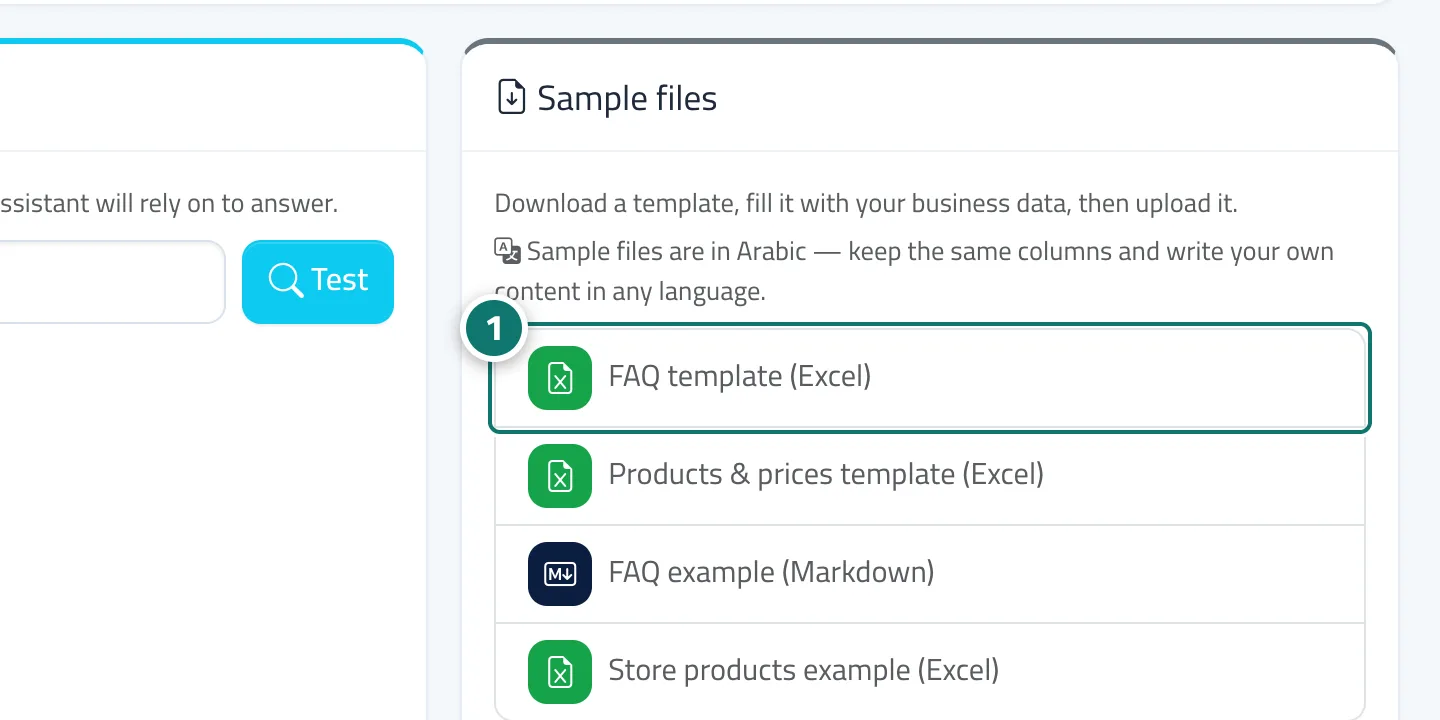
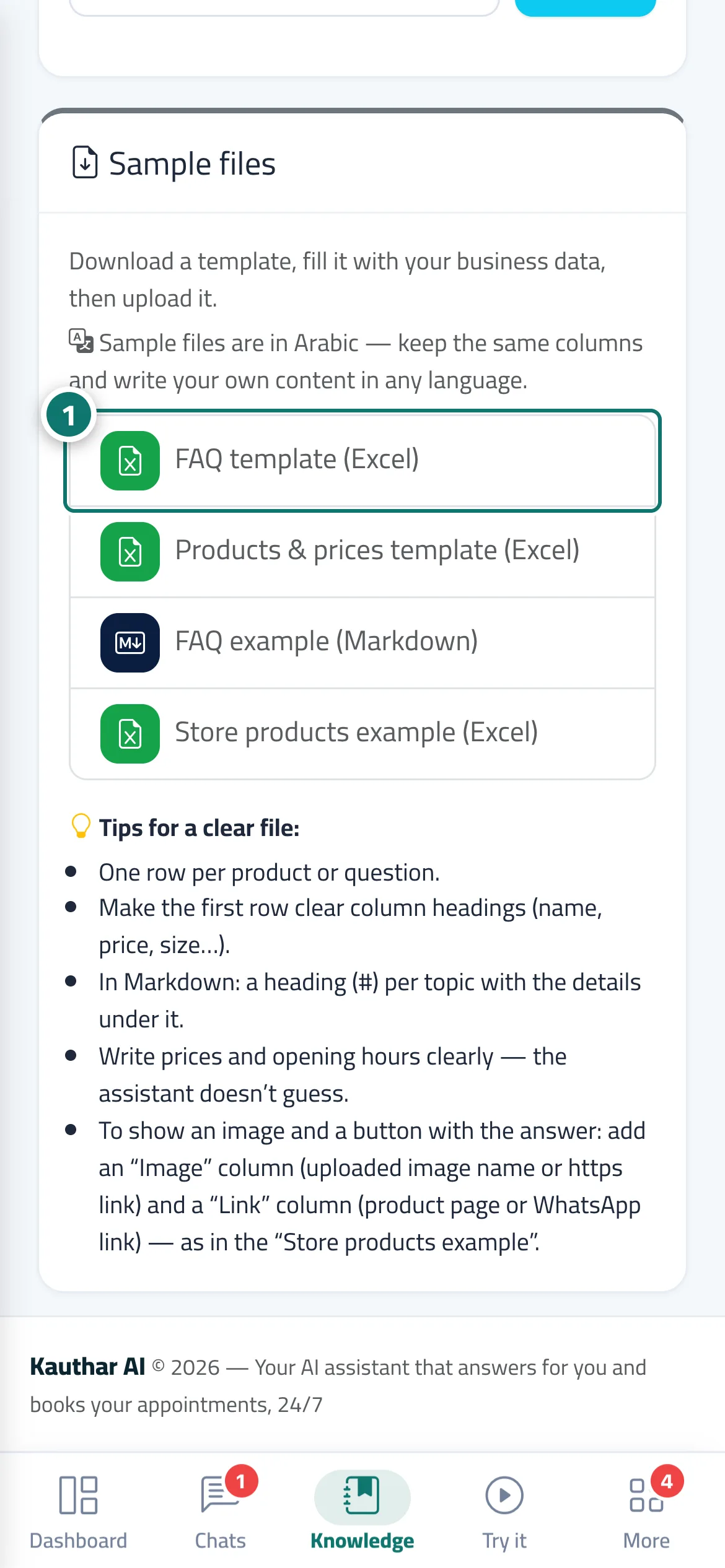
On the Knowledge base page, the Sample files card holds 4 files: FAQ template (Excel), Products & prices template (Excel), FAQ example (Markdown) and Store products example (Excel), together with Tips for a clear file to help you prepare a file the assistant understands easily. The sample files are in Arabic.
- Who can use it
- Business owner / manager
- Where to find it
- Sidebar → Train your assistant → Knowledge base → Sample files card
Step by step#
- Click the template you need to download it.
- Fill it with your business's details without changing the column headings.
- Upload it through the box Drag your files here or click to choose.
Tips#
Frequently asked questions#
Do I have to use the template?
No. Any tidy Excel file (one row per product or question, headings in the first row) works. The template just makes the start easier.