
Services, their length and price
Define your services — a check-up, a fitting, a consultation — with a set length, a break after it and a display price.
Overview#
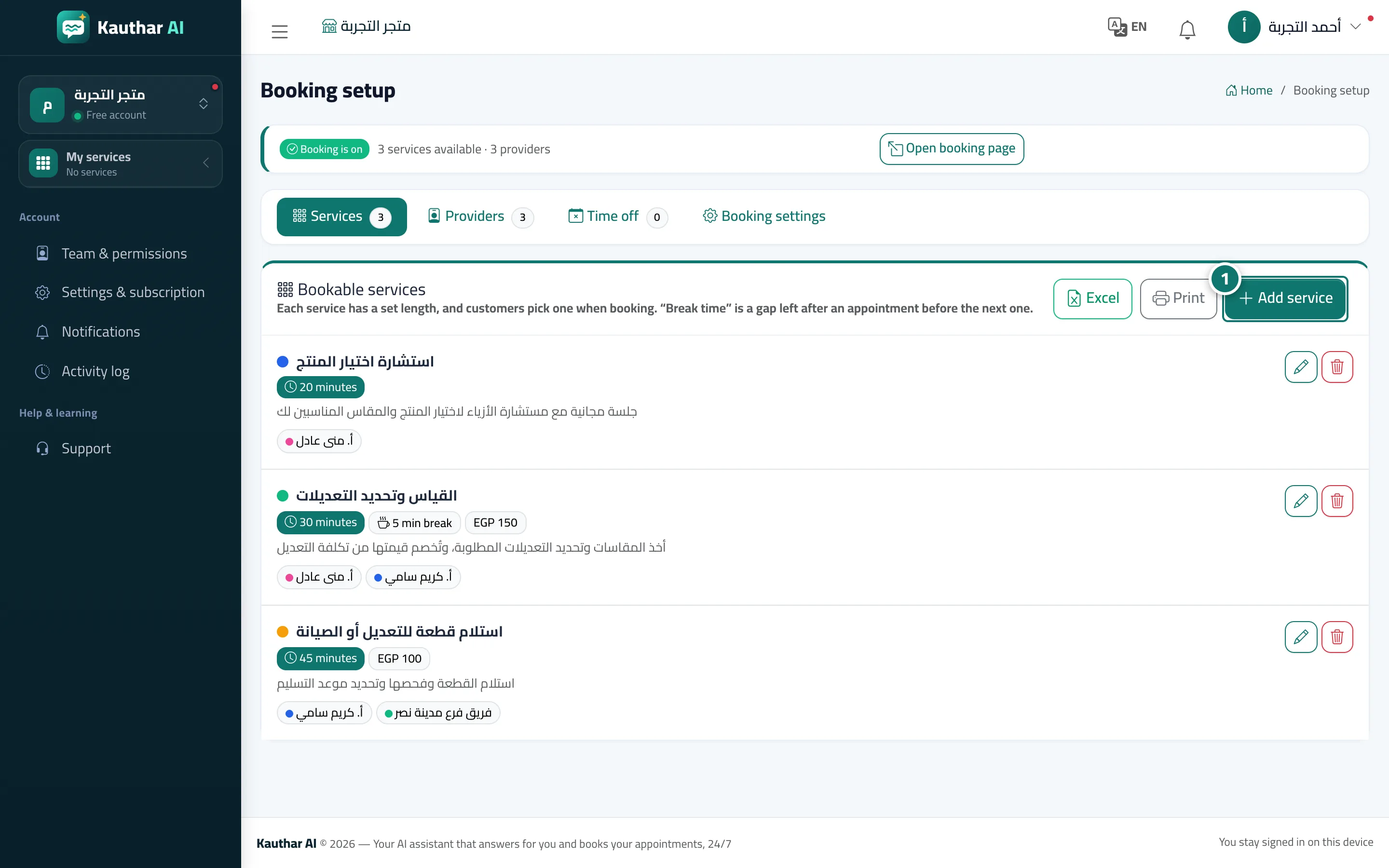
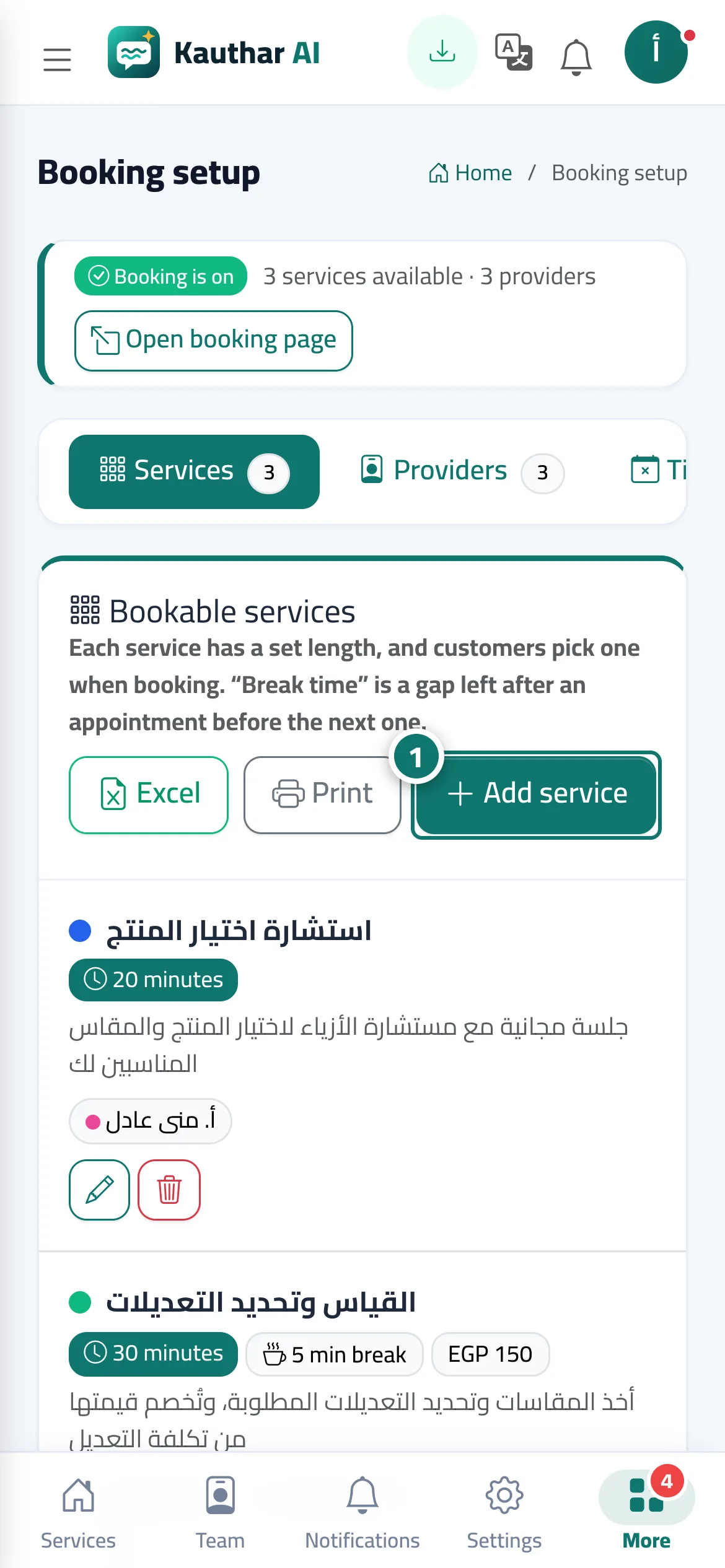
The Services tab in Booking setup: each service has a Service name, a Price (optional, in your business currency, for display only), a Short description, a Service length (5 to 600 minutes, with quick picks of 15/30/45/60/90), a Break after the appointment (free time to prepare before the next one, not shown to the customer), Providers for this service, a Colour (in the calendar), an Order, and a Service can be booked switch.
- Who can use it
- Business owner / manager
- Where to find it
- Sidebar → Appointments → Booking setup → Services tab
Step by step#
- Press Add service.
- Enter the service name, choose its length and break, and add a price and description if you like.
- Choose the Providers for this service, then press Save.
Tips#
Good to know#
Frequently asked questions#
Does the customer pay when booking?
No. Booking is free of payment, and the price is shown to the customer for information only when they choose the service.
Why doesn't my service appear on the booking page?
Check that the Service can be booked switch is on and that at least one bookable provider is assigned to it.