Publish from the knowledge base: posts with your product photos as they are
Pick knowledge-base items that have photos (products or services), the platforms and the timing; they become posts straight away with the same photos and description text — no AI and not counted against your post allowance.
On this page
Overview#
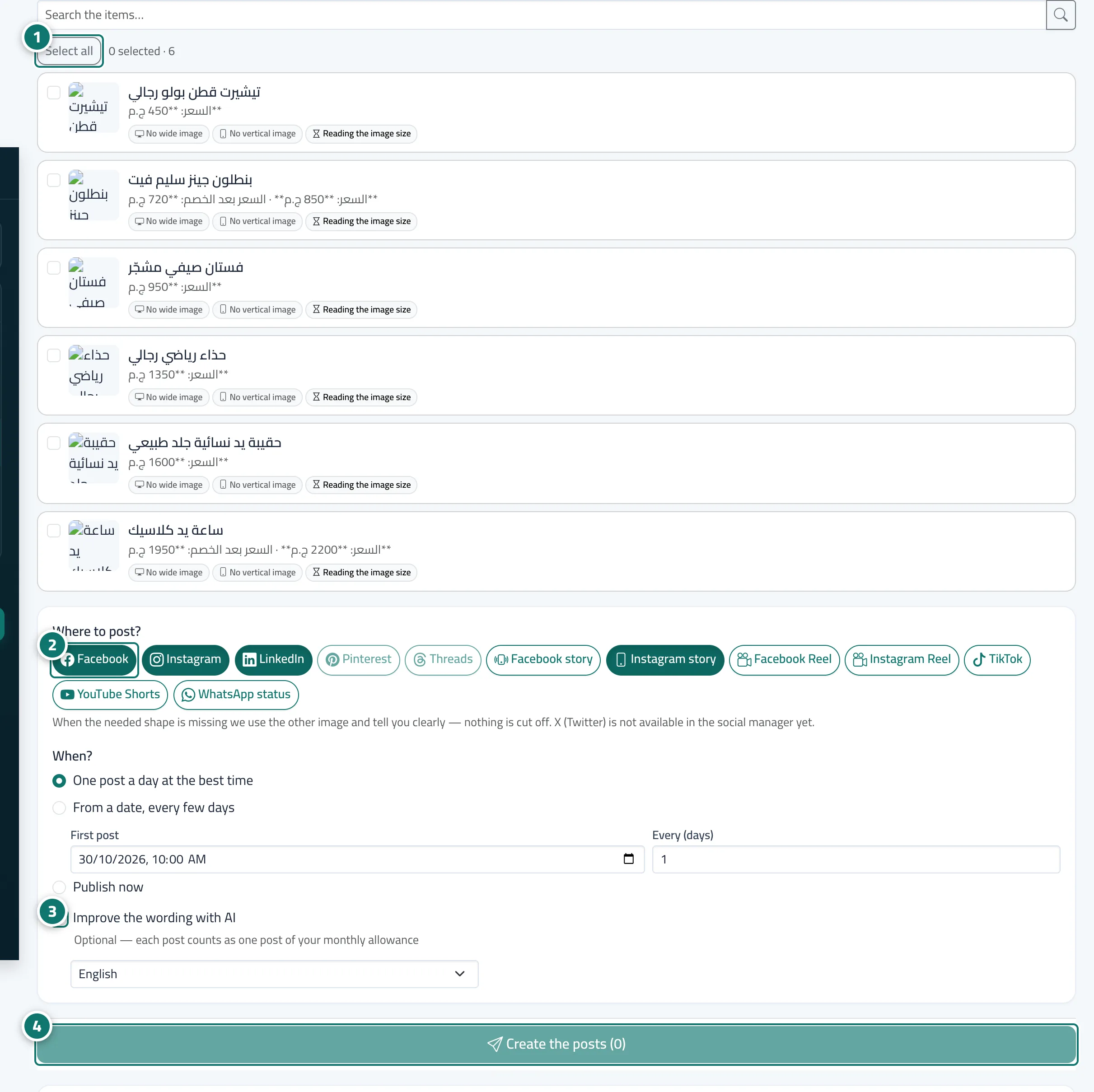
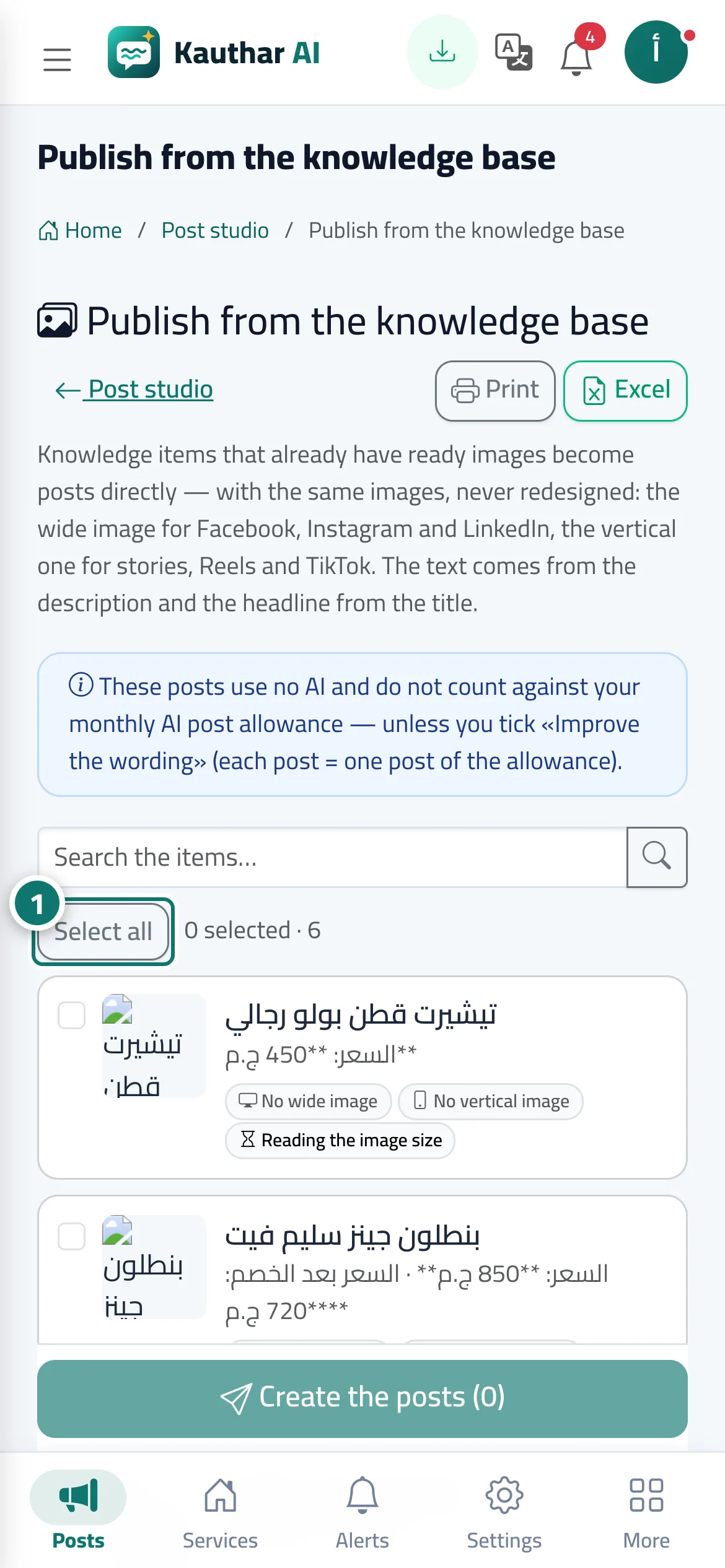
The Publish from the knowledge base page in the post studio lists knowledge-base items with ready photos, their price and photo shape (wide or vertical). Pick the items, then Where? (Facebook, Instagram, LinkedIn, Pinterest, Threads, stories and reels, TikTok, YouTube Shorts, WhatsApp status), then When?: now, one post a day at the best time, or from a date every few days. Wide photos go to Facebook, Instagram and LinkedIn feeds, vertical ones to stories, reels and TikTok; the text comes from the description and the title from the title. Improve the wording with AI is optional. Latest publishing batches at the bottom has print and Excel.
- Who can use it
- Owner, admins and anyone with post-studio permission
- Where to find it
- Sidebar → Social media publishing → Post studio → Publish from the knowledge base
Step by step#
- Pick the items to publish, or press Select all.
- Under Where to post? choose the platforms and placements (feed, story, reel…).
- Choose the timing; tick Improve the wording with AI only if you want the text rewritten.
- Press Create the posts; they appear in the calendar with their status.