
Verification code on WhatsApp
When you sign up or reset your password, the verification code reaches you on WhatsApp from Kauthar's official number, with a text message (SMS) as a one-tap alternative.
Overview#
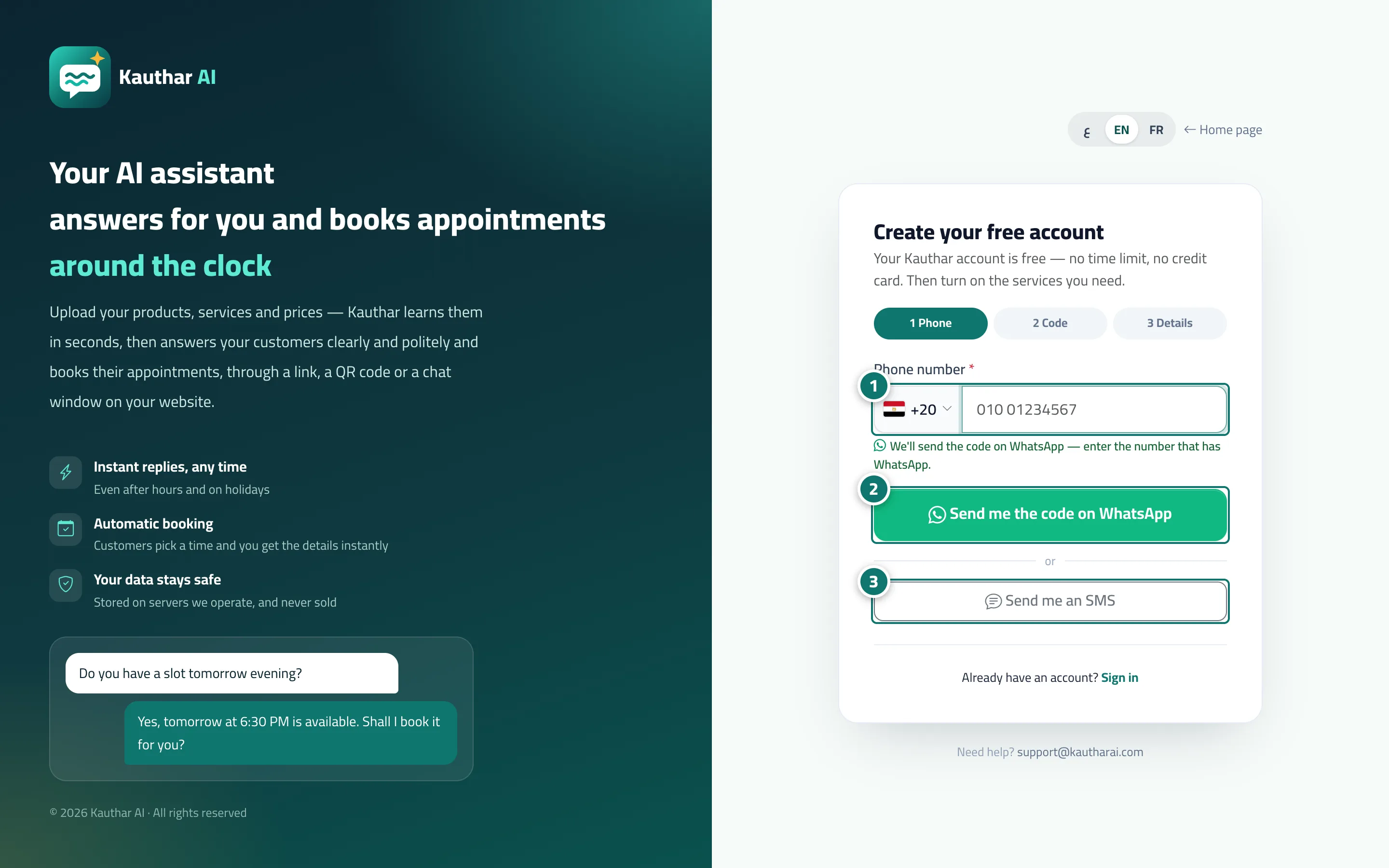
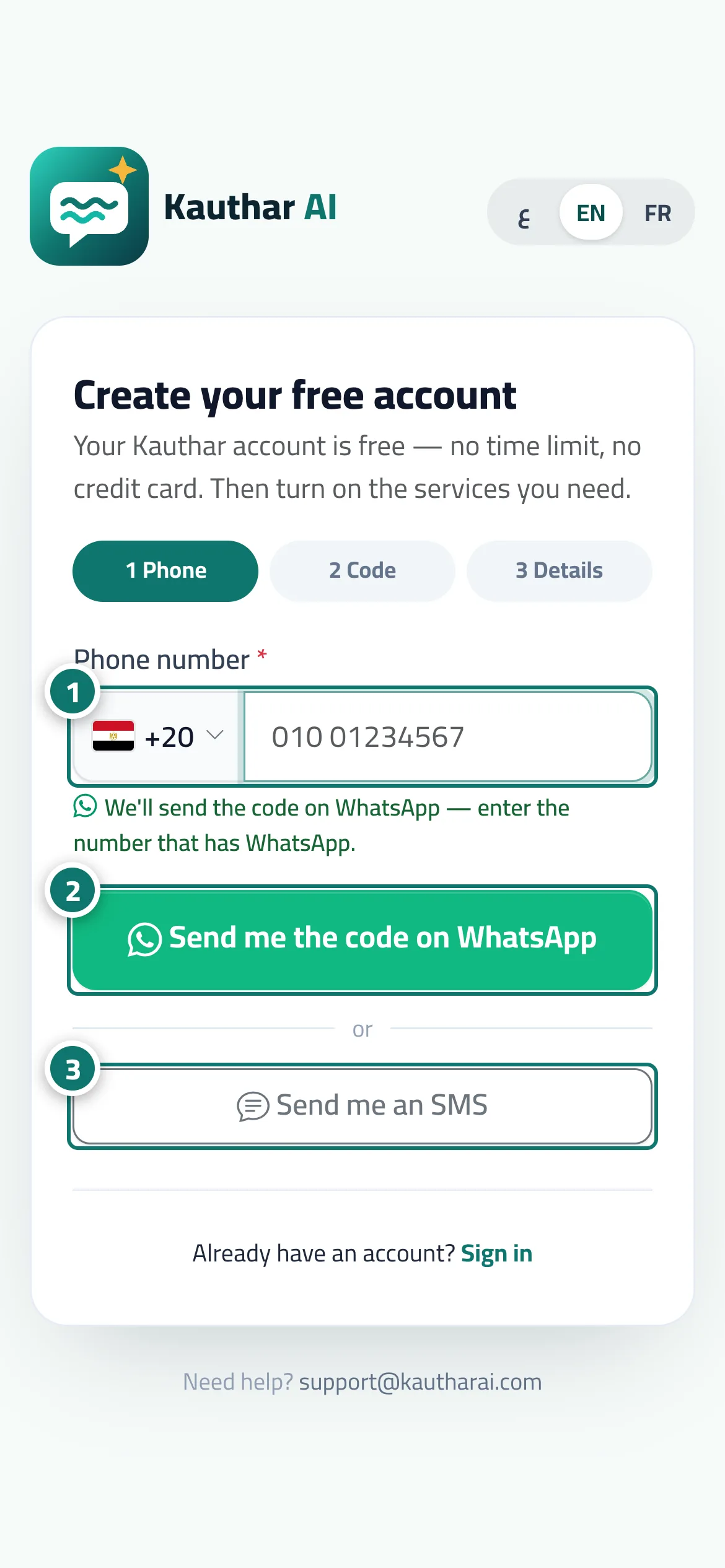
On Start your free trial and Forgot your password? the main button is Send me the code on WhatsApp: enter the number that has WhatsApp and a 6-digit code arrives in a message from Kauthar's official account (with a copy-code button); type it on the page and press Verify. Below the button, Send me an SMS is there for anyone who prefers a text message, and after sending you also get Didn't get it? Send me an SMS and Change number. If neither works, sign-up offers Continue with Google. The same flow is used to confirm the phone number of anyone who signed up with Google.
- Who can use it
- Business owner when signing up · any team member when resetting a password
- Where to find it
- Sign-up page Start your free trial · Forgot your password? page · the Confirm your mobile number bar
Step by step#
- Choose the country and enter the phone number that has WhatsApp.
- Press Send me the code on WhatsApp and open WhatsApp to see the message.
- If the message hasn't arrived within a minute, press Send me an SMS (or Didn't get it? Send me an SMS).
- Enter the 6-digit code and press Verify.
Tips#
Good to know#
Frequently asked questions#
My number has no WhatsApp — how do I sign up?
Press Send me an SMS instead of the WhatsApp button and the same code arrives by text message.
Do I need a code every time I sign in?
No. Daily sign-in uses your phone number and password (or your linked Google account). The code is only for signing up, resetting your password and confirming your number.