Improving the product pages in your store
On stores connected in one click, Kauthar writes SEO titles and descriptions for your products, and the product description itself where the platform allows it (Salla, Zid, YouCan), with a log, undo and protection against overwriting your own edits.
On this page
Overview#
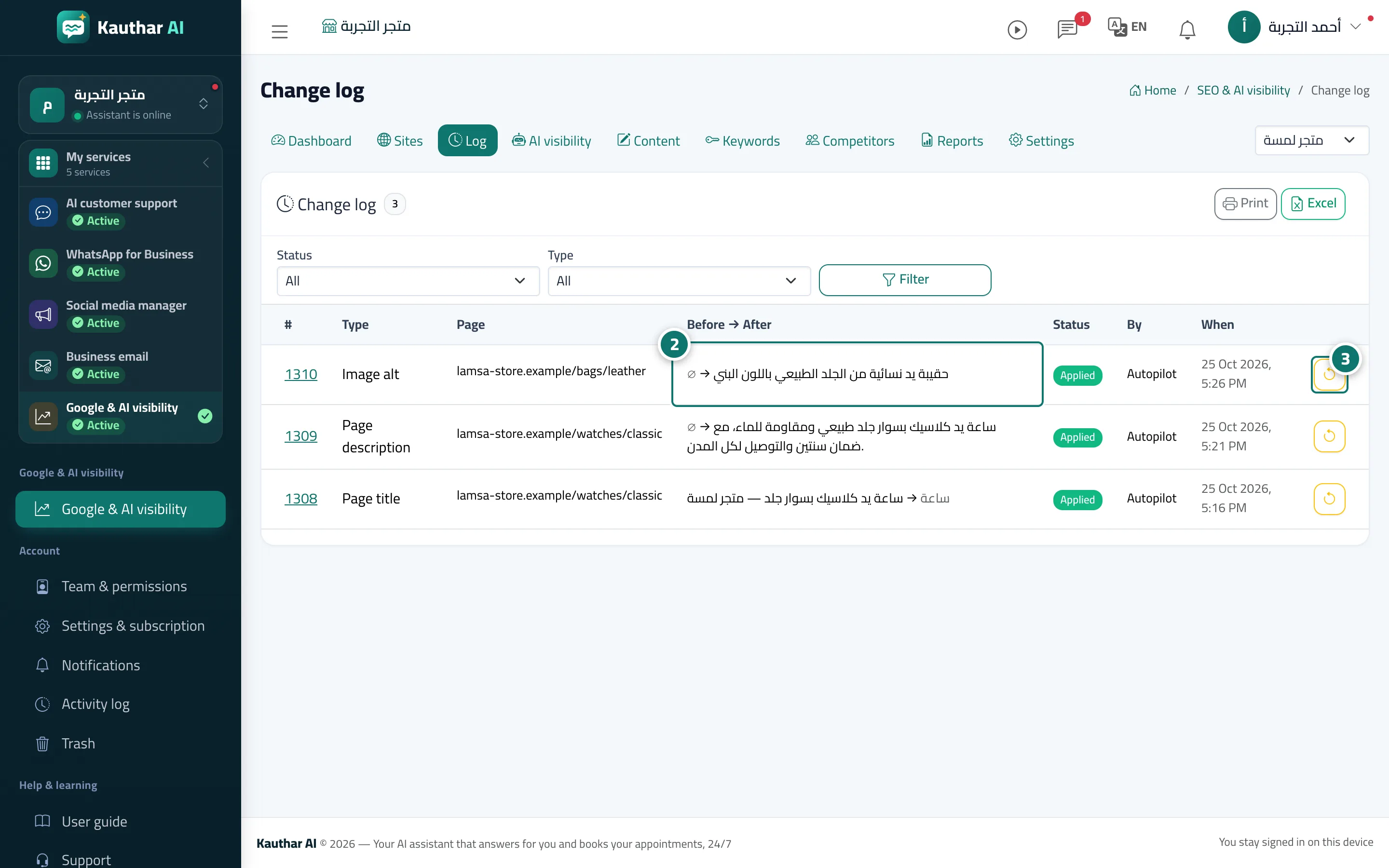
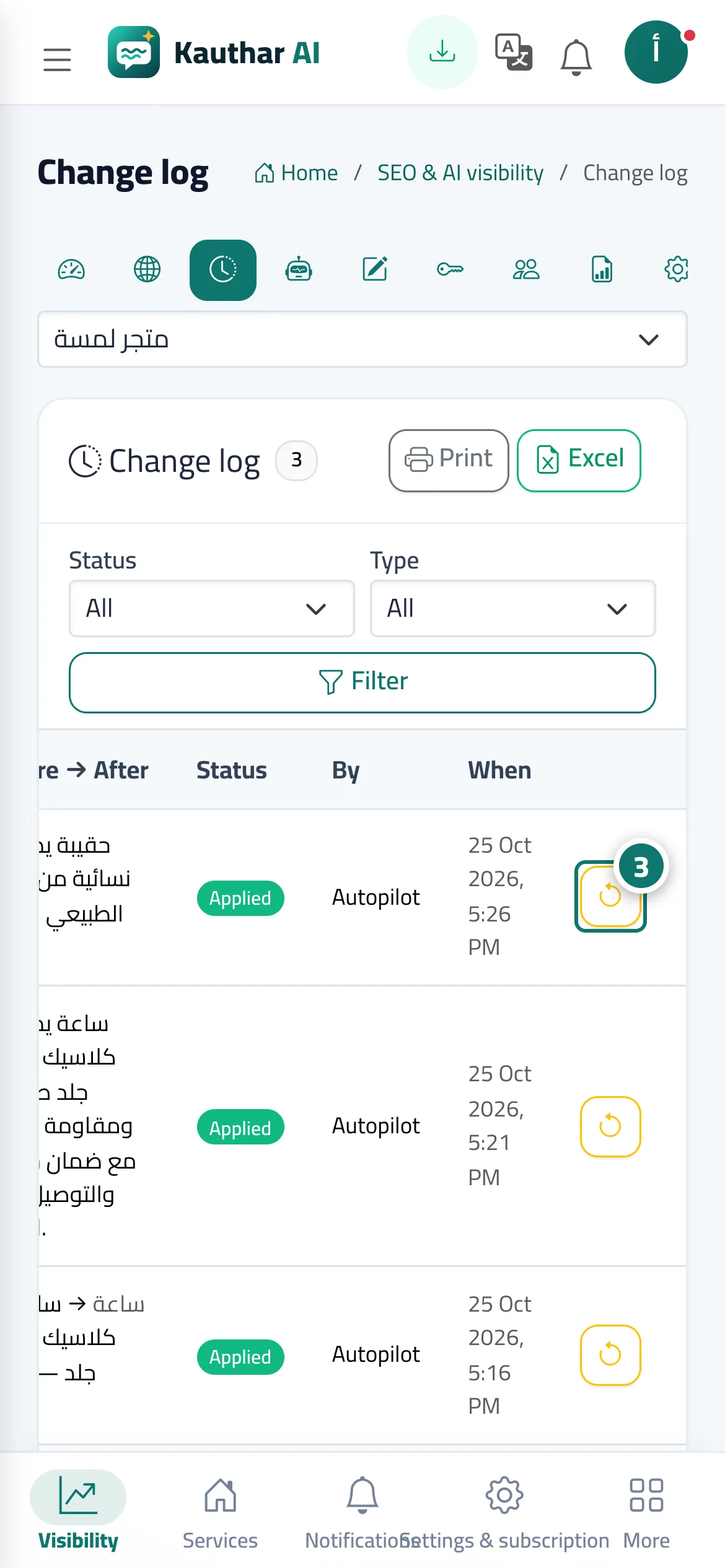
When you add your Kauthar-connected store to Google & AI visibility, Kauthar finds the products with no description, title or structured data (the Product data incomplete issue) and writes them from the product's own data: on Salla, the product's SEO title and description and the product description; on Zid, the SEO title and description in Arabic and English and the product description; on YouCan, the product description. Every change is saved with the value before and after in the Log and can be undone, and a published product description appears in Content with a Restore the previous product description button. If the value in your store changed after Kauthar's edit, Conflict appears and nothing is touched; if the platform withdraws the permission, you're asked to approve the app again.
- Who can use it
- Business owner / manager
- Where to find it
- Google & AI visibility → Sites (the connected store) → Log / Content
Step by step#
- Connect your store in one click from Connect your store, then add it under Google & AI visibility → Sites (it is recognised automatically and its ownership is proven).
- Follow the Log to see the product changes with the value before and after.
- To undo, click Undo on the action's row, or Restore the previous product description in Content.