Connecting Google Search Console and page speed
Connect your Google account to see impressions, clicks and keywords close to the first page, submit your sitemap and measure page speed.
On this page
Overview#
From the visibility settings you connect your Google account (the separate Kauthar SEO client, with Search Console access only) and choose the property that matches your site. Performance data (clicks, impressions, position for each keyword and page) is then fetched daily; the visibility dashboard compares the last 28 days with the period before, and the data feeds Keywords (striking distance, positions 8–20) and content ideas. The sitemap is also submitted automatically and the home page's speed is measured regularly through PageSpeed.
- Who can use it
- Business owner / manager
- Where to find it
- Sidebar → Google & AI visibility → Settings → Google Search Console
Step by step#
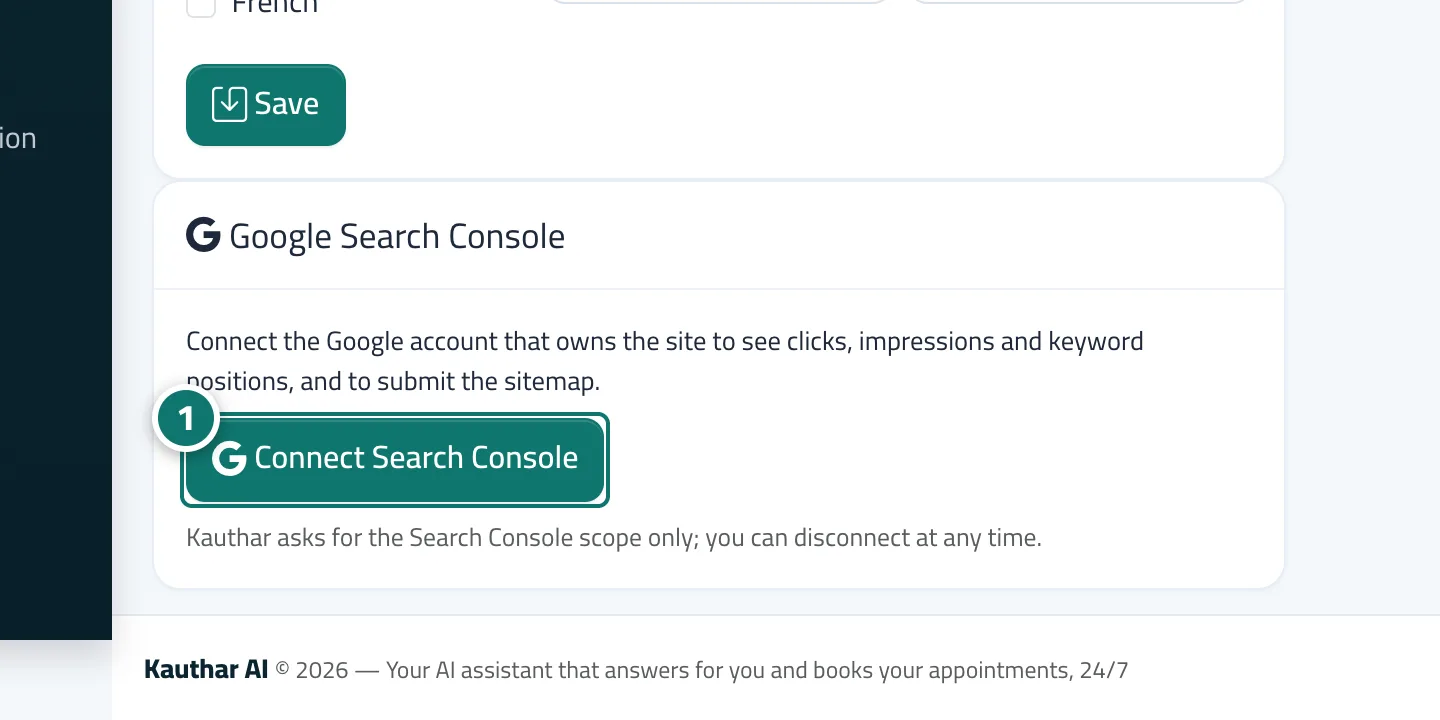
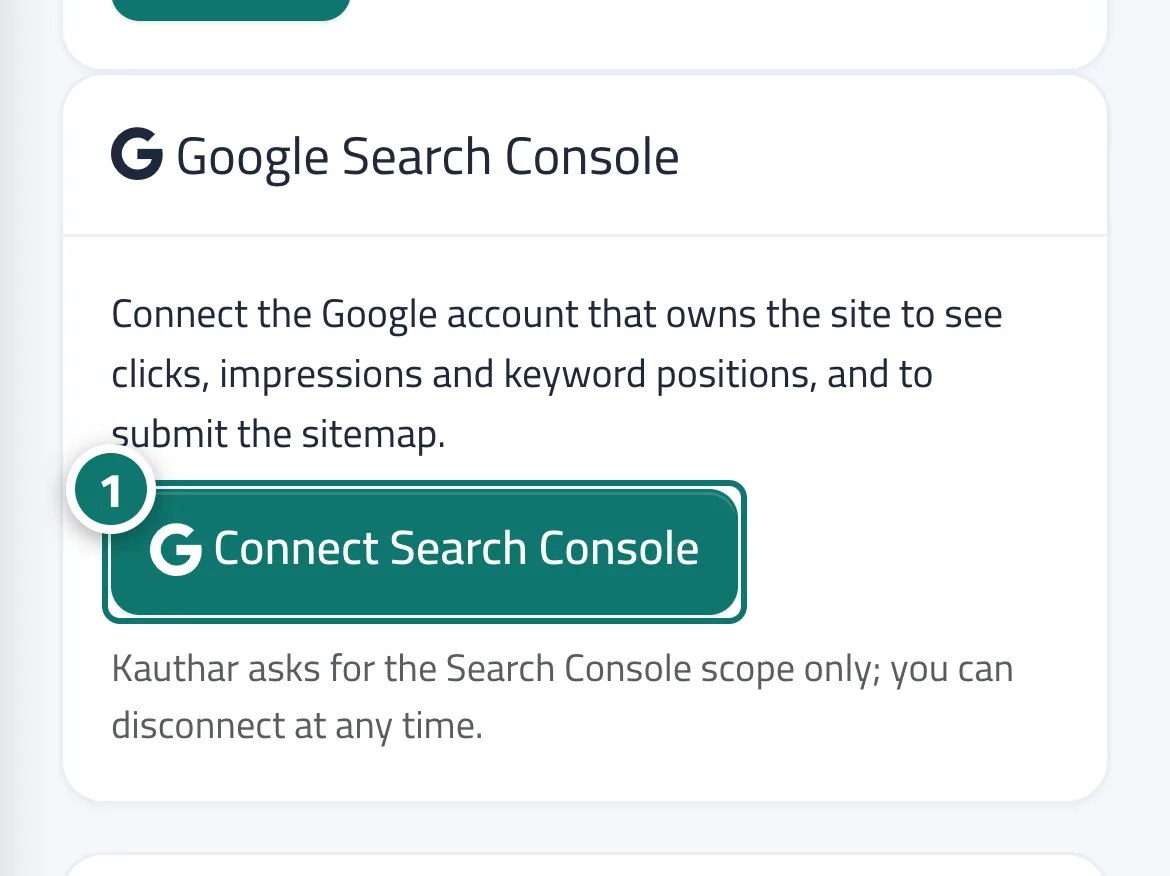
- Open Settings, and on the Google Search Console card click Connect Search Console and complete the approval in Google's window.
- Choose the property (domain or URL) that matches your site and save.
- Wait for the first sync; the data appears on the dashboard and on the Keywords screen.