
Today's appointments on the dashboard
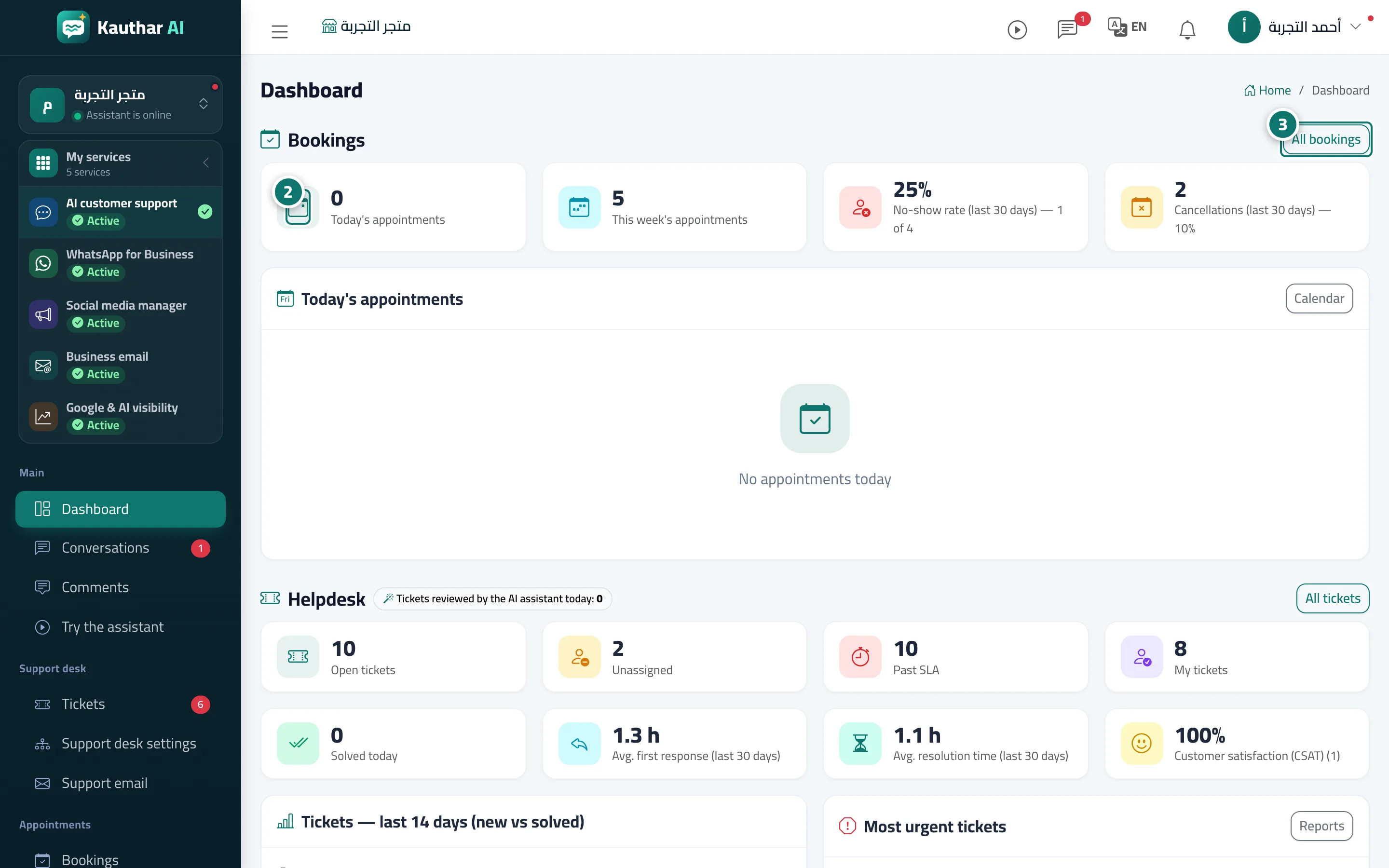
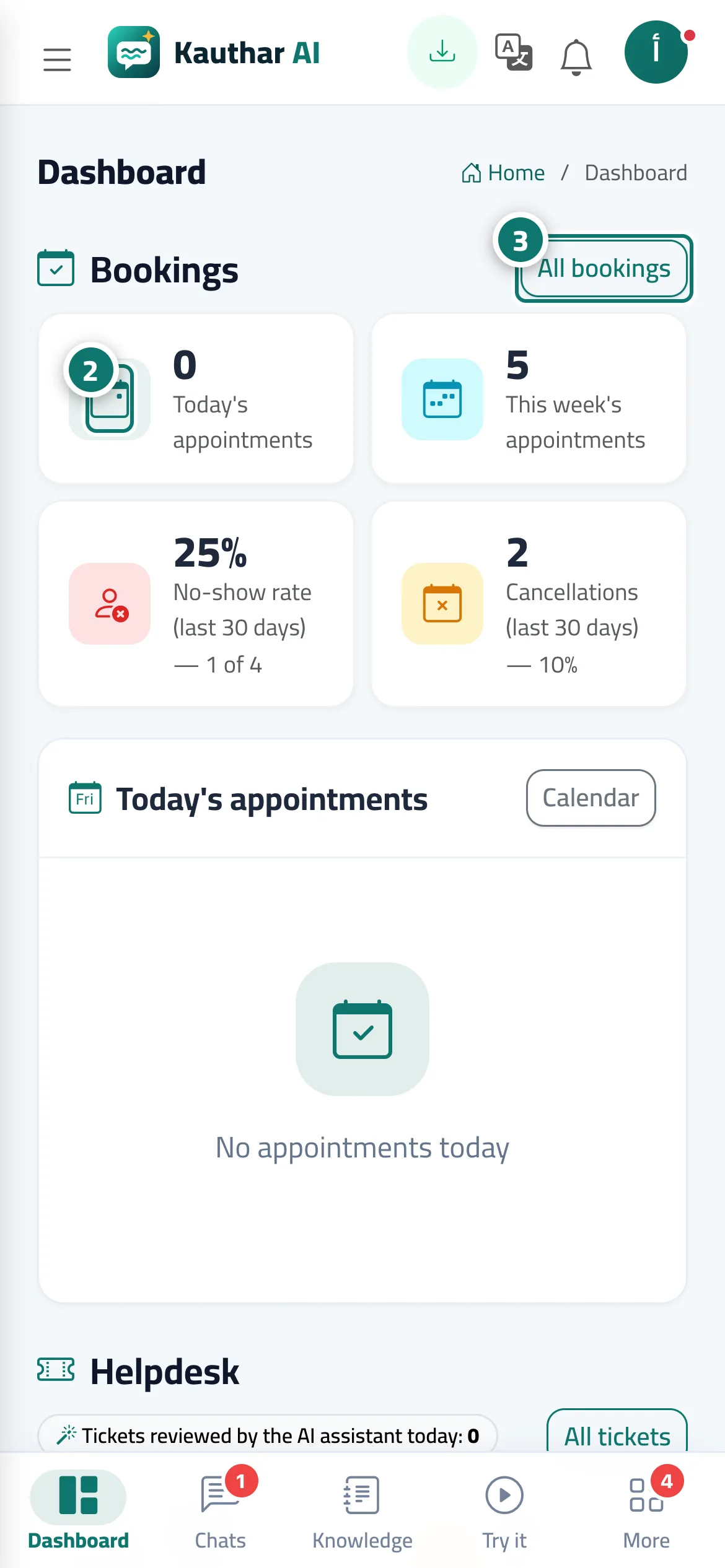
When you open the dashboard you see today's appointments and pending bookings, and can confirm or record attendance right there.
Overview#
The Bookings section of the dashboard shows an N awaiting confirmation badge, Today's appointments (and how many remain), This week's appointments, the No-show rate (last 30 days) and Cancellations (last 30 days). Below it, the Today's appointments list shows each appointment's time, the customer's name and phone, and the service and provider, with quick buttons: Confirm for a pending booking, Done and No-show once the appointment has started, plus All bookings and Calendar.
- Who can use it
- Business owner / manager / agent (depending on permissions)
- Where to find it
- Sidebar → Main → Dashboard → Bookings section
Step by step#
- Open the Dashboard.
- Check the indicators in the Bookings section, and click any of them to go to the bookings or their reports.
- Use the buttons next to each appointment in Today's appointments, or press All bookings to open the full schedule.
Tips#
Good to know#
Frequently asked questions#
I can't find the bookings section on the dashboard — why?
Check that you have bookings permission, that your plan includes bookings (Pro or Business), and that you've added at least one service and one provider in Booking setup.