
Budget questions: «under…» and «up to…»
When a customer names a price («Do you have a watch under 700?», «أقل من 500», «entre 200 et 300»), the assistant shows only the products inside that limit; if nothing fits, it says so honestly and suggests the closest options, clearly marked as outside the budget.
Overview#
Before the assistant writes its answer or shows product cards, it reads any price limit in the customer's question in Arabic, English or French: under / below / cheaper than, up to / at most / my budget is, over / at least, between X and Y, and the same in Arabic (أقل من / في حدود / بين) and French (moins de / jusqu'à / entre). Priced products outside the limit are then removed before the answer is written, so they appear neither in the reply nor in the cards. When a product has a sale price, the sale price is used; in-stock products come first, and when the customer asks what is available, out-of-stock items are left out. If the customer names a currency other than your products' currency, the limit is converted with the stored exchange rate when one exists. If nothing fits, the assistant replies honestly (Sorry, we don't have anything priced under … right now) and lists up to 3 of the closest options, each tagged above budget or currently out of stock. This works for the products of your connected store and for Excel files with a price column.
- Who can use it
- Business owner / admins (to understand and test the assistant's answers)
- Where to find it
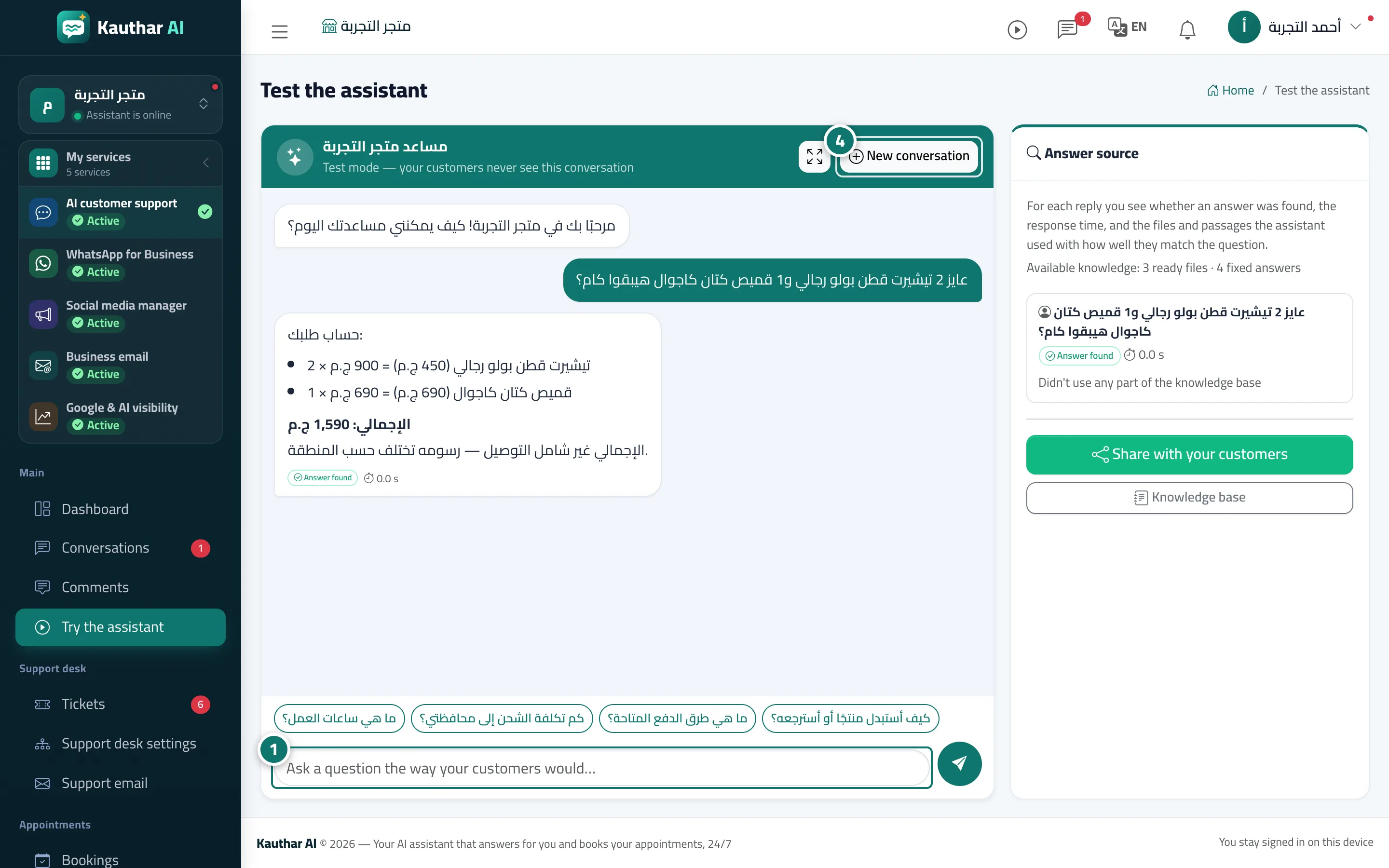
- Works automatically on every channel · To test it: sidebar → Main → Try the assistant
Step by step#
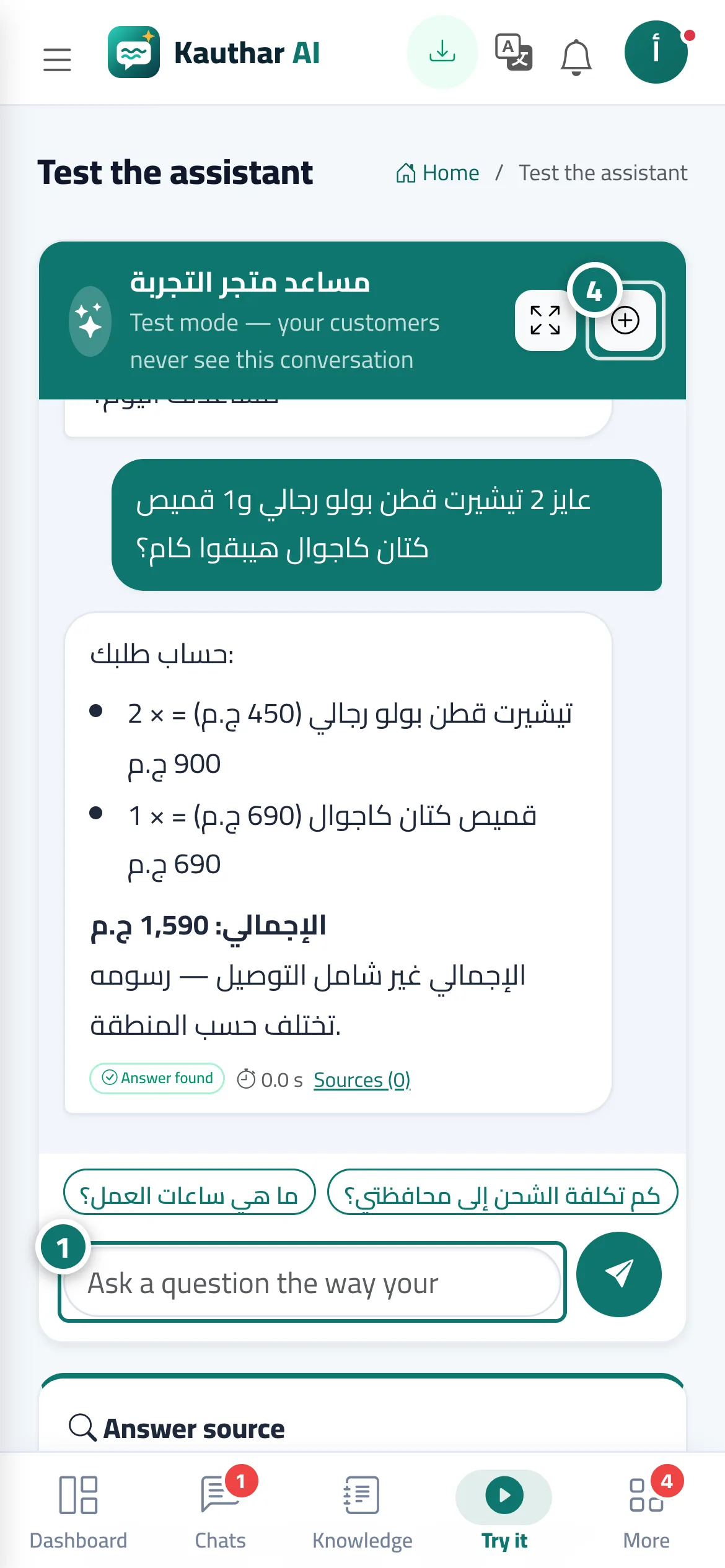
- Open Try the assistant and ask the way your customers do, e.g. Do you have a bag under 500? or عندكم ساعة أقل من 700؟.
- Notice that the reply and the cards only include products priced inside the limit.
- Try a limit that no product meets to see the honest reply with the closest options tagged above budget.
- Press New conversation to try another question from the start.
Tips#
Good to know#
Frequently asked questions#
The customer wrote the number in Arabic digits or as 2k — does the assistant understand?
Yes. It understands Arabic and Western digits, 1,000, 2k and 2 ألف.