
Your team, by phone number
Add staff with just their phone number; each person sets their own name and password at first sign-in and works in their own language (Arabic, English or French).
Overview#
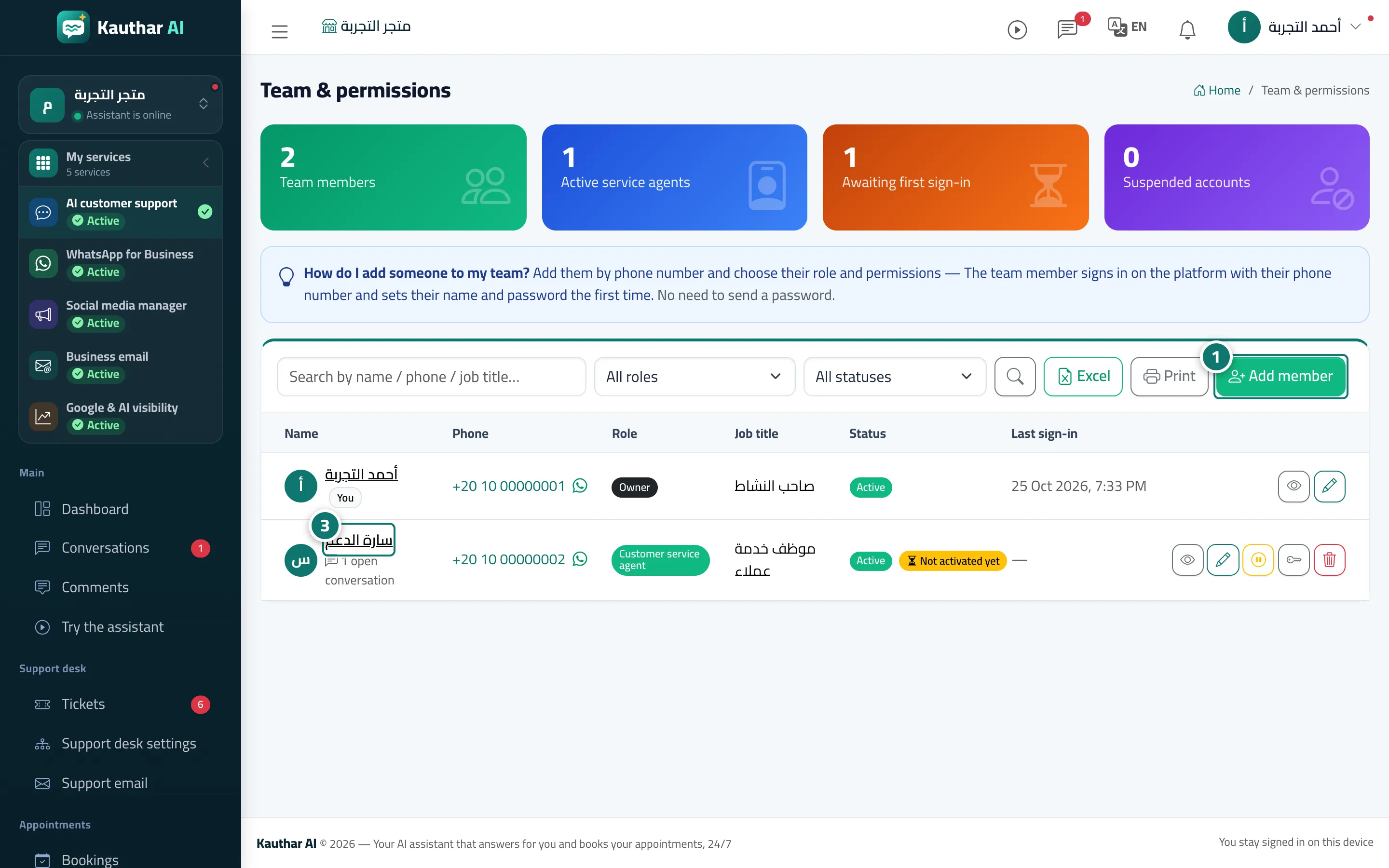
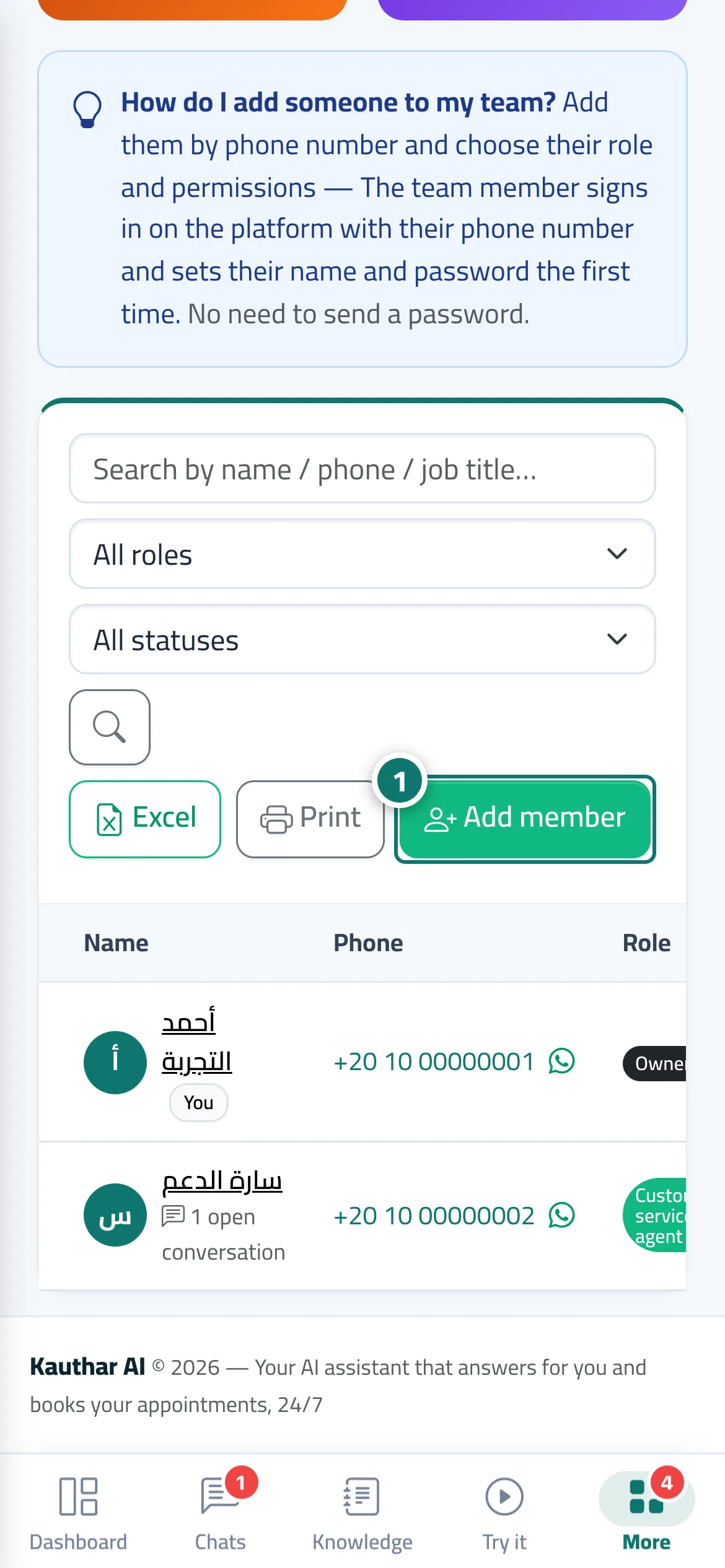
In Team & permissions you add a member with their phone number (choosing the country), name, role (Admin · Customer service agent · Staff), job title and colour. No password is sent: the member signs in from the platform link with their phone number and enters their name and password the first time. The page shows counters: team members, active customer service agents, waiting for first sign-in, and suspended accounts. Each member's page shows their status, last sign-in, the conversations open with them, the replies they wrote and Recent activity, with buttons: Call · WhatsApp (sends them sign-in instructions) · Edit · Suspend/Enable · Reset password · Delete. The number of active accounts is limited to the users included in your plan plus any extra users you have paid for.
- Who can use it
- Business owner / admin
- Where to find it
- Sidebar → Account → Team & permissions
Step by step#
- Press Add member.
- Choose the country and type the phone number, then the name, role and job title, and set the permissions.
- Press Save, then give the member the number and the sign-in link, or send the instructions with the WhatsApp button on their page.
- The member signs in with their number, enters their name and password, and starts working.
Tips#
Good to know#
Frequently asked questions#
A staff member forgot their password. What do I do?
They use Forgot your password? with their number on the sign-in screen, or you press Reset password on their page.
A staff member has left. What do I do?
Press Suspend on their page: they are signed out of every device at once, their replies and history are kept, and their seat is freed. You can Delete the account later and restore it from Trash if needed.
How many staff members can I add?
As many as the users in your plan, shown on the Subscription page under Users. You can buy extra users on the same page.
A member shows Paused (seats). What does it mean?
Your plan's users are all taken. Add users from the Subscription page, or suspend another member, and the account comes back automatically.