Billing & subscriptions: all your subscriptions and invoices
One page with the subscription status of every service and all your payments with receipts, ready to print or export to Excel.
On this page
Overview#
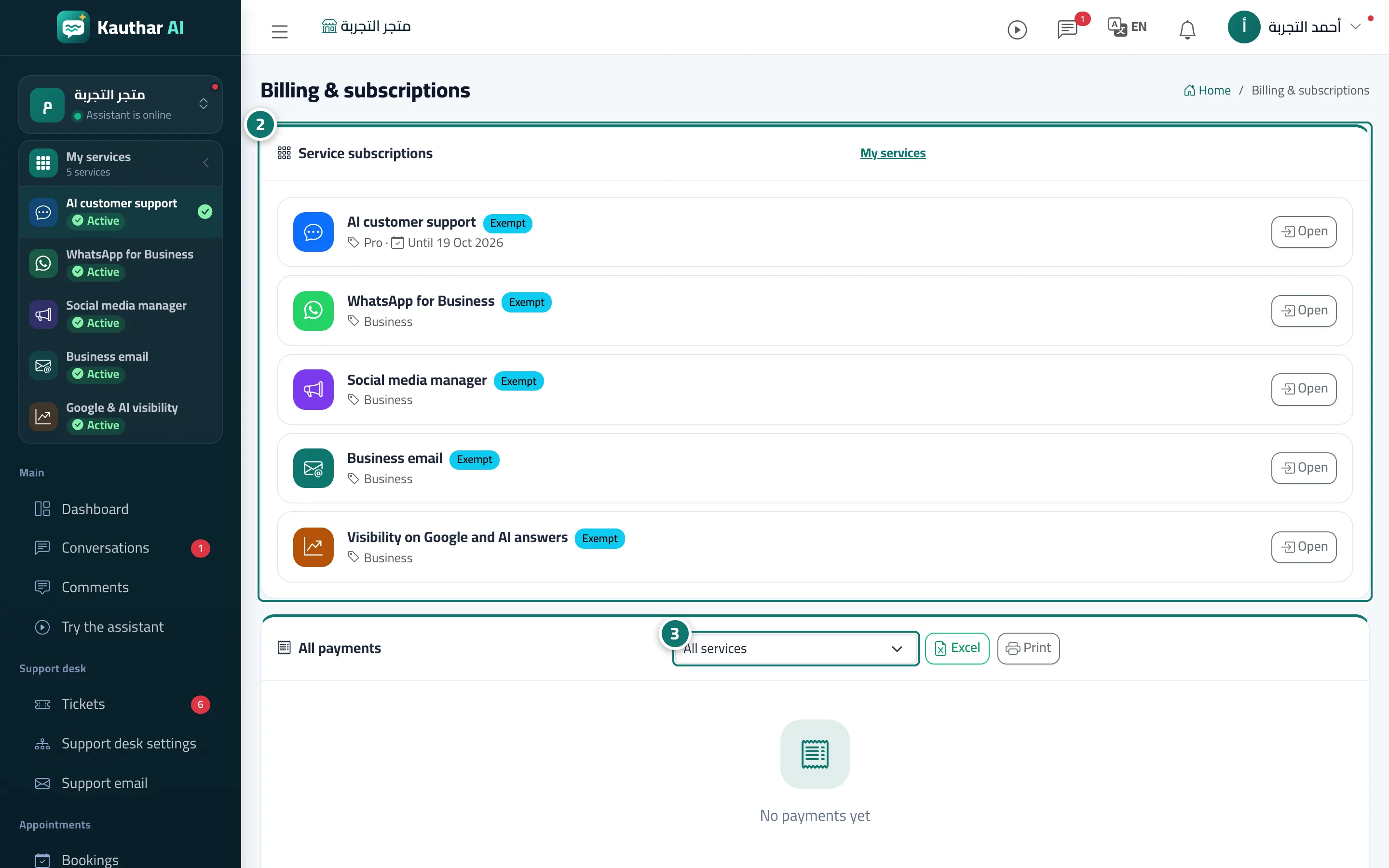
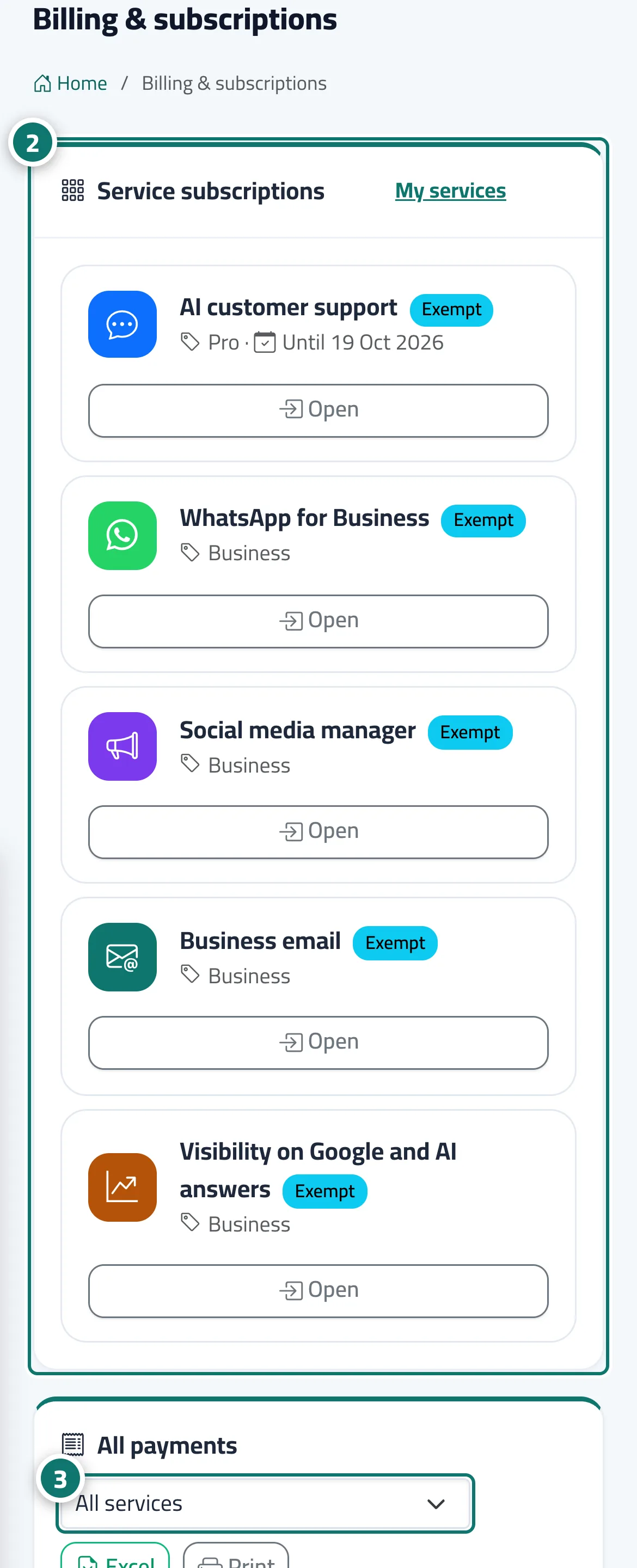
Billing & subscriptions has two sections. Services has a line per service with its status (active, trial, ending soon, ended, included), its plan, its end date and a Manage or Renew button that opens that service's subscription page. Payments lists every payment Kauthar recorded for any service: date, service, item (plan or add-on), amount charged, status and a Receipt button. You can filter payments by service, and print the page on A4 or export it to Excel from the buttons at the top.
- Who can use it
- Business owner / manager
- Where to find it
- Top bar → user menu → Billing & subscriptions, or My services → Billing link
Step by step#
- Open the user menu in the top bar and click Billing & subscriptions.
- In Services, check each service's status and end date, and click Renew or Manage when needed.
- In Payments, choose the service in the filter, then click Receipt next to a payment to print it.
- To print the whole history click Print, or Excel to download it.