
Automatic conversion of Arabic digits
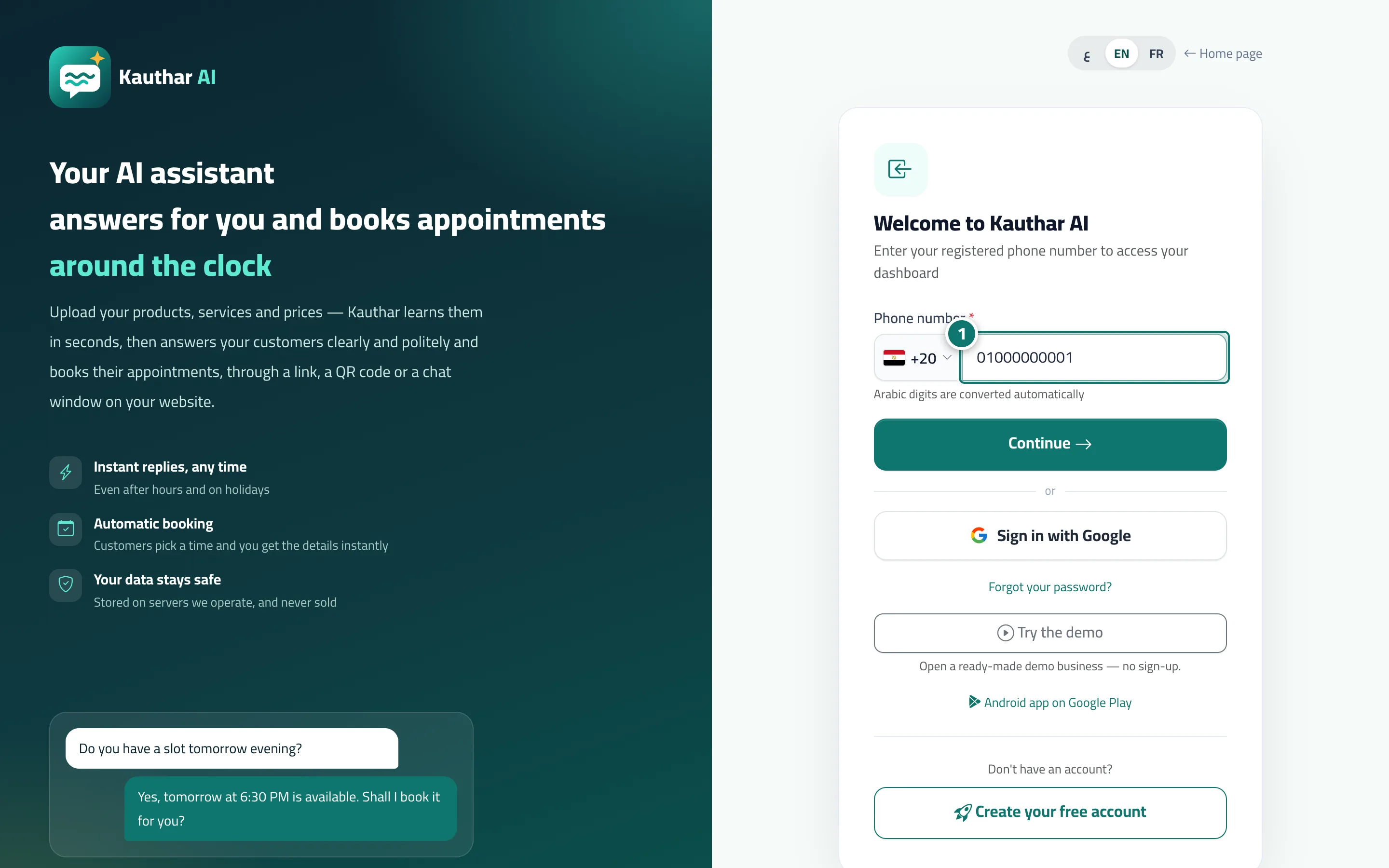
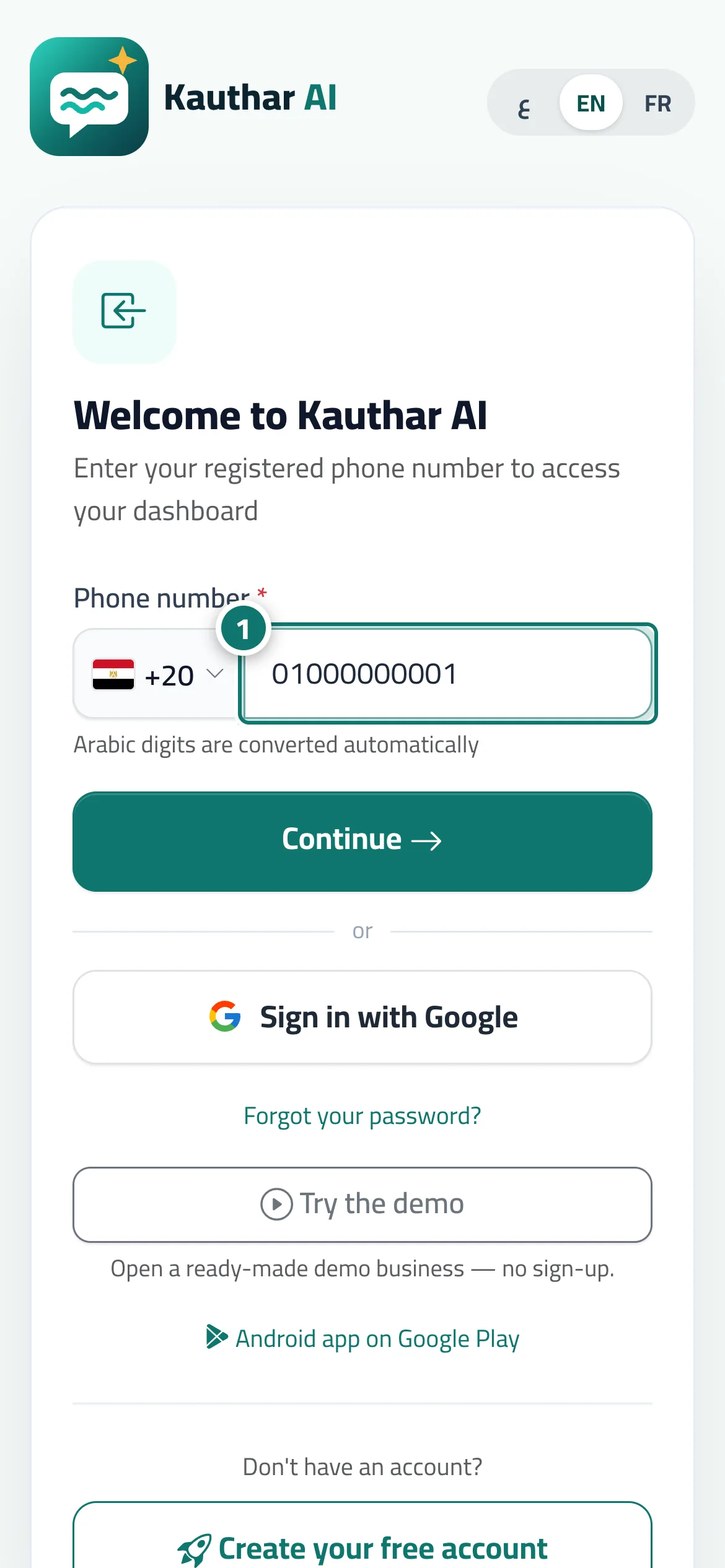
Type numbers with Arabic-Indic digits (٠١٢…) or Western digits — they are converted automatically, and letters are blocked in number fields.
Overview#
Many Arabic keyboards type Arabic-Indic digits (٠١٢٣…) or Persian digits instead of 0123. In every number, phone, amount and date field, any such digit is converted to the matching Western digit as you type, and letters are blocked. This happens in the dashboard, on the sign-in and sign-up pages, and on your customer pages (chat, ticket form and booking page). Password fields accept English letters and digits only, and search boxes convert digits too. All numbers on screens and in reports are shown in Western digits.
- Who can use it
- Business owner / manager / staff member / your customers
- Where to find it
- Every screen and form
Step by step#
- Type with an Arabic keyboard as usual; the conversion happens automatically.
Tips#
Frequently asked questions#
Why doesn't the password accept Arabic letters?
So you can sign in from any device without keyboard-language problems; a password is made of English letters and digits.
My customers type phone numbers in Arabic digits — are they accepted?
Yes. They are converted automatically to Western digits on the chat page, the ticket form and the booking page.