
Opening a ticket from the chat
A customer whose request needs follow-up opens a ticket from the chat and gets its number and a link to track it.
Overview#
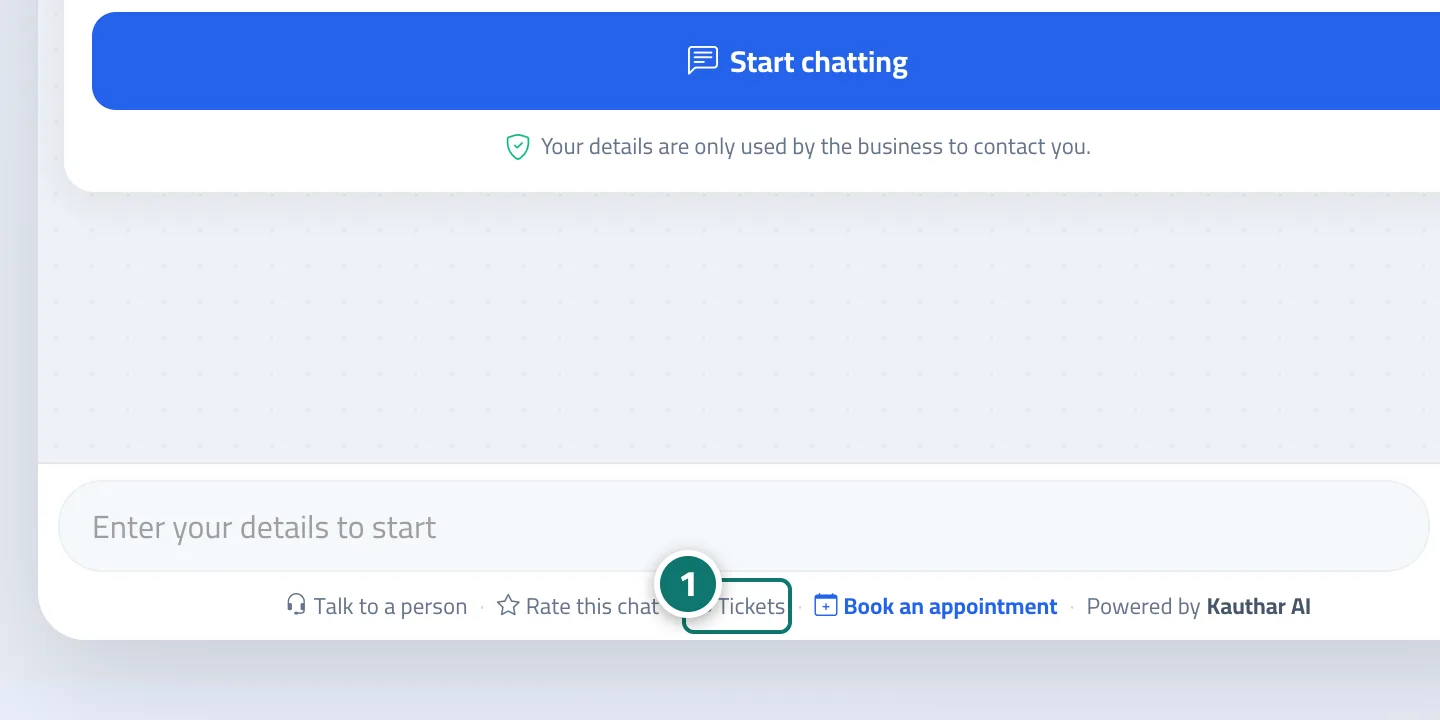
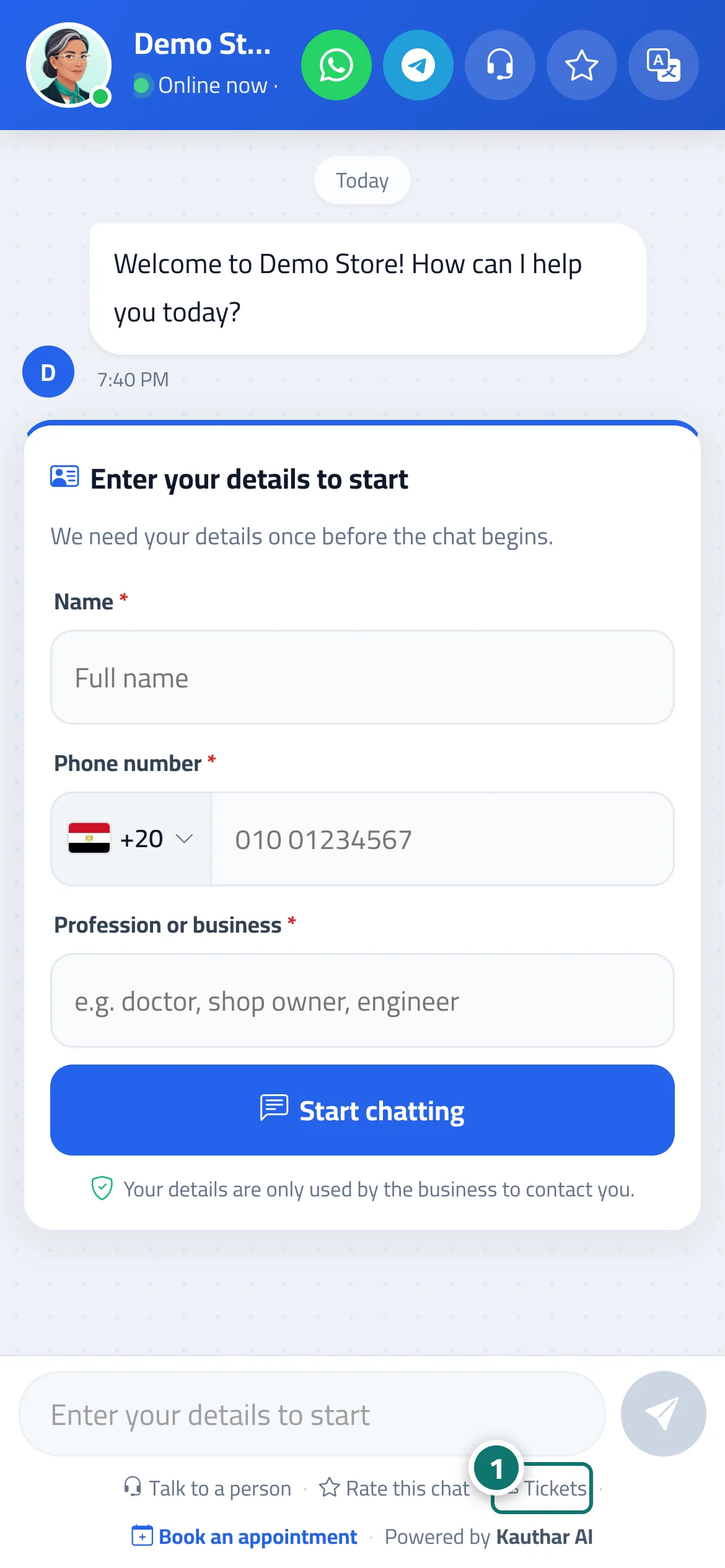
When the assistant can't find an answer or the customer asks for a person, the chat shows the card “Need a follow-up? Open a support ticket to get a number and a link where you can follow the reply until your request is resolved.” with an Open a support ticket button (or Open a support ticket to follow up inside the details card if the customer's number isn't known). Once the name and phone number are confirmed, the ticket is opened, the chat transcript is copied into it, and the customer sees Ticket #N has been opened. You can track it from the link below. with a Track ticket #N button. If the ticket is opened outside working hours, the customer also sees when to expect a reply. If the customer returns to the chat later, they see You have an open ticket, #N. Customers can also reach the Help center from the Tickets link below the chat.
- Who can use it
- Your business's customers / staff
- Where to find it
- Chat page → Open a support ticket or the Tickets link · the ticket appears in the sidebar → Support desk → Tickets
Step by step#
- The customer taps Open a support ticket on the card (or the Tickets link below the chat to open the full ticket form).
- They enter their name and phone number (with a country picker) if these aren't already on file.
- They get the ticket number and a link to the ticket tracking portal.
Tips#
Good to know#
Frequently asked questions#
What happens if the customer already has an open ticket and returns to the chat?
They see the link to their current ticket instead of opening a new one.
Does the staff member see the chat transcript in the ticket?
Yes. The transcript is copied into the ticket in the customer's language, and the original conversation can be opened from the ticket page.