
Leave your details and we'll contact you
When the assistant has no answer, the customer leaves their name and phone number in seconds and your team gets back to them later.
Overview#
When the AI assistant can't find an answer in your information (with Ask for the customer's name and phone number when there's no answer turned on), or when a customer asks for a person without a number on file, the card Would you like our team to contact you? appears: Name, Phone number (with a country picker), Note (optional), and a Send my details button — plus Open a support ticket to follow up if tickets are enabled. After sending, the customer sees “Thanks (name), we've received your details and our customer service team will contact you soon.”, and you receive the alert A customer left their contact details.
- Who can use it
- Your business's customers / staff
- Where to find it
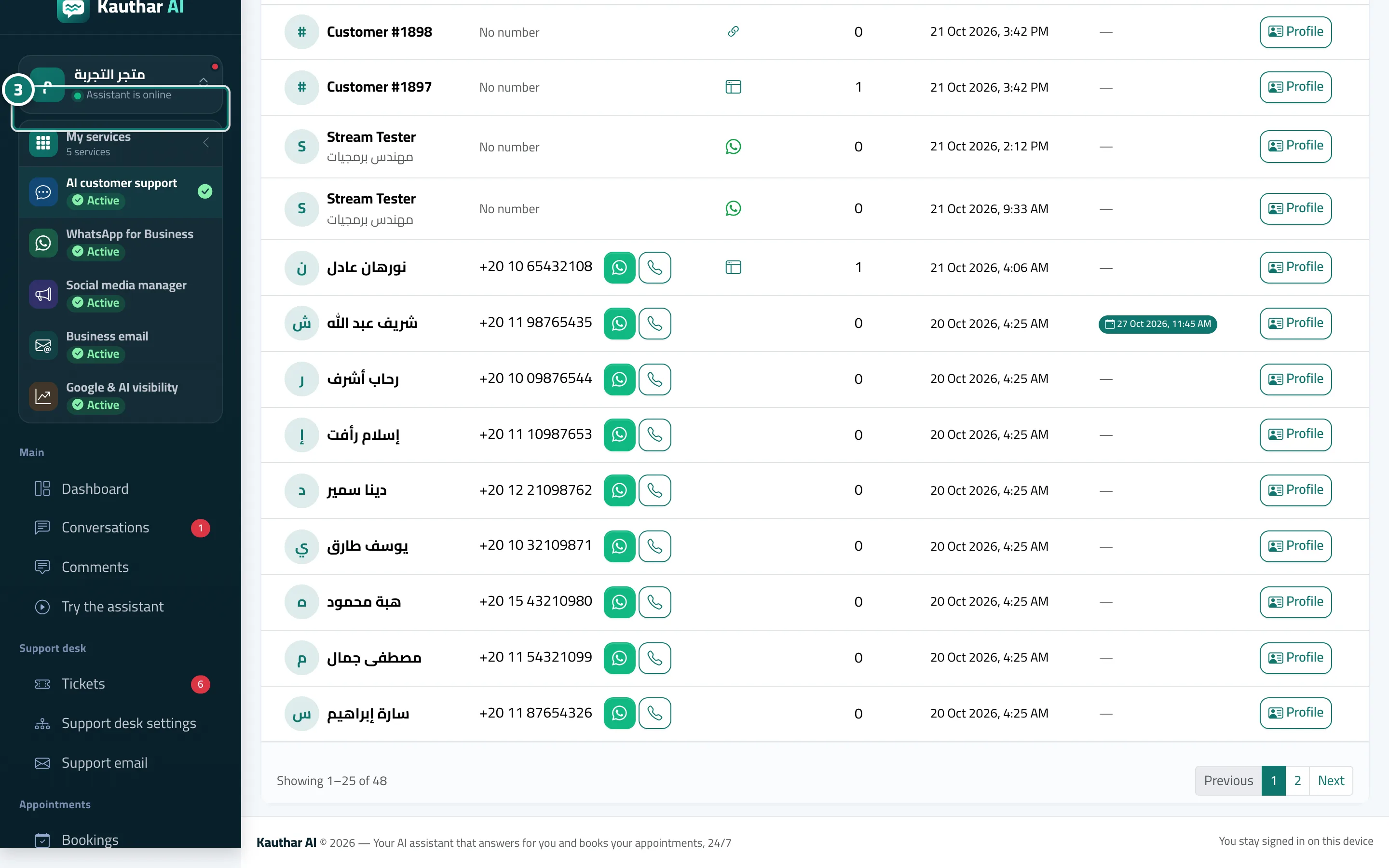
- Chat page → appears automatically · the details are in the sidebar → Channels & customers → Customers
Step by step#
- The customer enters their name, phone number and, optionally, a note.
- They tap Send my details.
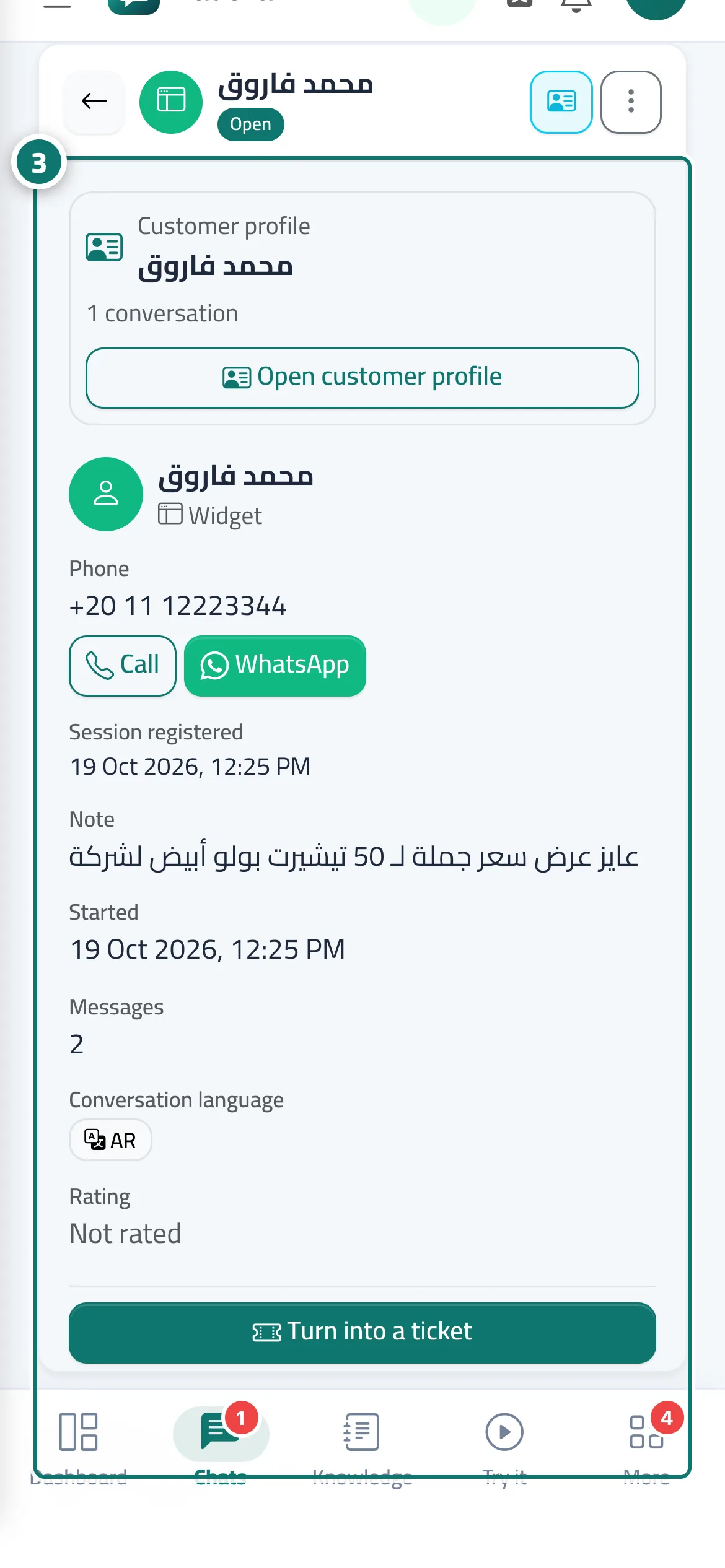
- The details appear for you in Customers and in the Visitor details panel inside the conversation, and you receive an alert.
Tips#
Good to know#
Frequently asked questions#
Can the customer skip the card?
Yes. There is a No, thanks button and the conversation continues as normal.
Can I export the numbers?
Yes. In Customers, tap Excel or Print with the current filters.