
Month plan: a whole month of drafts at smart times
Pick the month, the number of posts, the goal mix, the channels and the share of videos — Kauthar prepares the whole month’s drafts from your information, with no repeated ideas and suggested times. Nothing is published before you approve.
Overview#
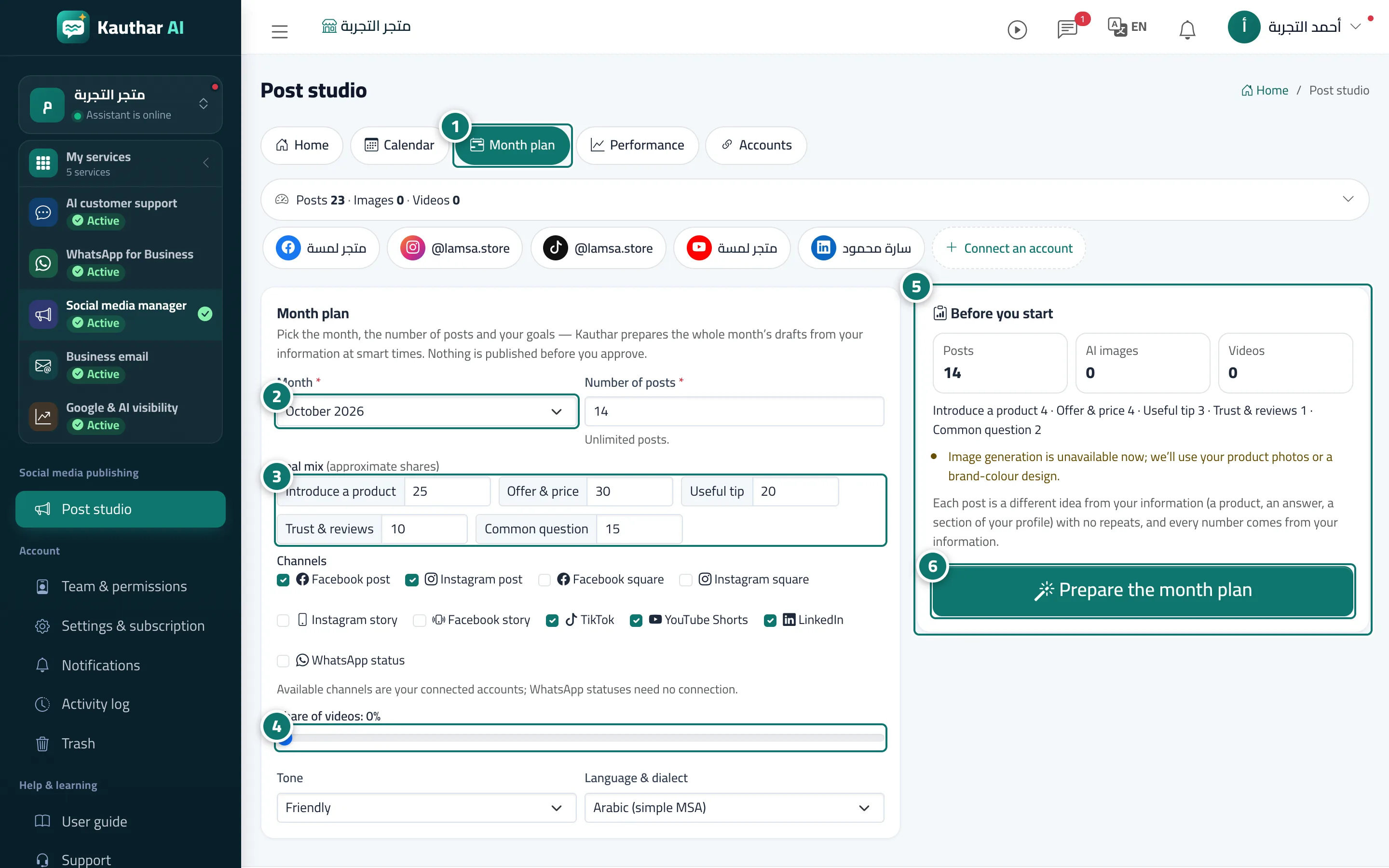
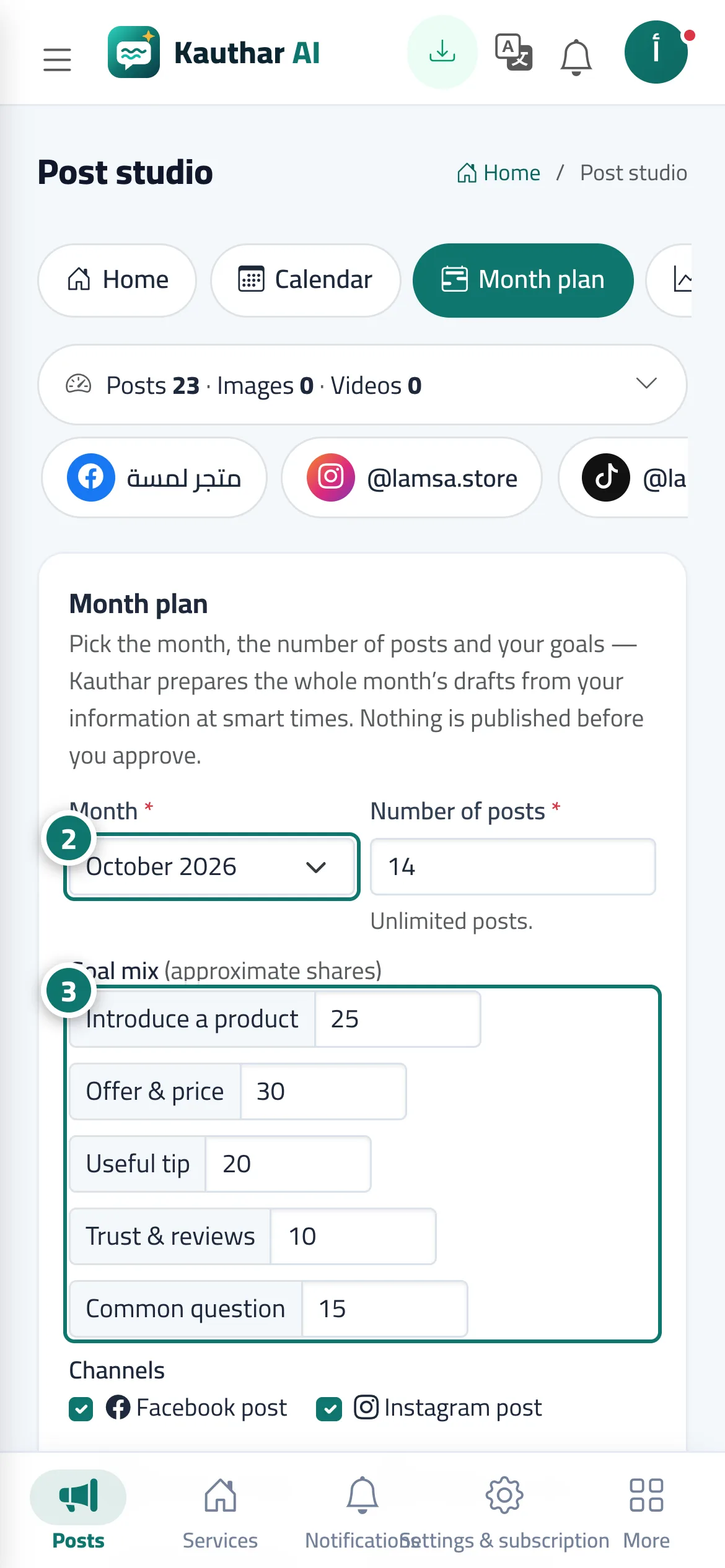
The Month plan tab holds the Month plan card: Month, Number of posts (up to 60), the Goal mix as approximate shares (Introduce a product, Offer & price, Useful tip, Trust & reviews, Common question), the Channels (your connected accounts; WhatsApp statuses need no connection), the Share of videos, and the tone and language & dialect. Next to it, the Before you start card updates with every change: the number of posts, AI images and videos, what is left of your allowance, the goal split, and warnings such as Your information is enough for this many ideas only without repeats. Pressing Prepare the month plan takes you to the Calendar with a progress line Kauthar is preparing the month plan: n of … and a Stop button, and the drafts appear one by one at their suggested times.
- Who can use it
- Business owner / manager / staff allowed into the post studio
- Where to find it
- Sidebar → Social media publishing → Post studio → Month plan
Step by step#
- Open the Month plan tab.
- Choose the Month and the Number of posts.
- Set the Goal mix and choose the Channels.
- Move the Share of videos slider if your plan includes video.
- Check Before you start and its warnings.
- Press Prepare the month plan, then review the drafts in the Calendar and approve them from the list below it.
Tips#
Good to know#
Frequently asked questions#
Are the plan’s posts published automatically?
No. They are prepared as drafts with suggested times, and nothing goes out before you approve.