Replying to Google reviews
Every new review reaches you as a notification with a reply suggested from your own business information that you edit and send in one tap — with optional auto-replies for high ratings.
On this page
Overview#
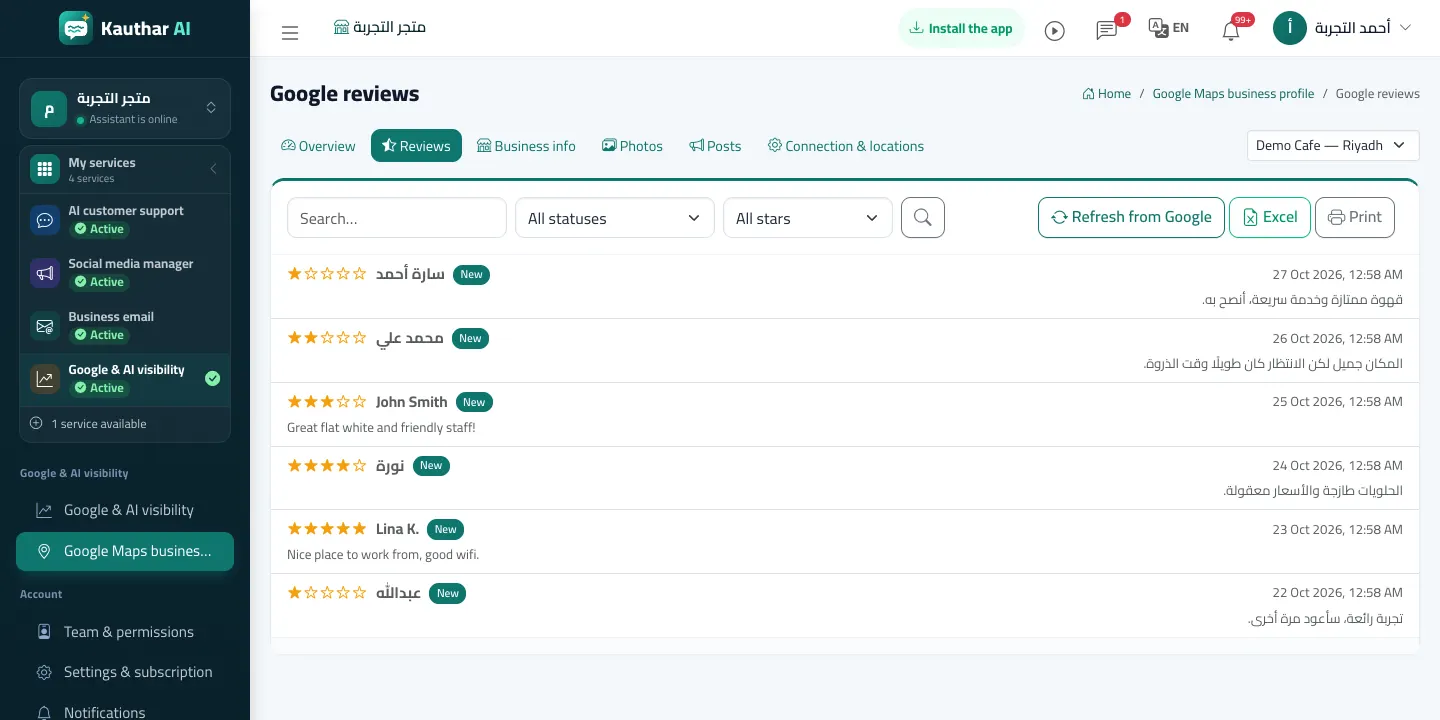
The Reviews list shows the location's reviews with filters (not replied, status, stars). Open a review to read it and click Suggest a reply: Kauthar drafts one from your business profile and fixed answers only — no prices, offers or numbers that are not in your information — you edit it and click Send reply so it appears on Google under your business name. Auto-reply is off by default; when on, 4 and 5-star reviews are thanked automatically and 1 to 3-star reviews are never answered without you: a draft is prepared and you are notified to approve it.
- Who can use it
- Business owner / manager / members allowed to edit Visibility
- Where to find it
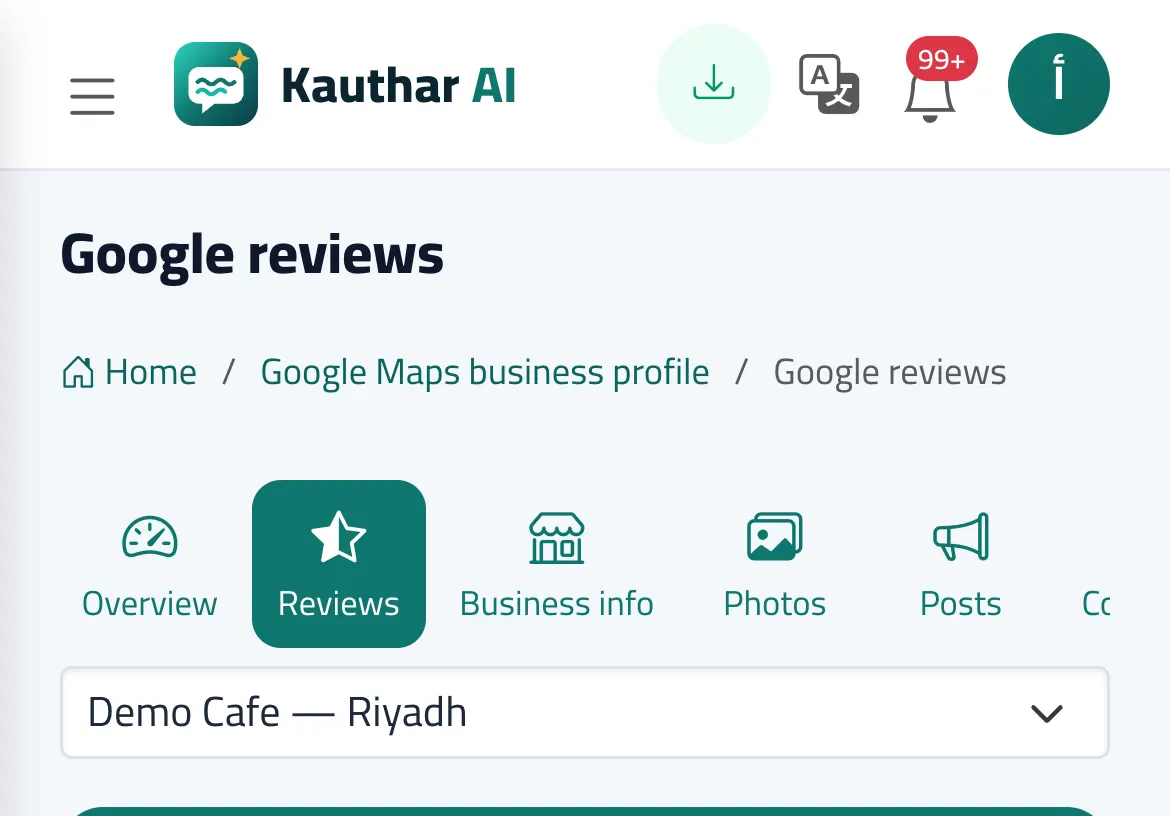
- Google & AI visibility → Google Maps business profile → Reviews
Step by step#
- Open Reviews and choose Not replied in the filter.
- Open the review, click Suggest a reply, then review and edit the draft.
- Click Send reply; later you can Update reply or Delete reply.
- For auto-replies: Connection & locations → Automatic replies to reviews → turn it on and choose the template or Kauthar's reply.