Subscribing to Google & AI visibility
The service is now open to every customer: start its free trial or subscribe from its page in «My services», then connect your site — Kauthar fixes, writes, publishes and measures how you appear on Google and in AI answers.
On this page
Overview#
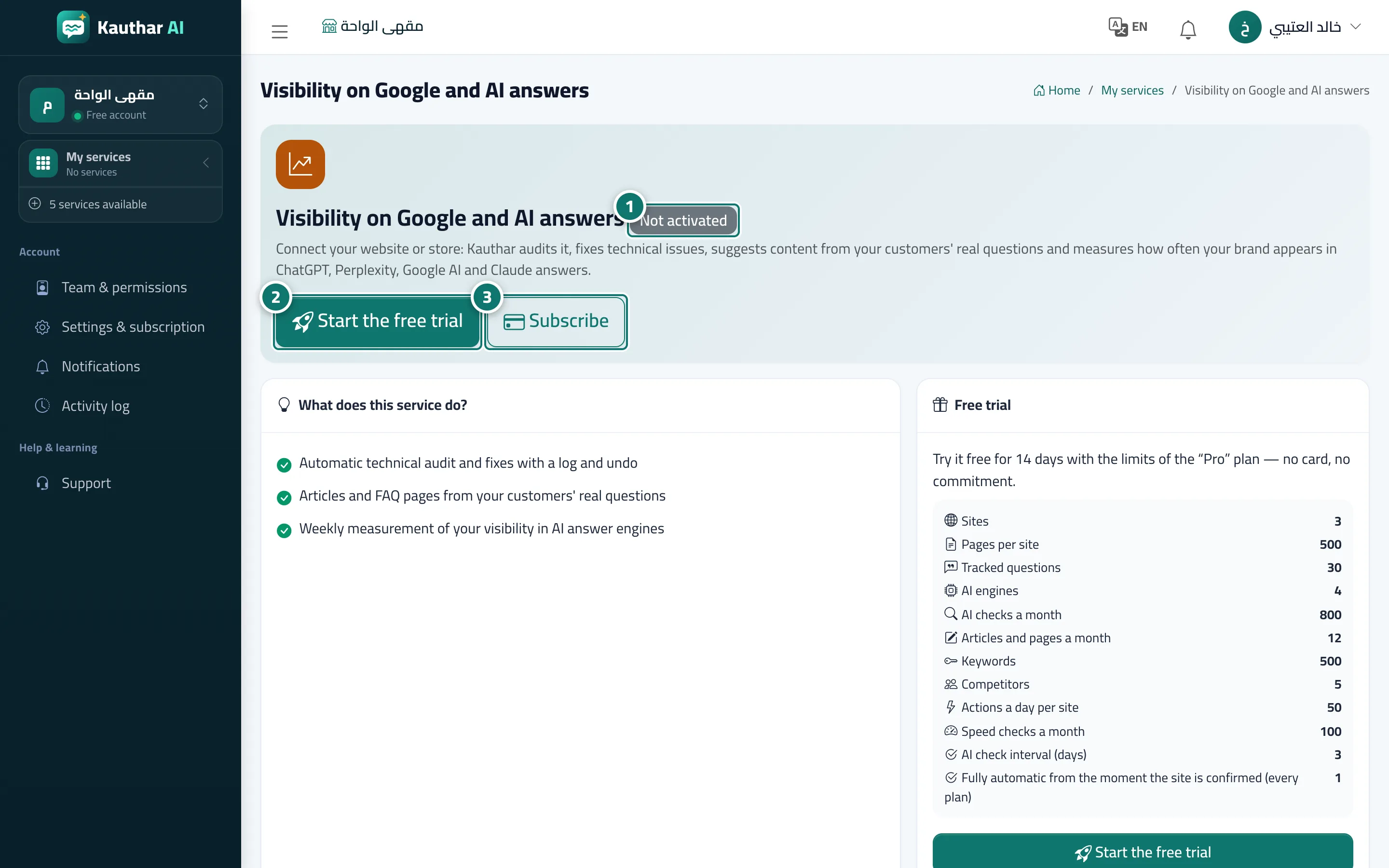
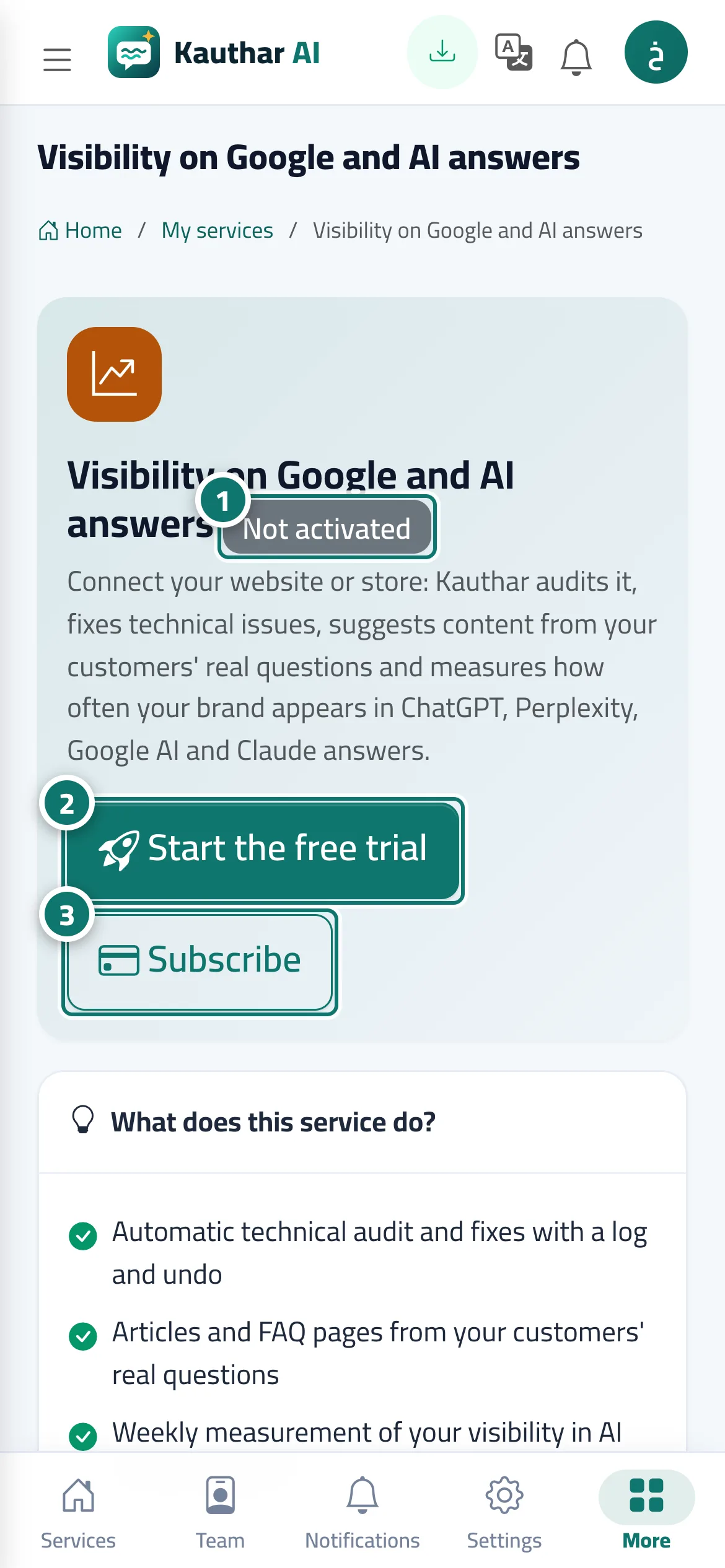
The Visibility on Google and AI answers service connects your website or store, audits it and fixes its technical issues automatically with a log and an undo button for every change, writes articles and FAQ pages from the questions your customers really ask, and measures every week how often your brand appears in ChatGPT, Perplexity, Google AI and Claude answers, with a weekly report. The service page shows its state for your account (Not activated, trial or active), what it offers, the free trial and its limits, and the plans in your country's currency.
- Who can use it
- Business owner / manager
- Where to find it
- My services → Visibility on Google and AI answers (or Sidebar → Google & AI visibility)
Step by step#
- Open the service page from My services; its state for your account shows at the top.
- Click Start the free trial to try it with the limits shown on the page, no card needed.
- Or click Subscribe, choose the plan and the period and complete the payment.
- Once it is active, open the service, connect your site and prove you own it; Kauthar then starts working automatically.