
Payment receipts
A complete history of your subscription payments, with a printable receipt for every payment (showing the equivalent in your currency where relevant) and an Excel export of the history.
Overview#
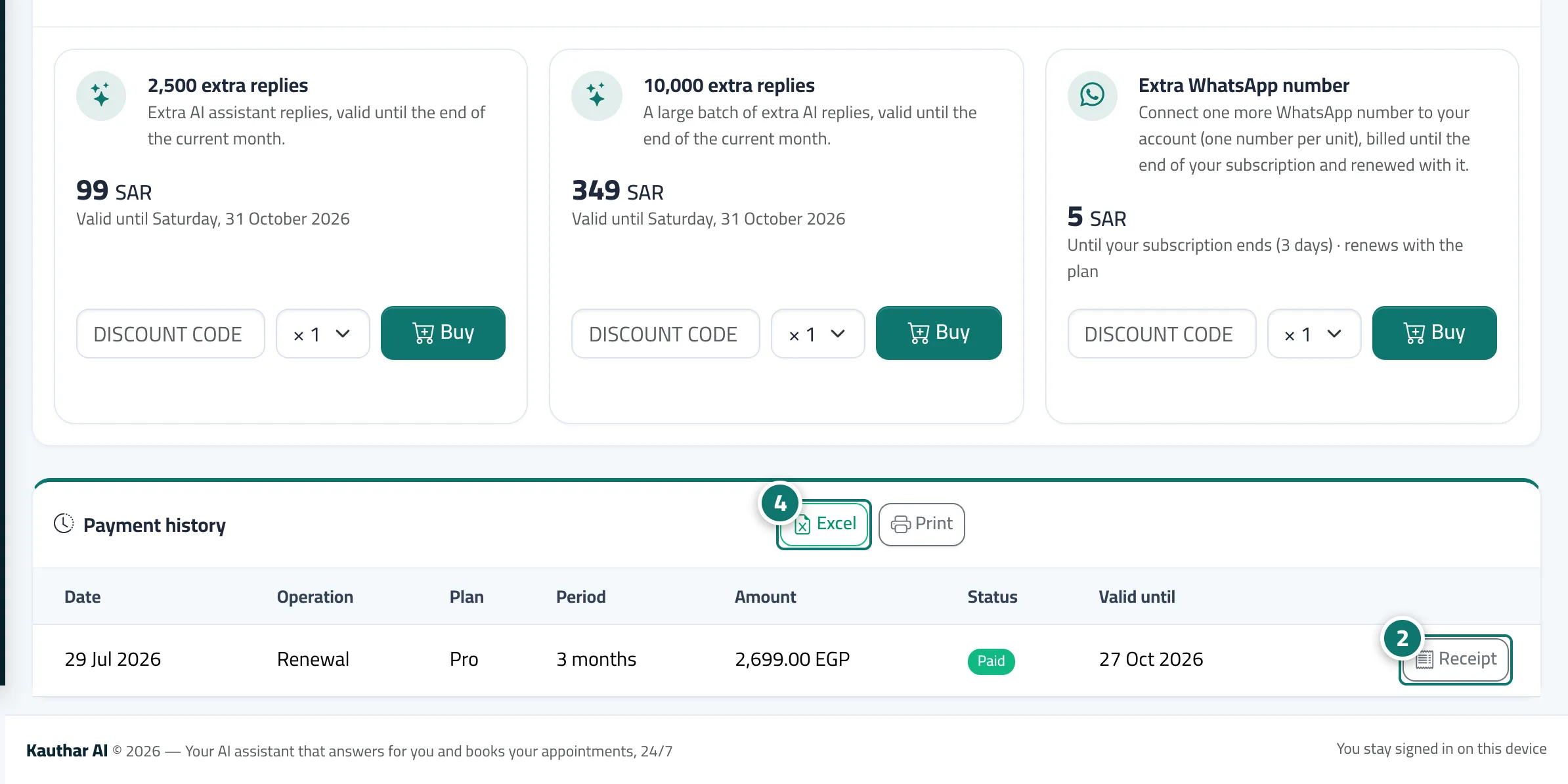
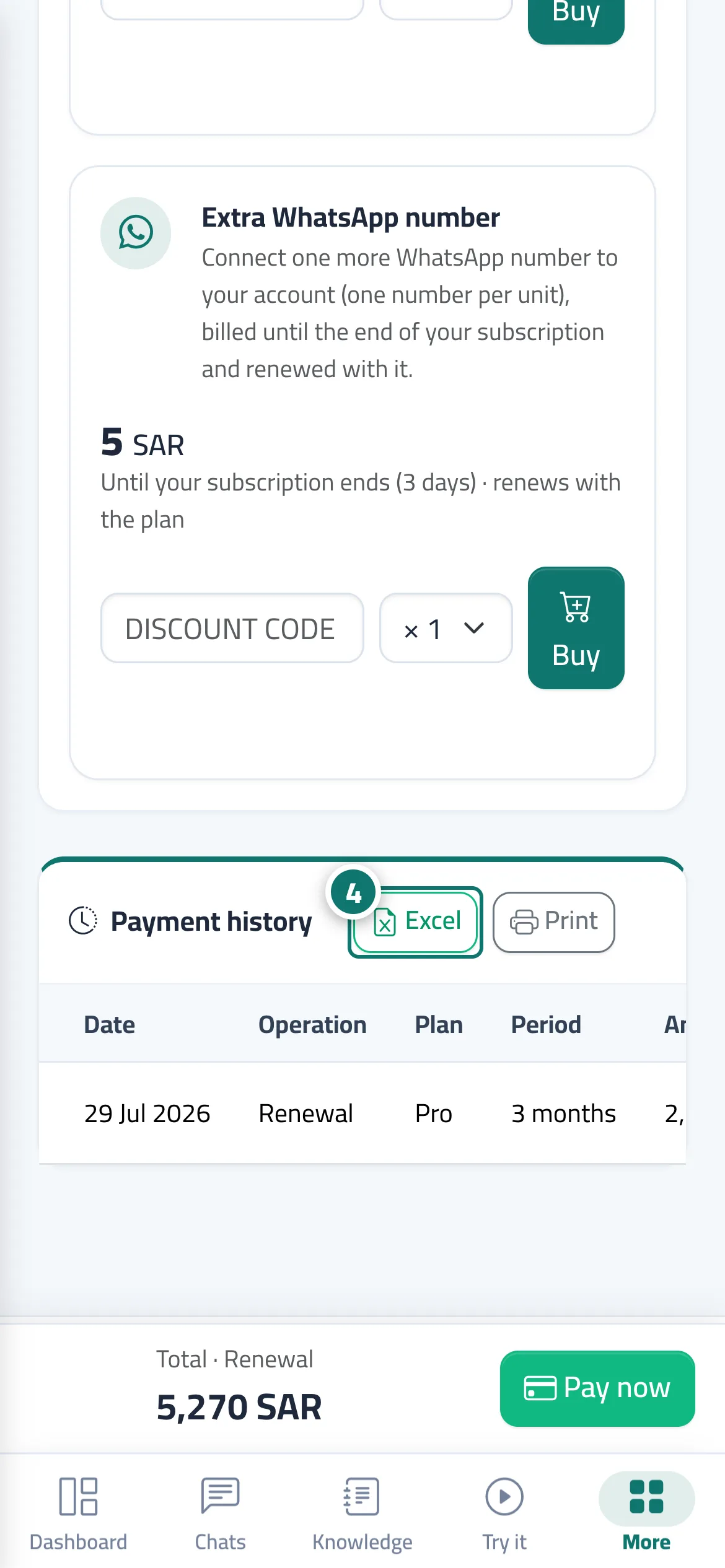
At the bottom of the Subscription page, the Payment history section lists every payment: date, operation (new subscription, renewal, plan upgrade, extra users, add-on, manual entry), plan, period, amount, status (paid, pending, not completed) and Valid until. Every completed payment has a Receipt button that opens an A4 Payment receipt with the receipt number, your business details, the subscription details, the items, Total paid, the payment method, the order ID and the transaction number, and a Paid stamp. If your business's currency differs from the currency charged, an Equivalent shown at payment time line gives the amount in your currency with the exchange rate, and if the subscription was at the launch price the receipt states the price it renews at.
- Who can use it
- Business owner / admin
- Where to find it
- Sidebar → Account → Settings & subscription → Subscription tab → Plans & subscription → Payment history section
Step by step#
- Open the Subscription page and scroll down to the Payment history section.
- Press Receipt next to any payment with the Paid status to open the receipt in a new window.
- On the receipt page, press Print to print it or save it as a PDF, or Back to subscription.
- To print the whole history, press Print at the top of the section, or Excel to download the subscription-payments file.
Tips#
Good to know#
Frequently asked questions#
I need a receipt for my accounts department. Where do I get it?
On the Subscription page → Payment history → the Receipt button next to the payment, then Print or save it as a PDF.
I paid by bank transfer. Does it appear in the history?
Yes. Once the Kauthar team records it, the payment appears with the Manual entry operation and has a receipt.