
Rating the chat and the answers
Customers rate the conversation with stars and each answer as “helpful” or “not helpful”, so you can see how well the AI assistant performs.
Overview#
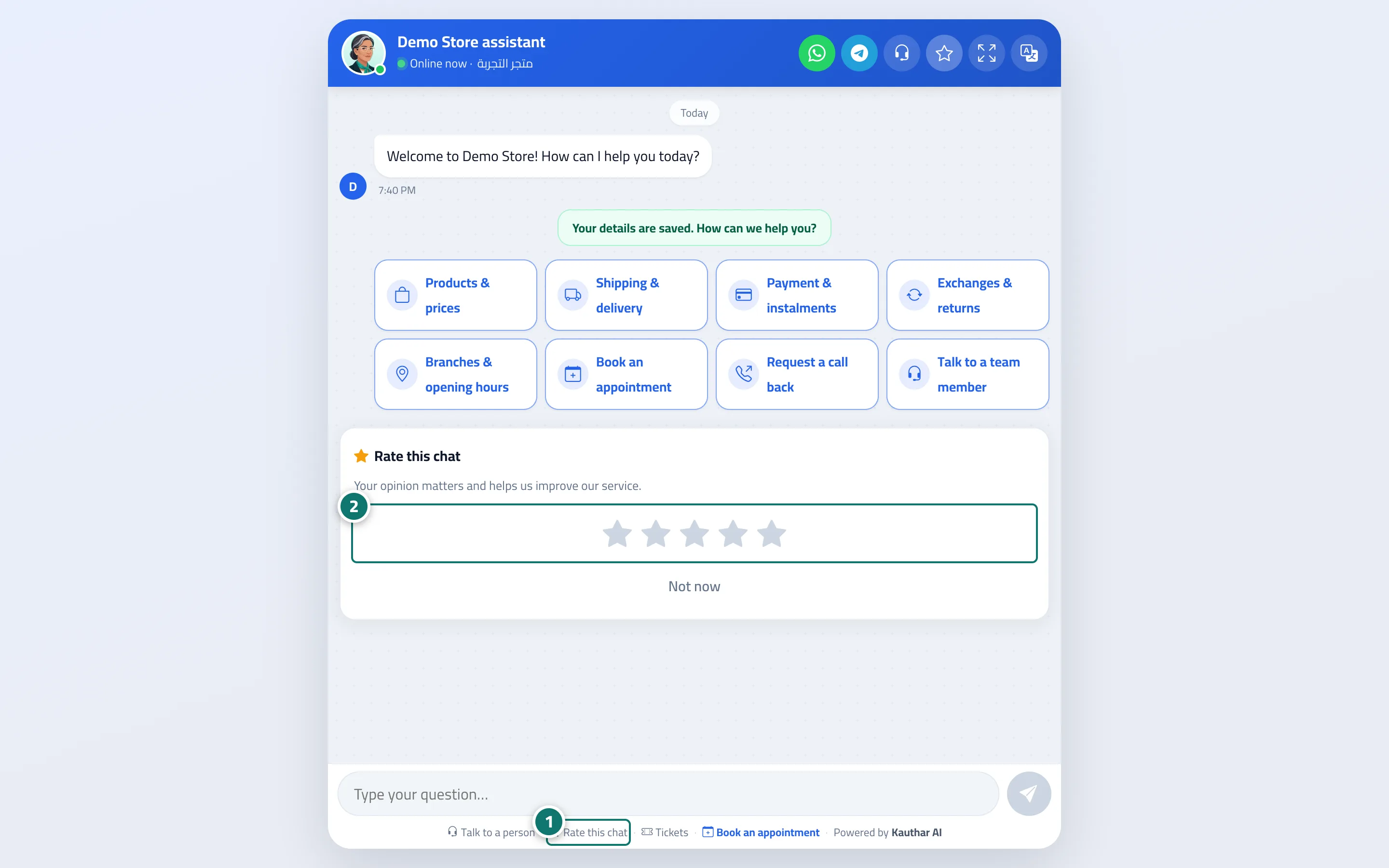
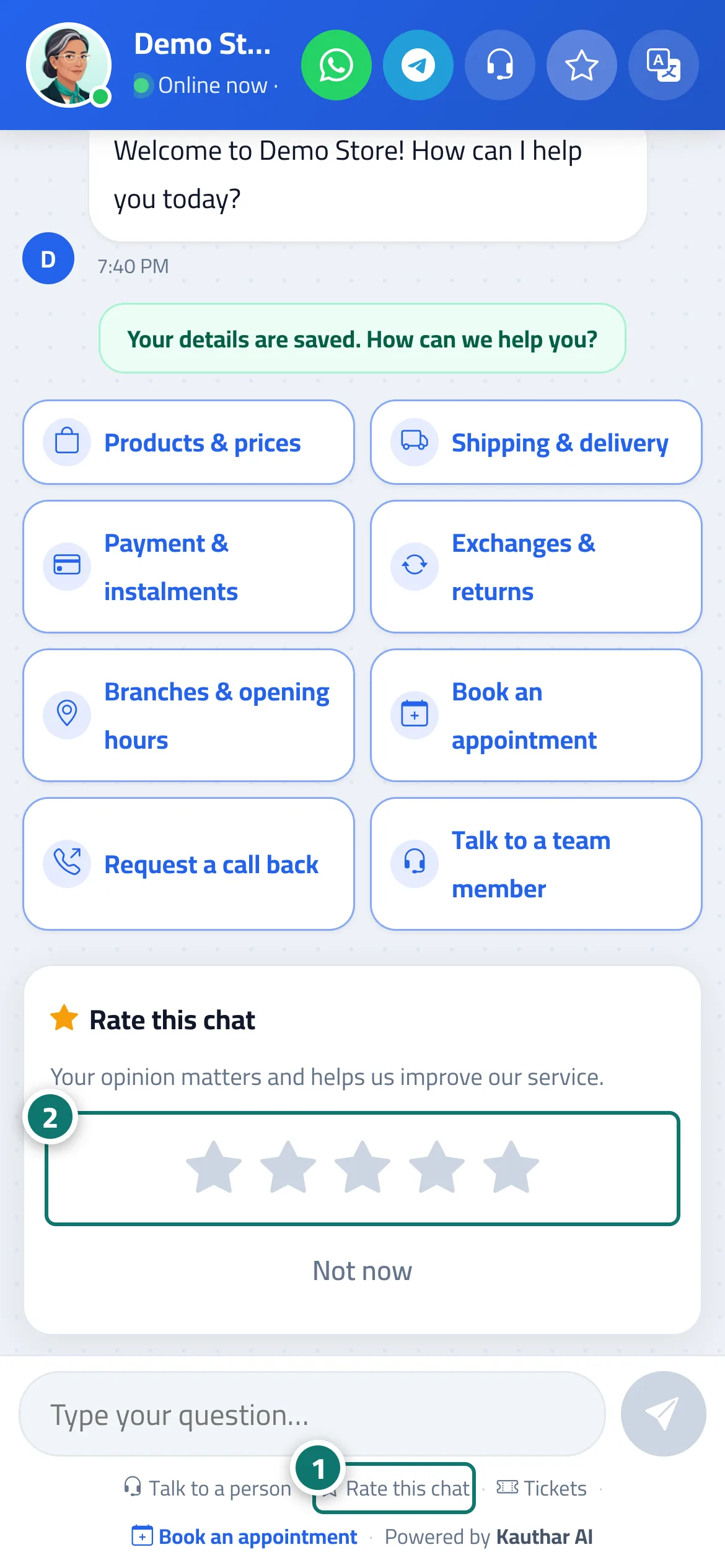
The Rate this chat button opens a card — Your opinion matters and helps us improve our service. — with five stars. The card also appears automatically once, after the customer's fourth question, if they haven't rated yet. Under every assistant reply there are Helpful answer and Not helpful buttons. Ratings appear in Conversations (the Visitor details panel → Rating), on the dashboard and in the chat reports (Avg. rating, Ratings breakdown and likes / dislikes).
- Who can use it
- Your business's customers / business owner
- Where to find it
- Chat page → Rate this chat · results in the sidebar → Channels & customers → Reports
Step by step#
- The customer taps Rate this chat (or the card appears automatically).
- They choose from 1 to 5 stars.
- They see Thanks for your rating!.
Tips#
Good to know#
Frequently asked questions#
Is rating mandatory for the customer?
No, it is optional, and the card has a Not now button.
Where do I see the rating results?
On the conversation page in Conversations, on the dashboard, and in Reports.