
Business profile
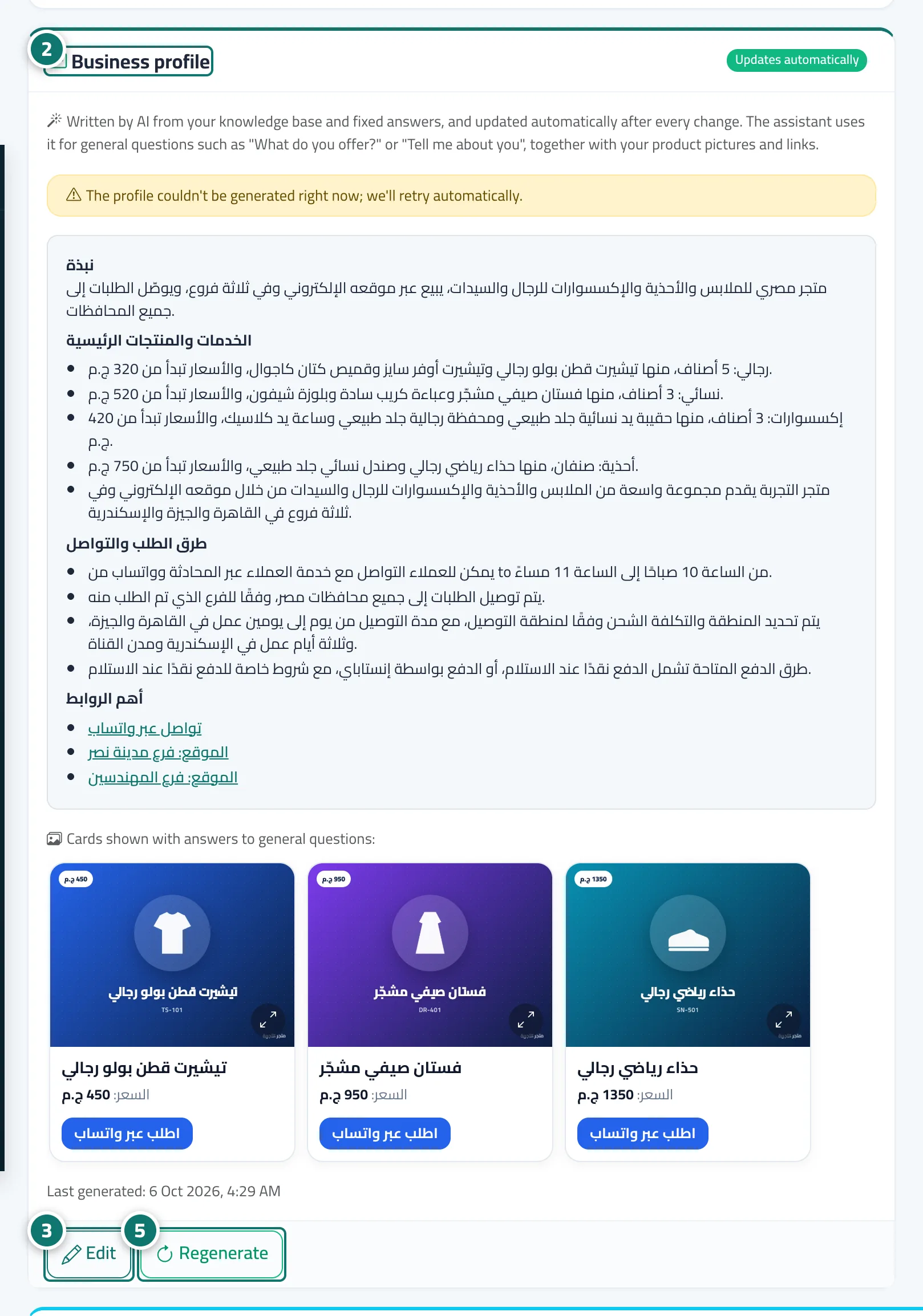
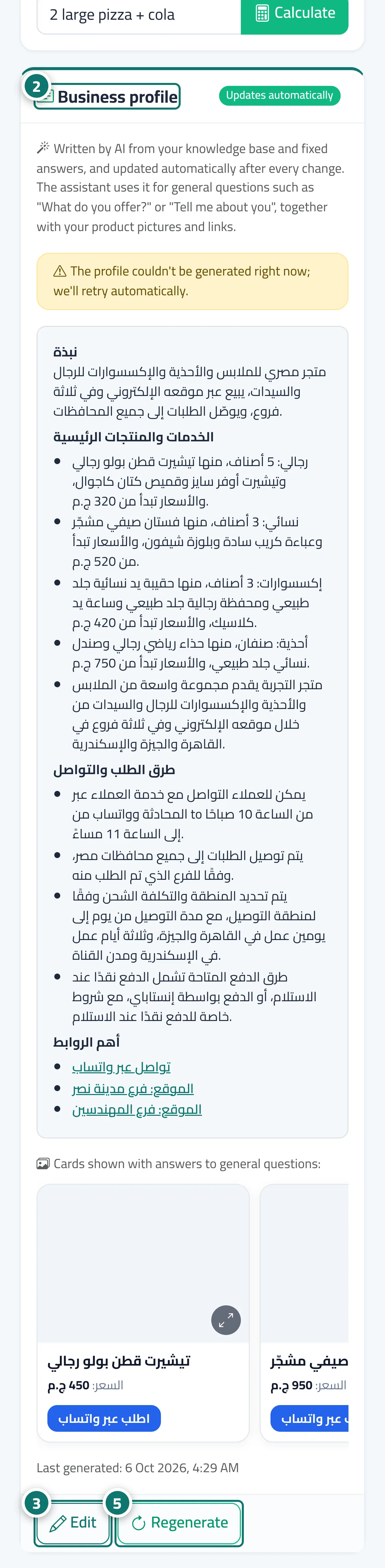
The built-in AI sums up your knowledge base in one business profile that updates itself, so the assistant answers general questions like «What do you offer?» with an engaging overview, your product photos and your links.
Overview#
The Business profile card in Assistant settings shows a summary the built-in AI writes from all your files and fixed answers: About, Main services and products (with starting prices if your files have them), Ordering and contact and Key links. The profile refreshes itself after every change to the knowledge base or fixed answers (Updates automatically). When a customer asks something general such as What do you sell? or Tell me about you, the assistant answers from this profile immediately with an overview, bullet points and the Cards shown with answers to general questions — your product photos with their buttons — and ends with a question that helps the customer choose. You can edit the text yourself (Edited manually); it is then never replaced automatically. Instead, when the knowledge base changes you see A suggested update is available so you can apply it or merge it with your edits in one click.
- Who can use it
- Business owner / manager (with the Assistant settings permission)
- Where to find it
- Sidebar → Account → Assistant settings → Business profile card
Step by step#
- Upload your files to Knowledge base or connect your store; the profile is created automatically within minutes.
- Open Assistant settings and review the Business profile card and the cards shown with it.
- Click Edit if you want to change the wording, then Save changes.
- When A suggested update is available appears, choose Apply update, Merge with my edits or Dismiss.
- Regenerate writes a fresh version from the latest data at any time, and Restore automatic version discards your manual edits.
Tips#
Good to know#
Frequently asked questions#
Does the assistant make up prices in the general answer?
No. Any sentence containing a number or link that isn't in your files is removed automatically, and the Key links section is built from your files' links only.
Will my edits be lost when I upload a new file?
No. Once you have edited it, the text is not replaced automatically; you get the alert A suggested update for your business profile is ready and decide for yourself.