
Products without a listed price: «Price on request»
A product with no price in your store (including WooCommerce products priced «0») never gets a price from the assistant; its card says «Price on request» and the customer is invited to contact you for the price.
Overview#
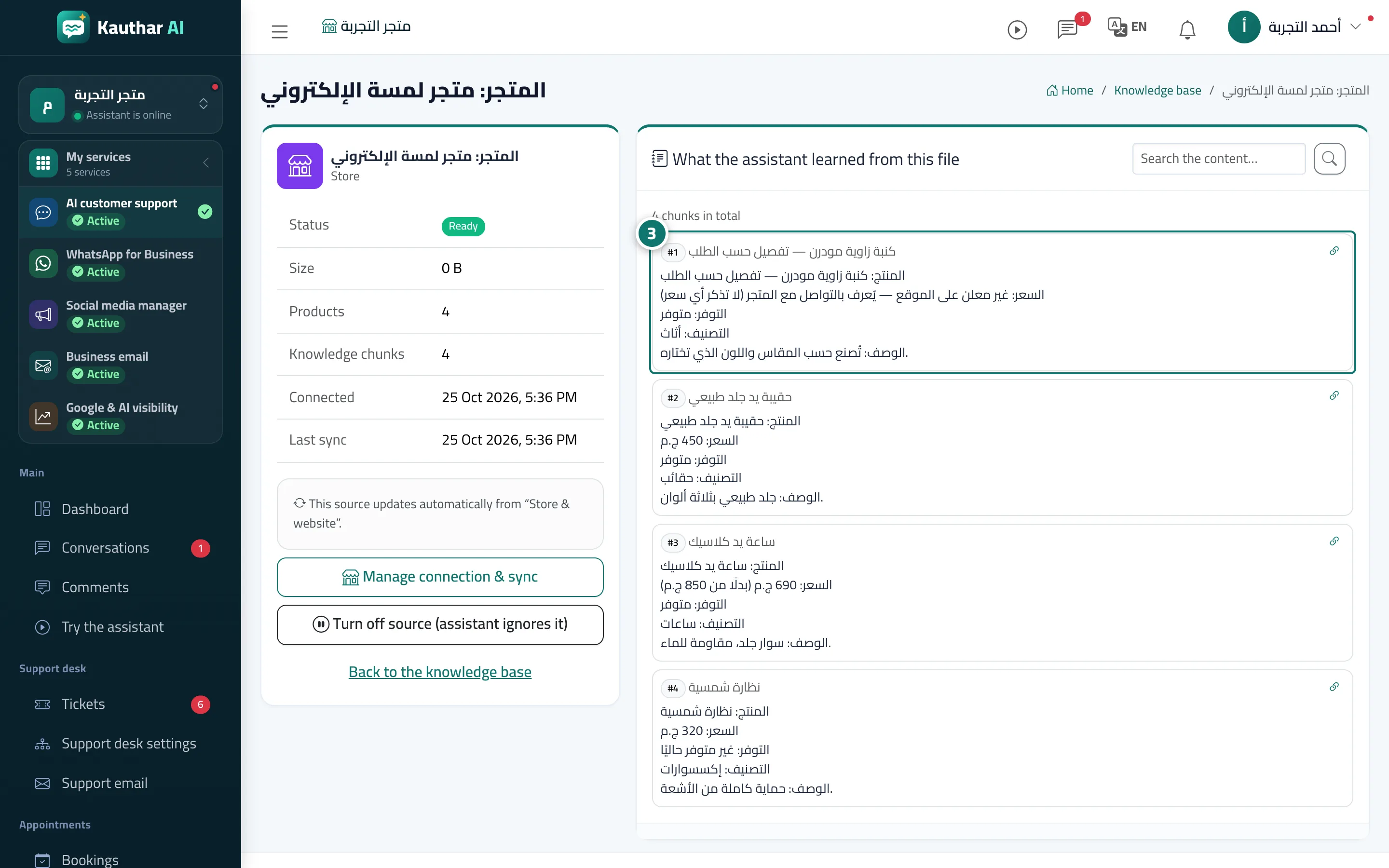
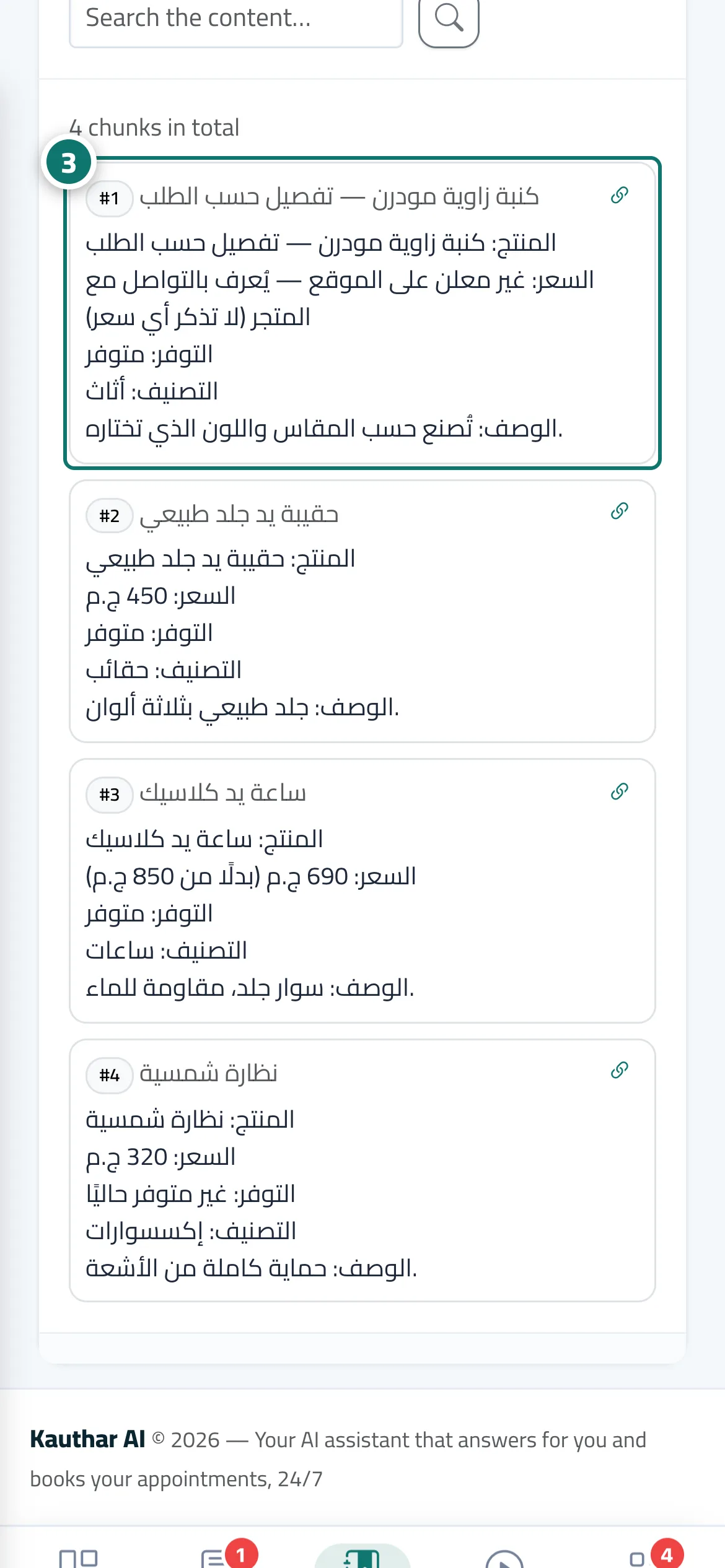
When your store is synced, every product without a price is saved in the knowledge base with the line «Price: not listed on the website — available on request from the store (do not state any price)» instead of a number. On WooCommerce a 0 price is always treated as not listed (many stores use it for ask for price items or spare parts), so the assistant never says the product is free or costs zero. The product card in the chat shows Price on request when the item is in stock, and the button linking to the product page stays. In budget questions (under…) such a product is never counted as cheap.
- Who can use it
- Business owner / admins
- Where to find it
- Sidebar → Train your assistant → Knowledge base → preview of the store file
Step by step#
- Connect your store from Connect your store; the products are synced and appear as one file in the Knowledge base.
- Open the Knowledge base and press Preview what the assistant learned next to the store file.
- Look for the product without a price: its price line says not listed on the website instead of a number.
- Ask about it in Try the assistant: the reply gives no price and invites the customer to get in touch, and its card shows Price on request.
Tips#
Good to know#
Frequently asked questions#
I really have a free product on WooCommerce — how do I make that clear?
Say so in the product description or add a Fixed answer about it, because a 0 price on WooCommerce is always treated as a price that is not listed.