
My services: all your services on one page
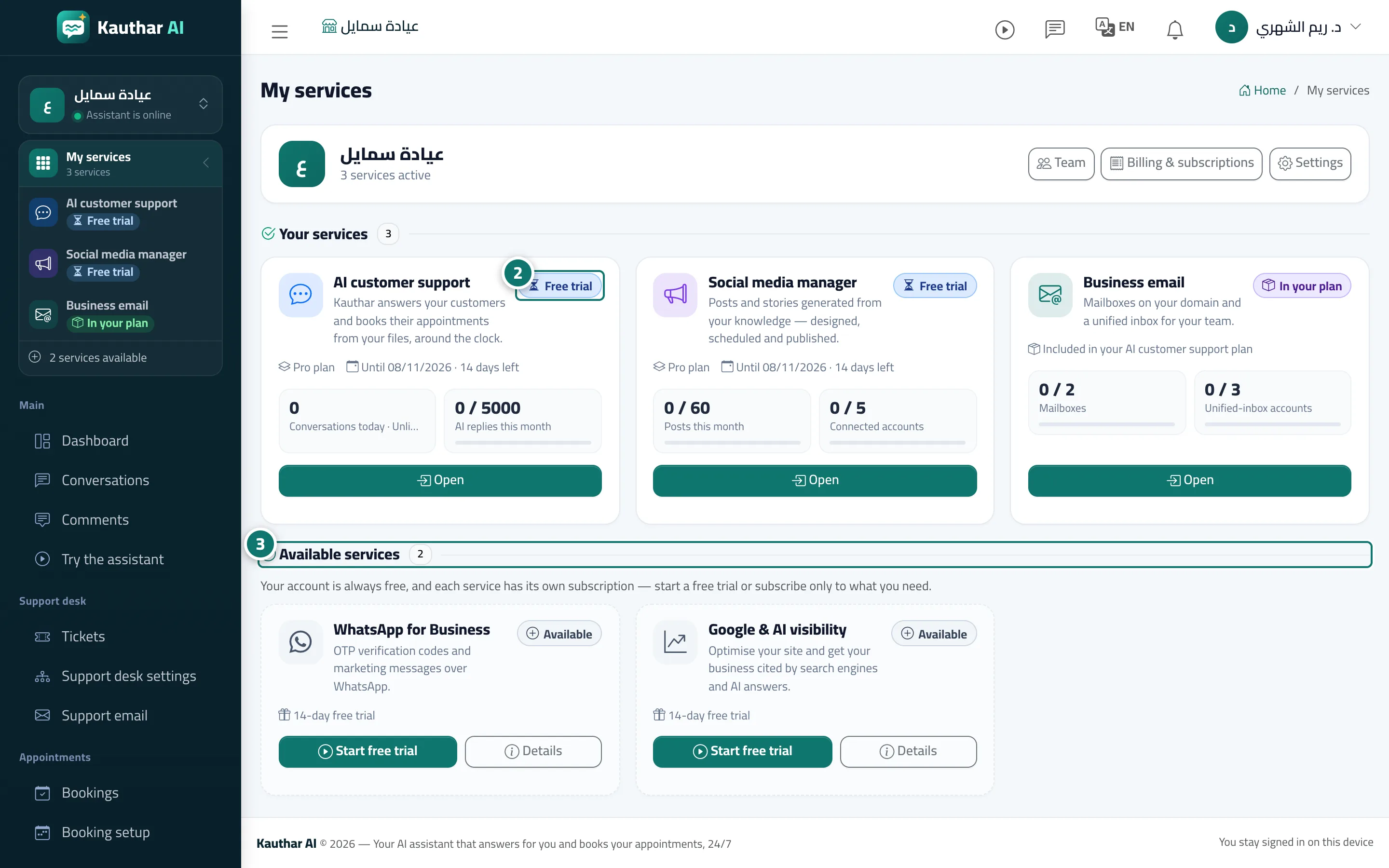
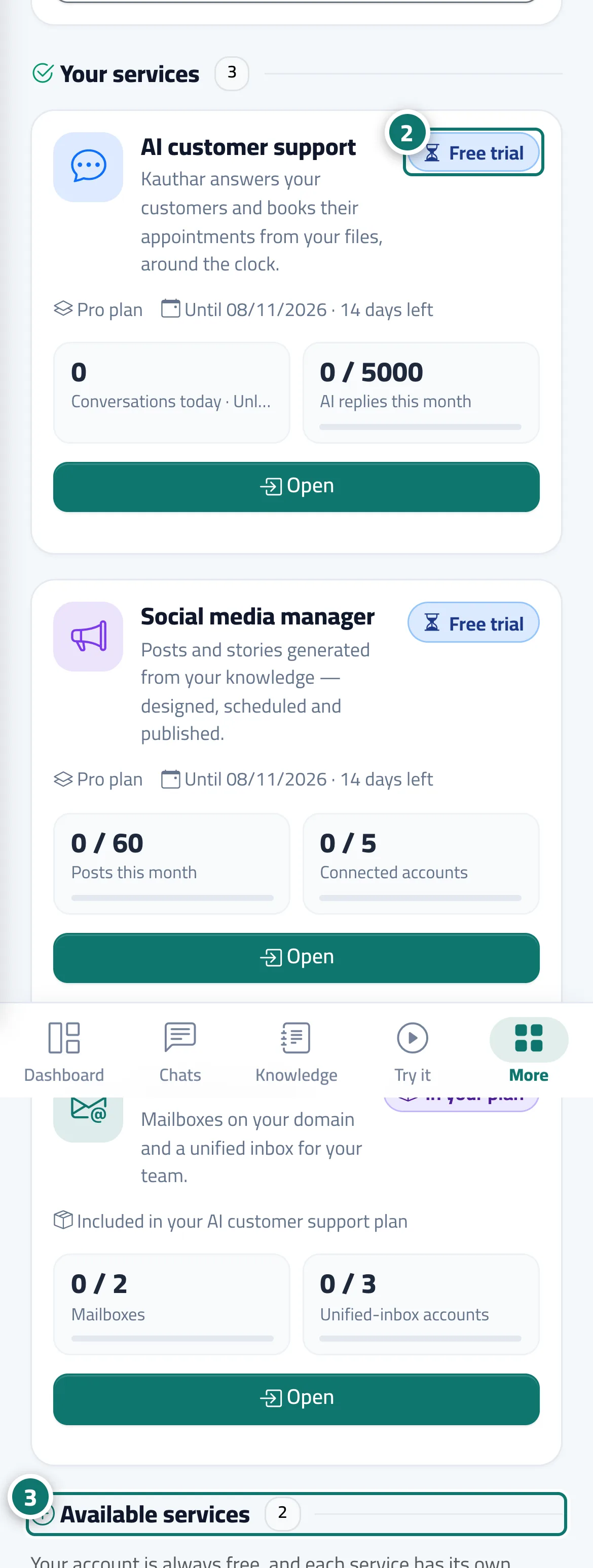
Your account's main page: a card for each active service with its status (free trial, active, ending soon, ended, in your plan) and usage numbers, and below it «Available services» to start a free trial or subscribe.
Overview#
The My services page lists Kauthar's services: AI customer support, WhatsApp Business, the social media manager, business email, and visibility on Google and AI answers. The first section, Your services, has a card for every service that is active or included in your plan, with a status badge (Free trial, Active, Ending soon, Ended, In your plan), the end date or days left, one or two usage numbers (such as AI replies this month against the limit, mailboxes used, or the Visibility score out of 100 for the visibility service — Not measured yet before the first check), and Open or Renew buttons depending on the status. The second section, Available services, lists the services you have not started yet, with the length of their free trial, a Start free trial button (or Subscribe when the service has no trial) and Details. Shortcuts to Team, Billing and Settings sit at the top. The account itself is free and never expires; an account with only one service (AI customer support alone, or WhatsApp Business alone) opens that service's dashboard directly and reaches My services from the service switcher.
- Who can use it
- Every team member (starting trials, subscribing and renewing are for the owner and admins only)
- Where to find it
- Sidebar → service switcher → My services, or your name menu → My services
Step by step#
- Open My services (it opens by itself after signing in when you have two or more services, or none yet).
- In Your services, read each service's status badge and end date, and press Open to go into it or Renew if it has ended.
- In Available services, press Start free trial (or Subscribe) on the service you want; it is turned on at once and its pages appear in the menu.
Tips#
Good to know#
Frequently asked questions#
Do I pay for each service separately?
Yes. The account is free and each service has its own subscription and plans; all invoices are together in Billing & subscriptions.
A service subscription ended — does my whole account stop?
No. Only that service's pages stop until you renew; the account and the other services keep working.