
Your customers' booking page
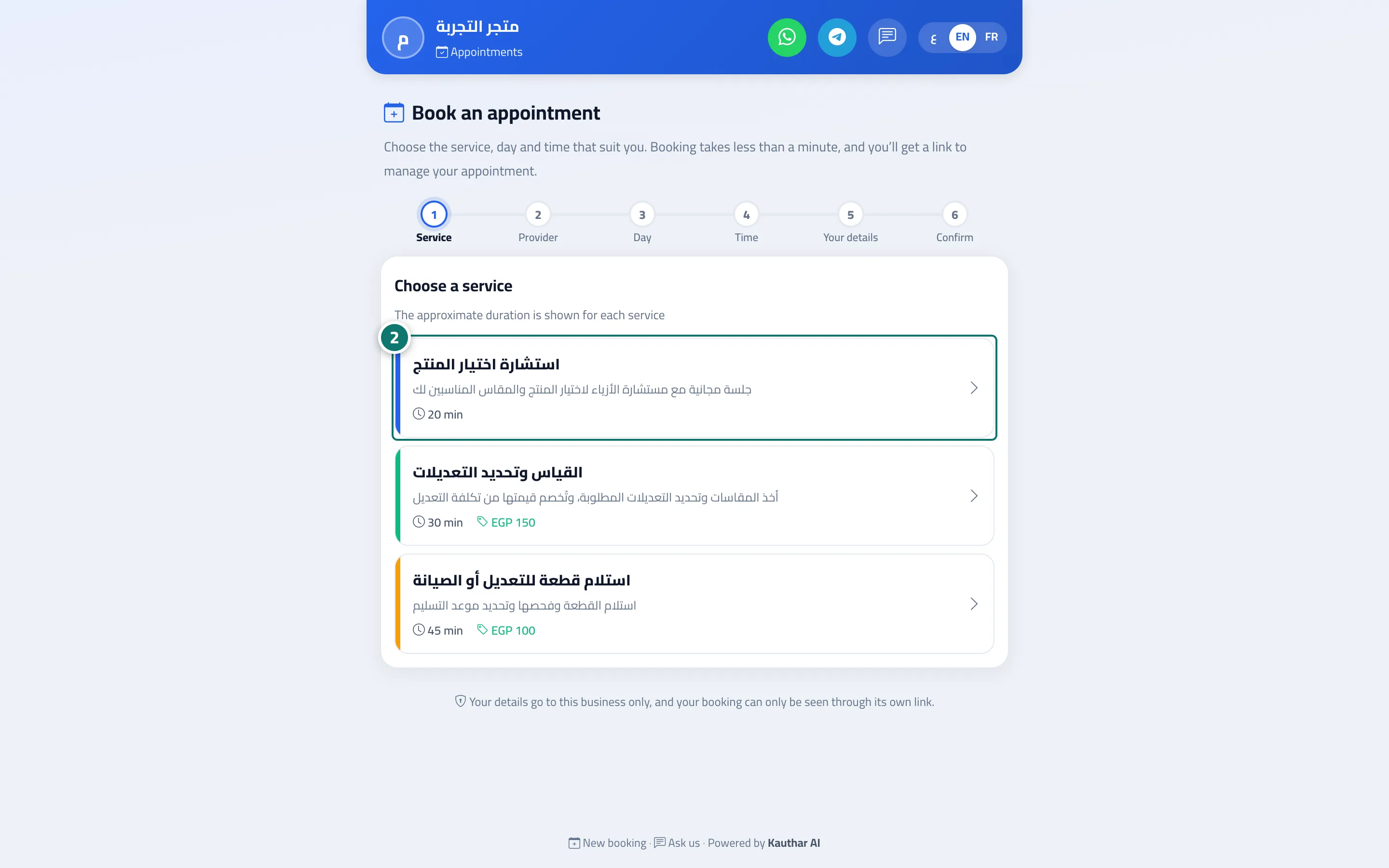
Customers book their own appointment in under a minute: service → provider → day → time → their details.
Overview#
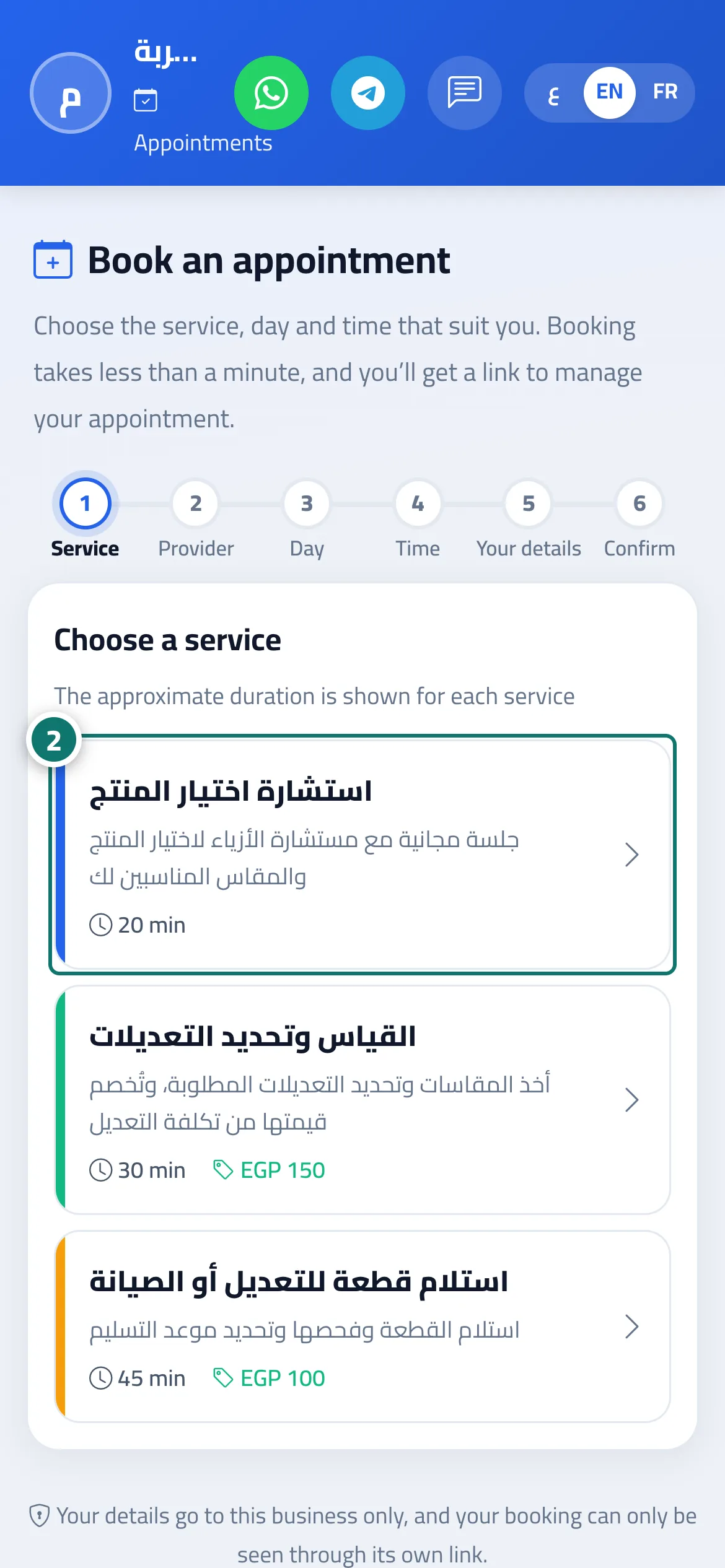
A Book an appointment page in your brand and the customer's language, with the booking steps in order: Choose a service (with its duration and price), then Choose a provider or Any available provider, then Choose a day (only days with free times, showing how many), then Choose a time split into Morning and Afternoon & evening, then Your details (Name and Phone number with a country picker, Email if required, and optional Notes), then Review booking and Confirm booking. After confirming, the customer sees Your booking is confirmed (or Booking request received if the booking awaits confirmation) with the booking number, date and time, plus Add to calendar, Send the link to WhatsApp and Manage booking. The page carries your brand — colour, name and logo (logo upload is available on the Business plan) — set under Settings & subscription → Brand tab.
- Who can use it
- Your business's customers
- Where to find it
- A public link ending in /b/<link-name> (you'll find it in Channels → the Booking page card) · set up from the sidebar → Appointments → Booking setup
Step by step#
- The customer opens the booking page link.
- They choose the service, the provider, the day and the time.
- They enter their details and tap Review booking, then Confirm booking.
- They save the link or tap Add to calendar.
Tips#
Good to know#
Frequently asked questions#
Does the customer need an account?
No. Their name and phone number are enough.
Is the booking confirmed right away?
Yes if Auto-confirm is on; otherwise it stays Awaiting confirmation until someone on your team confirms it.
Can two customers book the same time?
No. The system prevents overlapping bookings for the same provider.