The weekly report
Every week on the day you choose: your visibility and health scores and how they changed, Google performance, the problems fixed, visibility in each AI engine, the gaps and the next steps.
On this page
Overview#
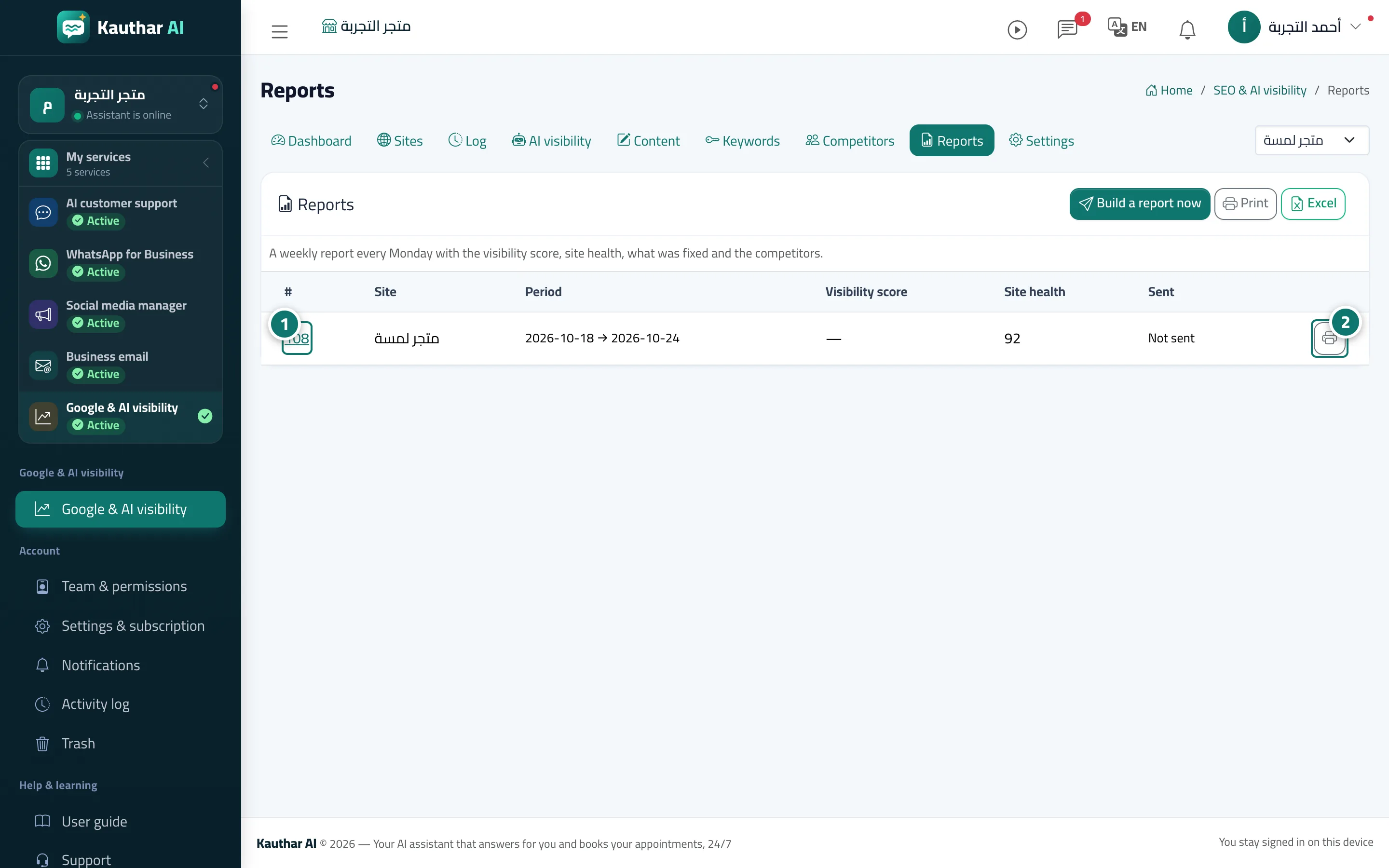
Each site gets a weekly report built on the day set in its settings at 8 a.m. in your business's time zone, covering the previous seven days. It contains: the visibility and health scores out of 100 with the change from last week; Google clicks and impressions for the last 28 days compared with the period before, with the top keywords; the problems fixed and still open; the changes applied; the mention and citation rates in each AI engine with competitors and gaps; the content published and drafts waiting; visits coming from AI tools; and suggested Next steps. You get a notification with a link to the report, and you can print it on A4, download it as Excel or send it again.
- Who can use it
- Business owner / manager
- Where to find it
- Sidebar → Google & AI visibility → Reports
Step by step#
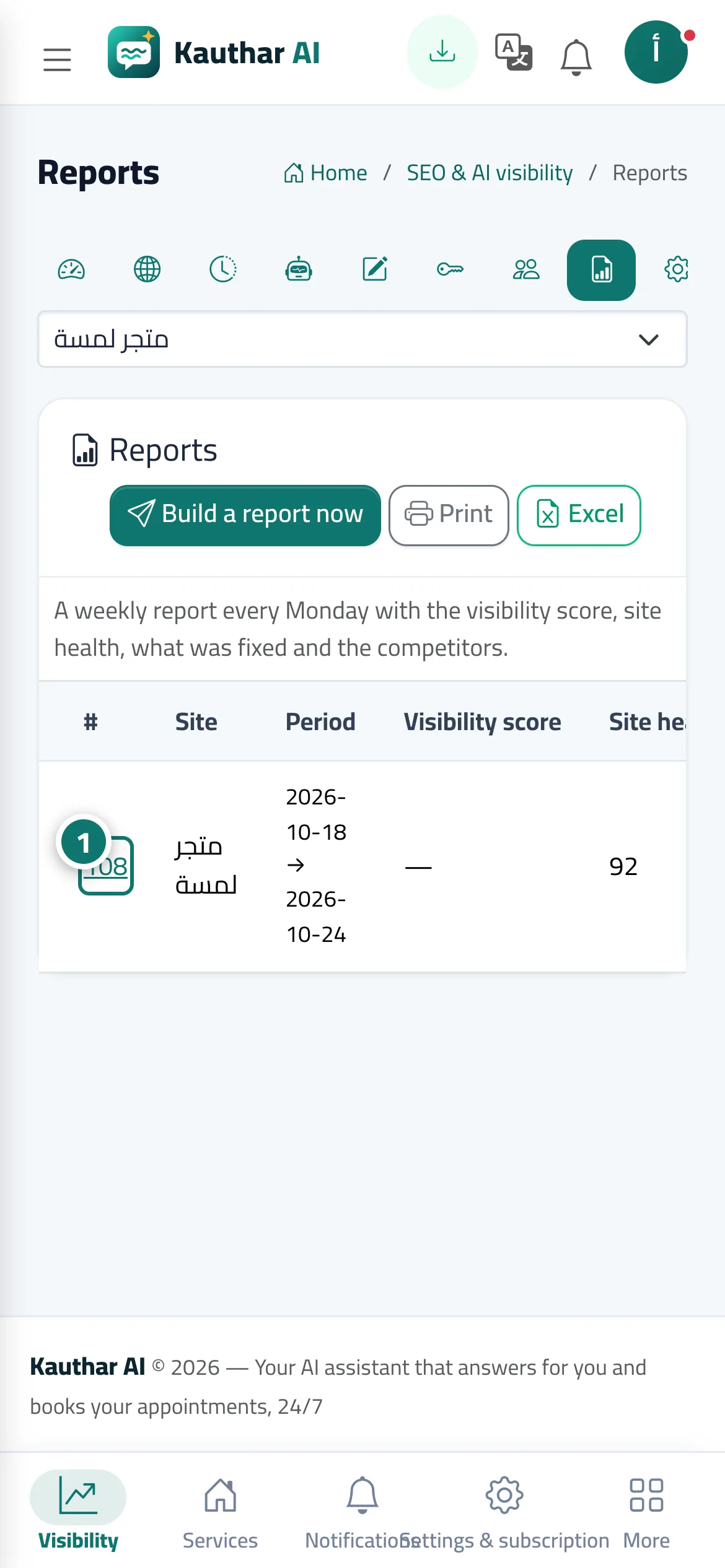
- Open Reports and choose the week by its report number (or click Build a report now).
- Review the results and the next steps; each step opens the relevant screen directly, and the printer button opens an A4 version.
- To change the report day, open Settings and change the Report day.