
Automatic ticket classification and summaries
The AI assistant reads every new ticket: a summary, a category, the customer's mood, and a suggested priority and department.
Overview#
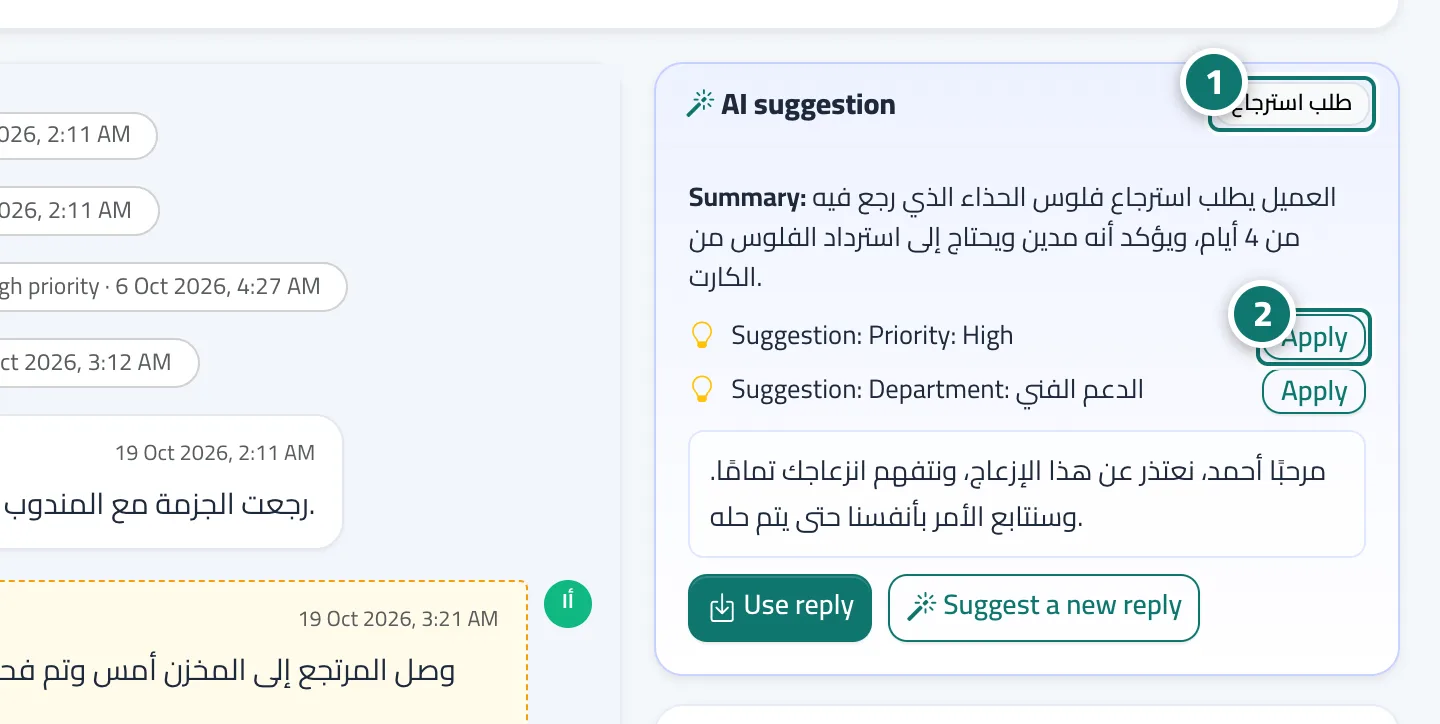
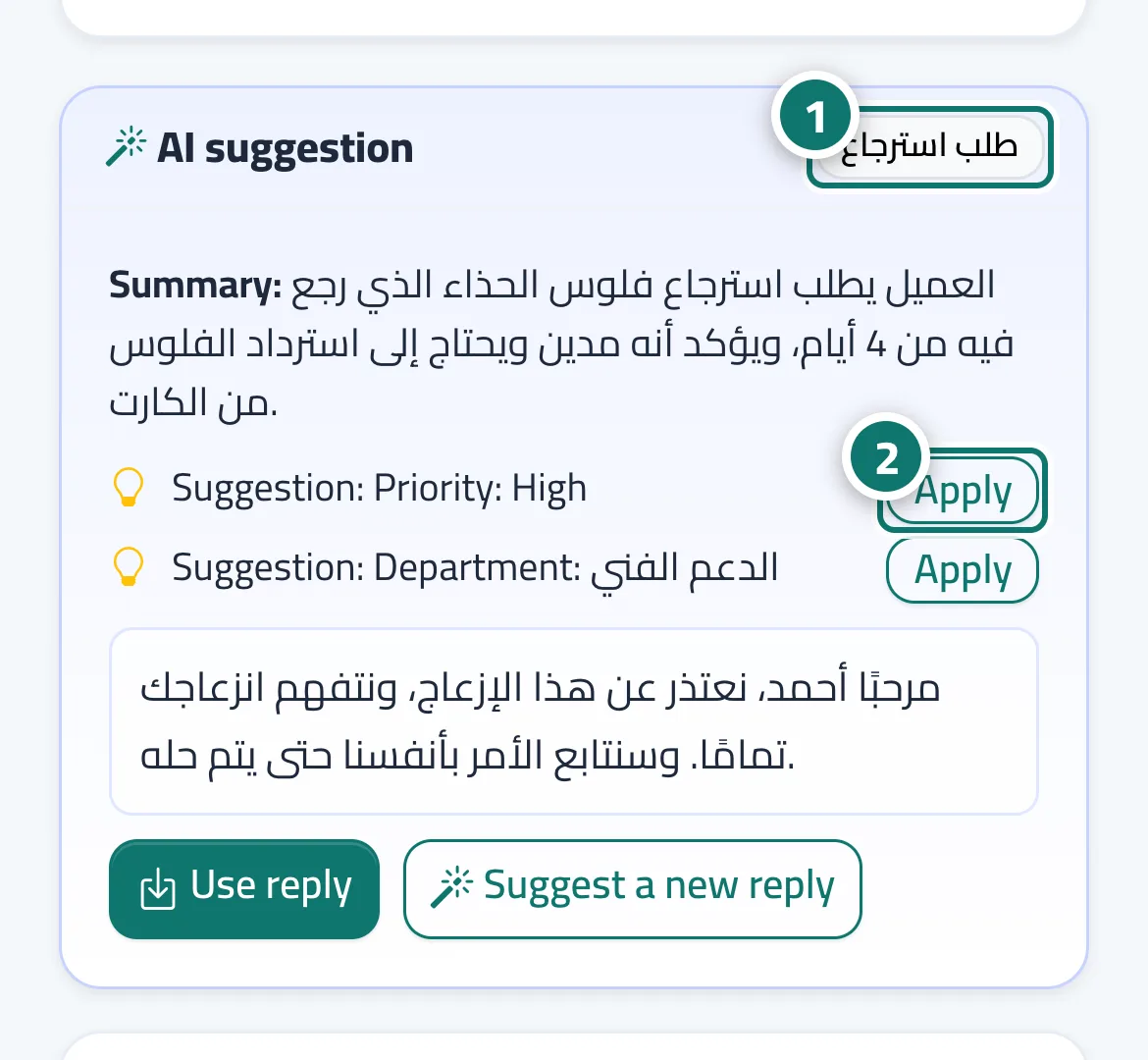
As soon as a new ticket arrives, the AI assistant reads it and writes: a short summary (Summary:), a category shown as a badge in the AI suggestion card, the customer's mood (satisfied / neutral / upset / angry) next to the ticket badges, and a suggested priority and department. If the ticket has no tags, it adds up to 3 short tags about its topic. Suggestions appear as Suggestion: Priority: … or Suggestion: Department: … with an Apply button. The assistant changes nothing on the ticket by itself unless you turn on AI-set priority.
- Who can use it
- Business owner / manager / agent
- Where to find it
- Sidebar → Support desk → Tickets → (the ticket)
Step by step#
- Open any new ticket and check the Summary and the customer's mood next to the badges.
- If Suggestion: Priority: High or Suggestion: Department: … appears, press Apply.
- To apply the suggested priority automatically: Support desk settings → Routing & ratings → turn on AI-set priority → Save settings.
Tips#
Good to know#
Frequently asked questions#
Can the AI assistant close a ticket or change its status?
No, it only suggests. The only automatic change allowed is raising the priority, and only if you turn that option on yourself.
How is the customer's mood determined?
The AI assistant reads the customer's messages and places them on four levels: satisfied, neutral, upset, angry. It is an automatic estimate and can be wrong.
Why has The AI assistant is analysing the ticket… been showing for a while?
Usually because the assistant is busy answering live chat customers and tickets are waiting their turn. You can press Suggest a new reply to request a suggestion right away.