Campaign reports
The performance of all your campaigns over a period you choose: messages per day, delivery and read rates, and the campaigns table, with A4 print and Excel export.
Sur cette page
Vue d’ensemble#
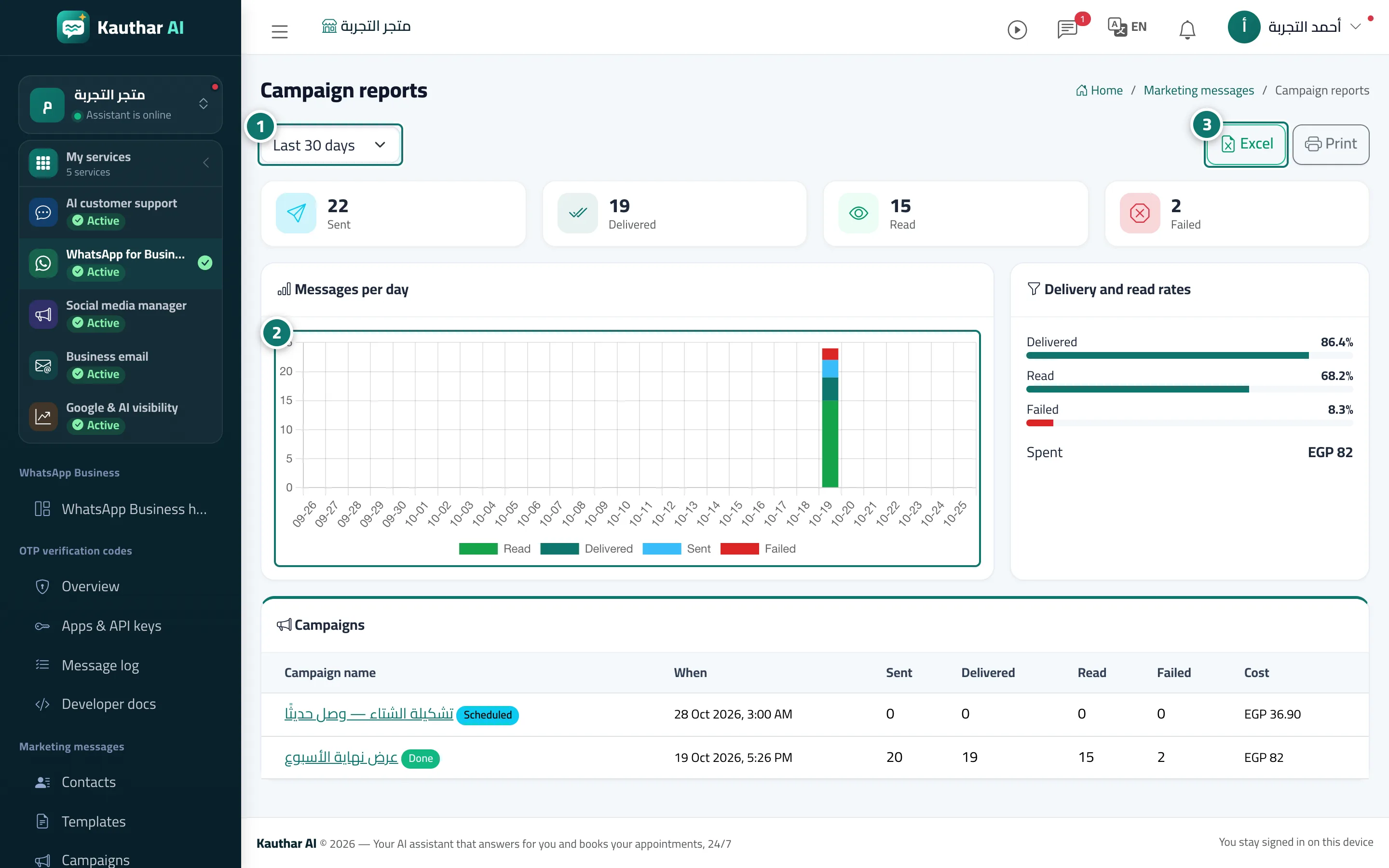
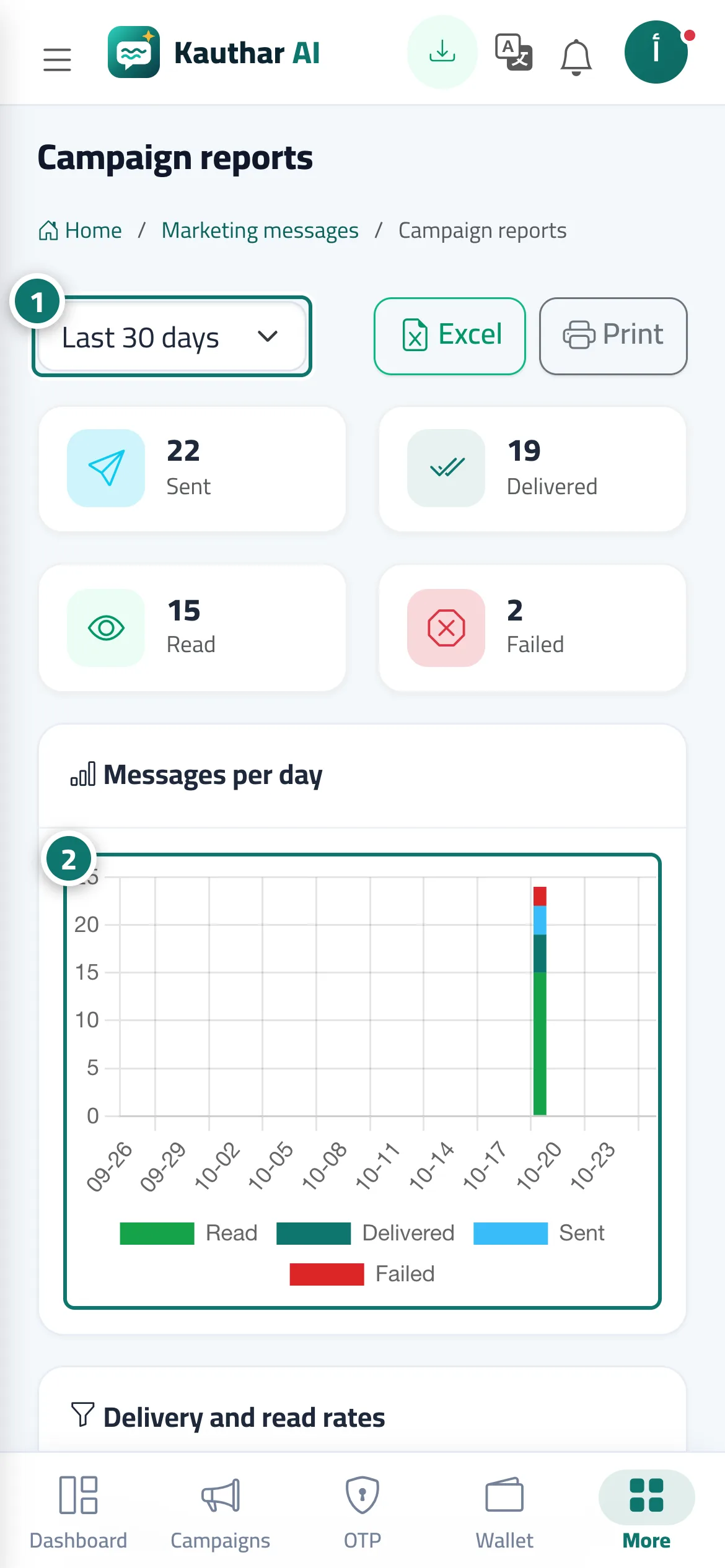
The Campaign reports screen: a period picker (last 7, 30, 90 or 365 days), the Messages per day chart, the Delivery and read rates card, the table of campaigns in the period, plus Excel and Print.
- Pour qui ?
- Business owner / manager / staff member with marketing permission
- Où le trouver ?
- Sidebar → WhatsApp Business → Marketing messages → Campaign reports
Pas à pas#
- Choose the period.
- Review the Messages per day chart.
- Review Delivery and read rates and the campaigns table.
- Click Excel or Print.