
Import answers from Excel
Already have a questions-and-answers file? Import it in one go instead of adding answers one by one.
Vue d’ensemble#
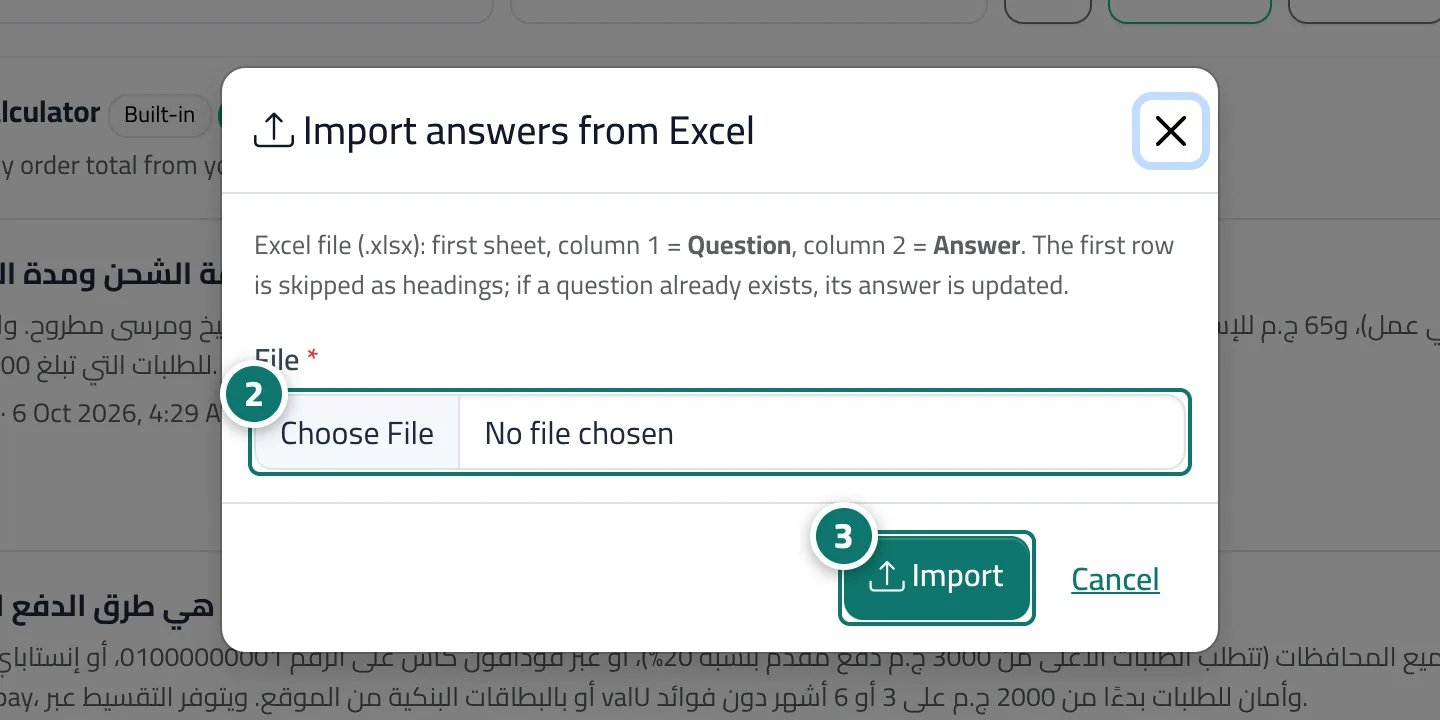
The Import from Excel button on the Fixed answers page takes an .xlsx file: the first sheet is read, the first column is the question and the second the answer, and the first row is skipped as headings. If a question already exists, its answer is updated instead of duplicated. After the import a message shows how many answers were added, how many updated and how many rows were skipped. The page's Excel button exports all answers in the same layout.
- Pour qui ?
- Business owner / manager
- Où le trouver ?
- Sidebar → Train your assistant → Fixed answers → Import from Excel
Pas à pas#
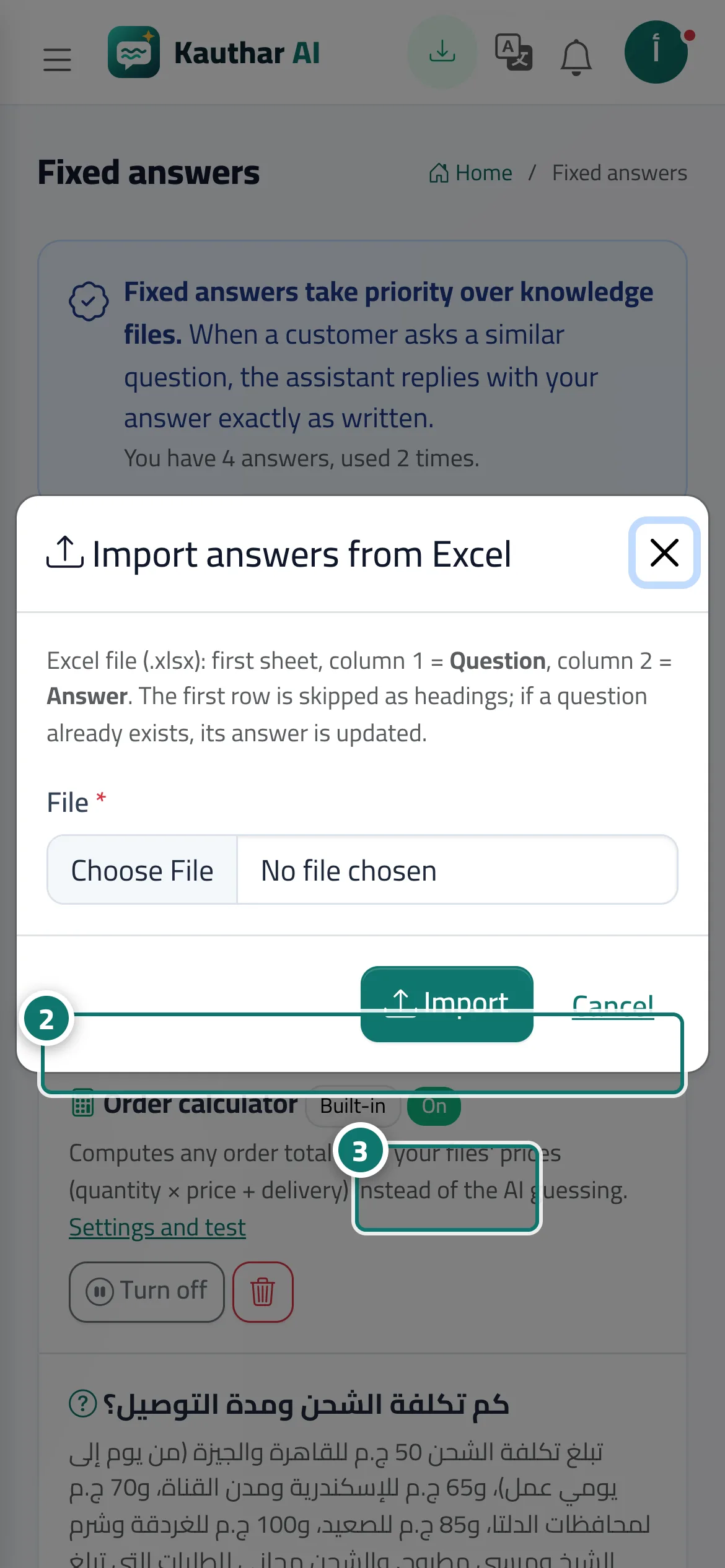
- Click Import from Excel.
- Choose the File (Excel .xlsx: first column the question, second the answer).
- Click Import, then check the result message.
Astuces#
Bon à savoir#
Questions fréquentes#
If I import the same file twice, will the answers be duplicated?
No — an existing question has its answer updated instead of being duplicated.
I got No answers were added — what do I do?
Check that, on the first sheet, the first column is the question and the second the answer, that the first row holds the headings, and that the cells aren't empty.