
Connect your restaurant on Foodics: menu, branches and orders
Connect your restaurant's Foodics account and Kauthar answers your customers from your real menu, branches and opening hours, takes their orders in the chat and sends them straight to Foodics, then keeps them updated on the order status.
Vue d’ensemble#
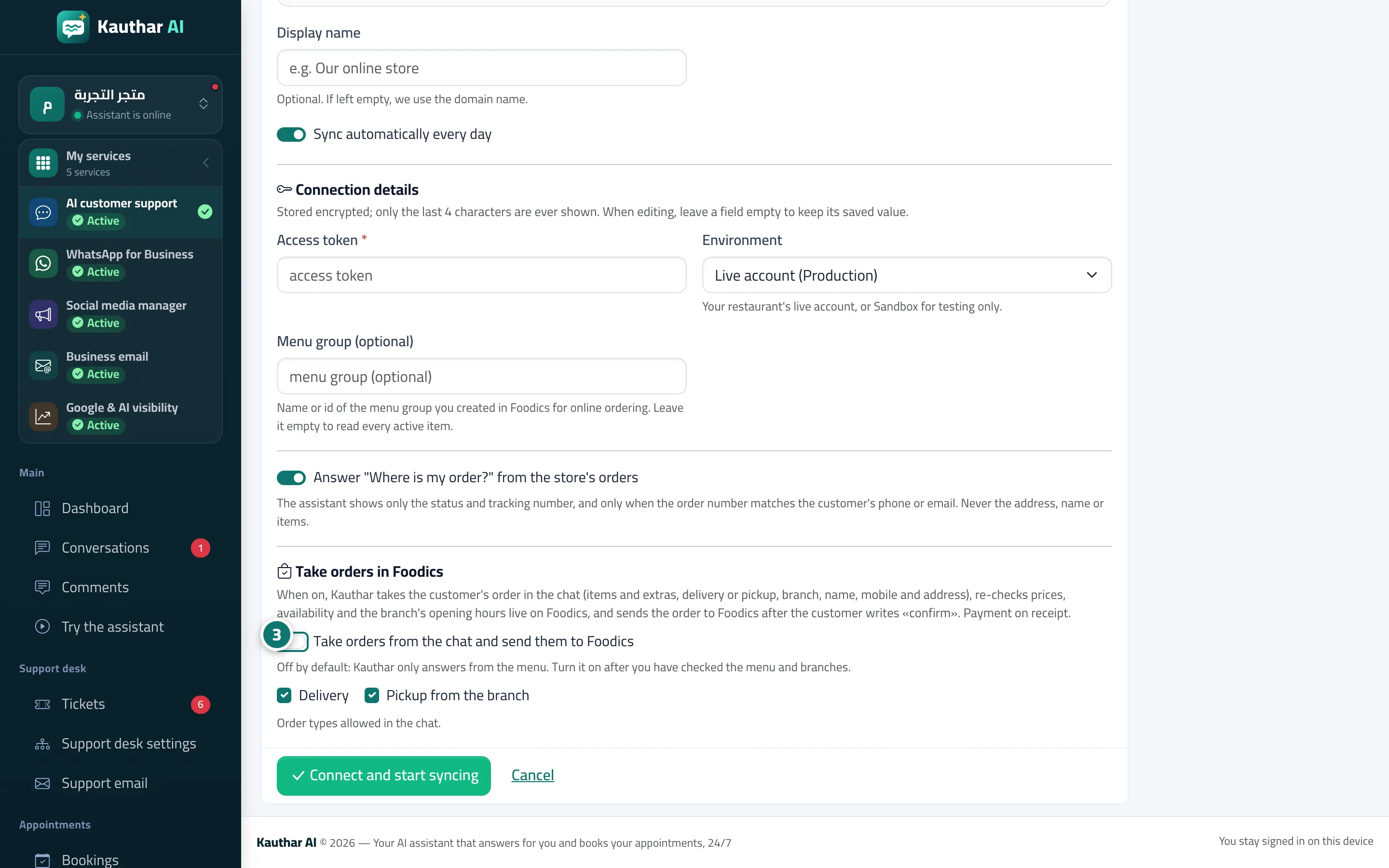
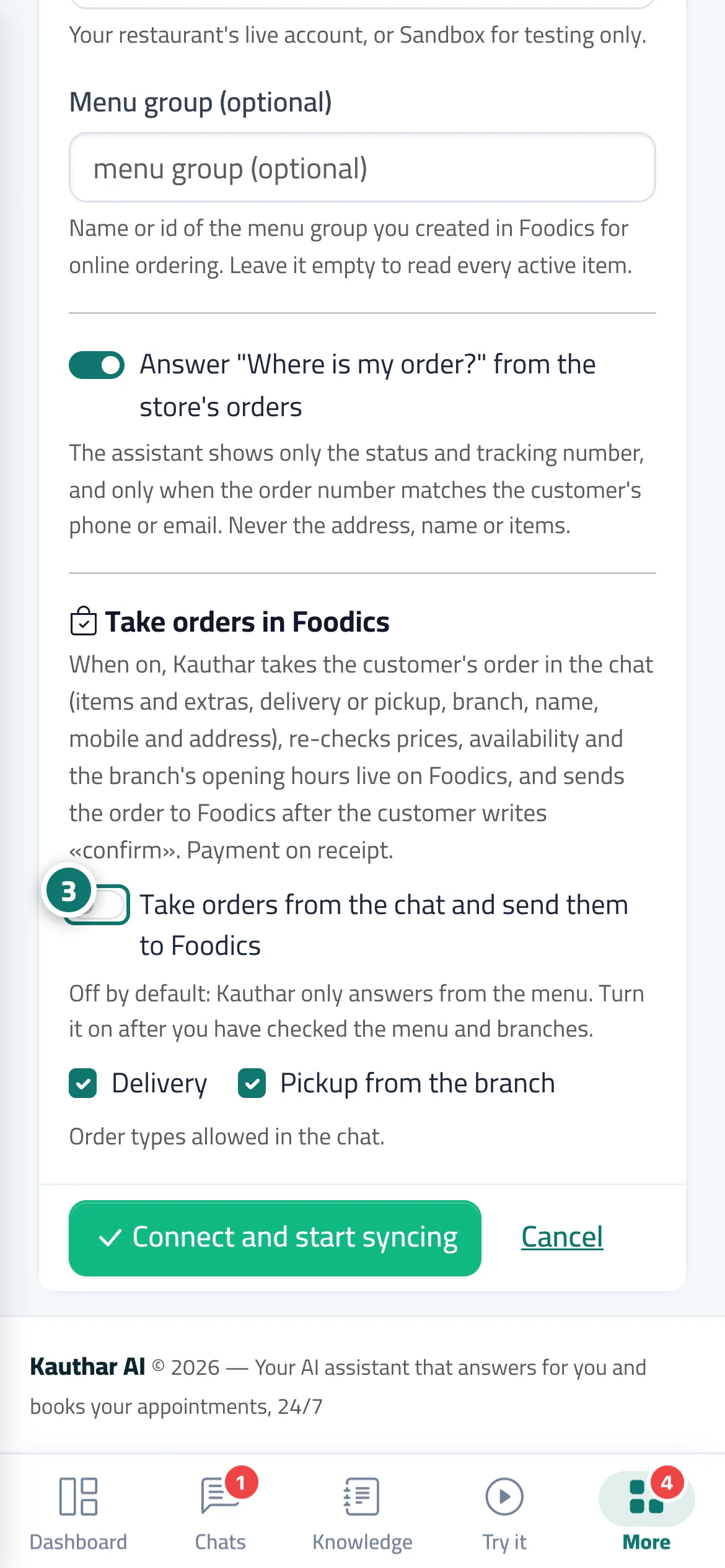
In Connect your store, choose Foodics. Once connected, Kauthar reads from Foodics: the items with their prices (including a different price per branch), modifiers and sizes with their prices, calories, the availability of each item in each branch, and the branches with their addresses, phone numbers, opening hours and delivery zones. The assistant can then answer What do you have?, How much is the burger?, Where's your nearest branch? and What are your hours? from your restaurant's real data only. When Take orders in Foodics is on, Kauthar takes the order in the chat (website chat, WhatsApp, Messenger and Instagram): the items and quantities, required modifiers such as size, delivery or pickup, the branch, and the name, mobile number and address. It then shows Review your order with the current Foodics prices and sends nothing until the customer types confirm. The order reaches Foodics with a number shown on the receipt, the customer gets an update in the chat when the order is accepted, being prepared, out for delivery or ready for pickup, and can ask Where is my order? at any time after their mobile number is verified.
- Pour qui ?
- Business owner / manager
- Où le trouver ?
- Sidebar → Train your assistant → Connect your store → Foodics
Pas à pas#
- Open Connect your store and click Foodics.
- Click Connect in one click, sign in with the restaurant owner's Foodics account and approve (or paste an access token if you have one).
- Once Connected appears, test the assistant, then open Edit, turn on Take orders from the chat and send them to Foodics and choose delivery and/or pickup.
Astuces#
Bon à savoir#
Questions fréquentes#
Does Kauthar make up prices or items?
No. Every price and item comes from your own Foodics menu, and before sending, Kauthar re-checks prices, availability and branch hours with Foodics in real time; if anything has changed, she shows the customer the updated summary first.
What if I remove the Kauthar app from Foodics?
Syncing and order taking stop and the card shows Disconnected, with a notification. Reinstalling reconnects the same card and starts syncing straight away.