
Checking that you're a real person
The sign-in and sign-up pages are protected from bots by an automatic check that runs in the background in a moment, usually without pictures or puzzles.
Vue d’ensemble#
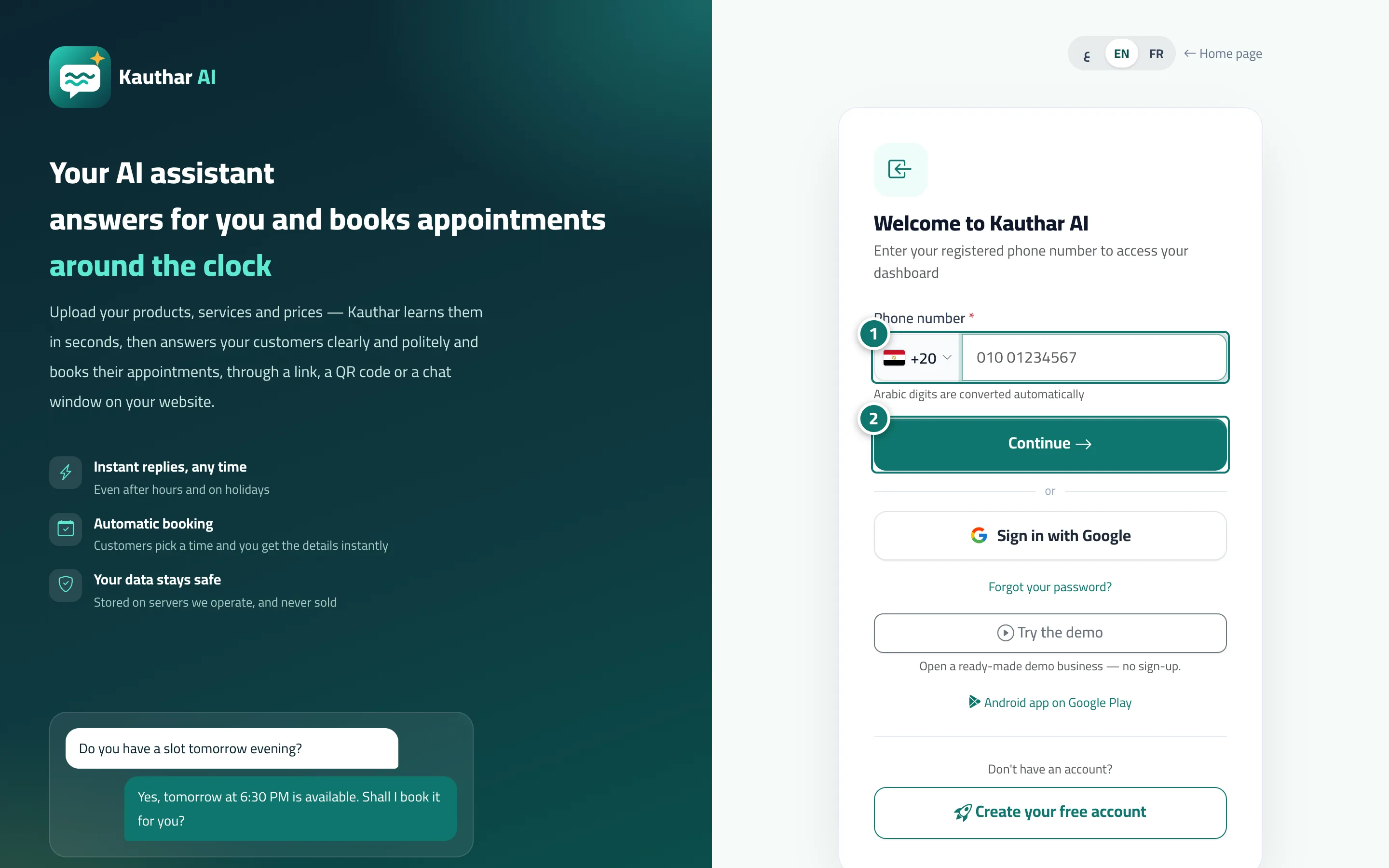
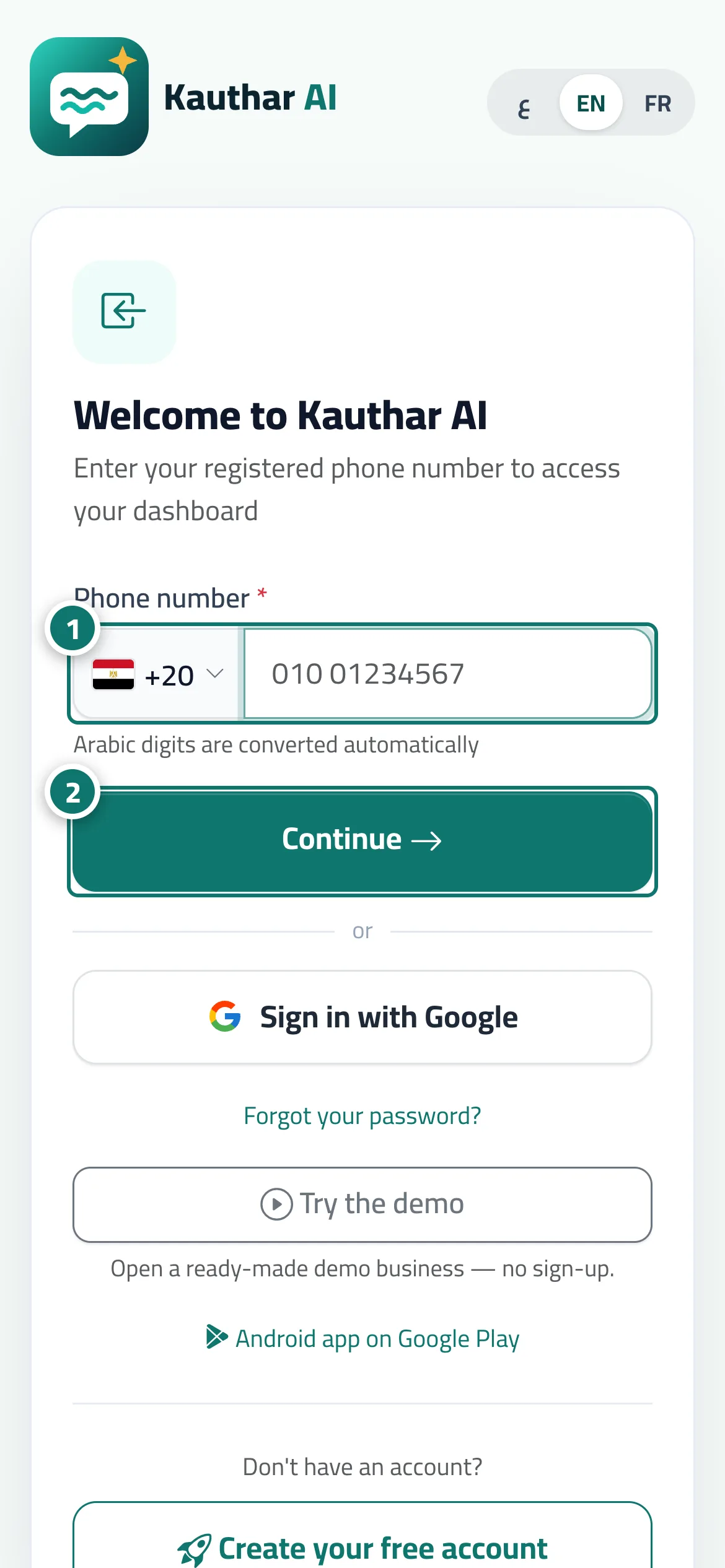
To protect your account, Kauthar only accepts sign-in, sign-up and password resets from a real person using a normal browser. When you tap Continue or Sign in, an automatic check runs in the background, and you may briefly see One moment, checking you're a real person… before the request continues on its own. In rare cases a check box may ask you to tap it. After several wrong passwords for the same number, sign-in is locked for a few minutes, with a message showing how long. The website and your customer pages (chat, booking and tickets) are not affected by this check.
- Pour qui ?
- Anyone signing in or creating an account
- Où le trouver ?
- The sign-in, sign-up and Forgot your password? pages
Pas à pas#
- Choose your country and type your phone number as usual.
- Tap Continue; if One moment, checking you're a real person… appears, wait a second without tapping again, and the request continues automatically.
Astuces#
Bon à savoir#
Questions fréquentes#
Does this check collect personal data about me?
It doesn't ask you for any data; it only checks that the request comes from a browser used by a person, then keeps the result on your device for a few hours so it doesn't repeat.