
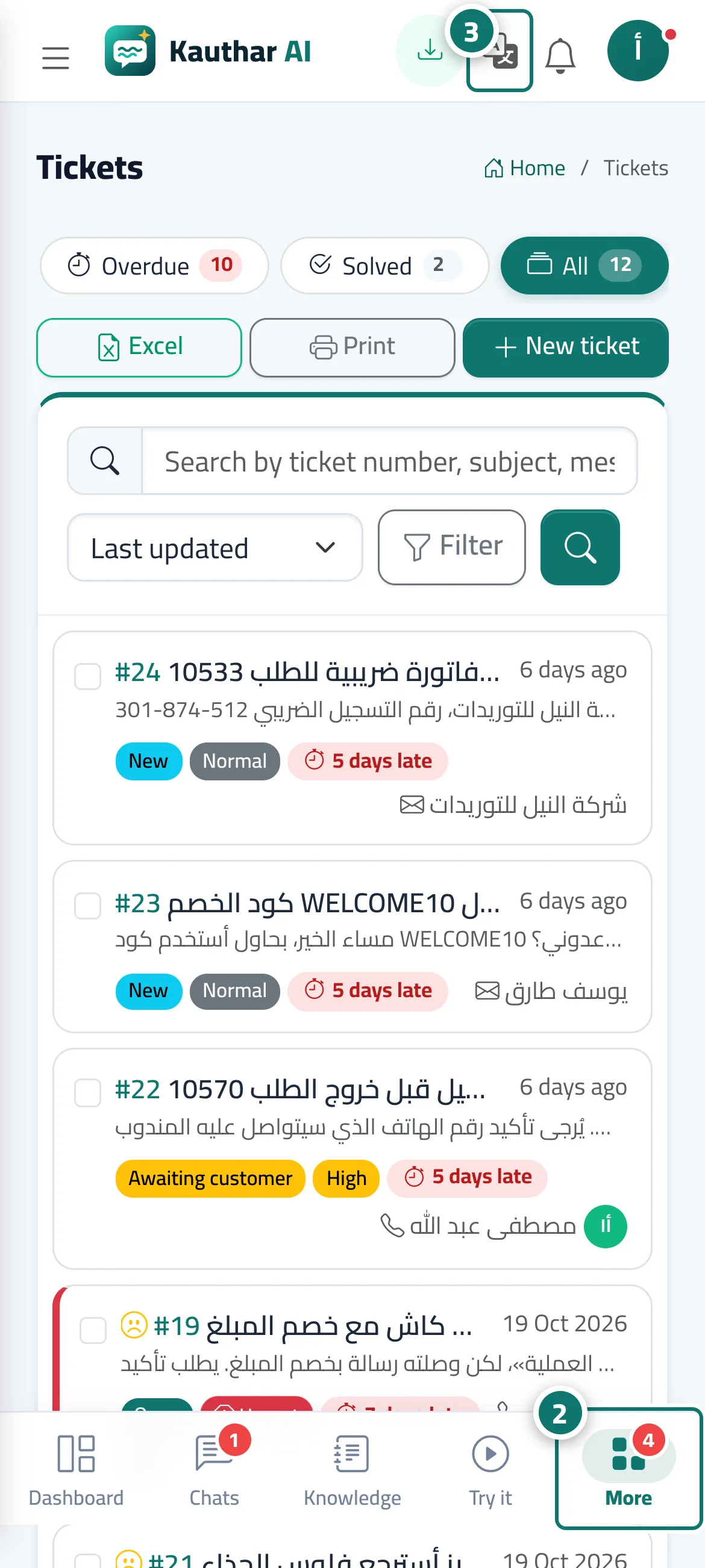
Phone interface with a bottom bar, in three languages
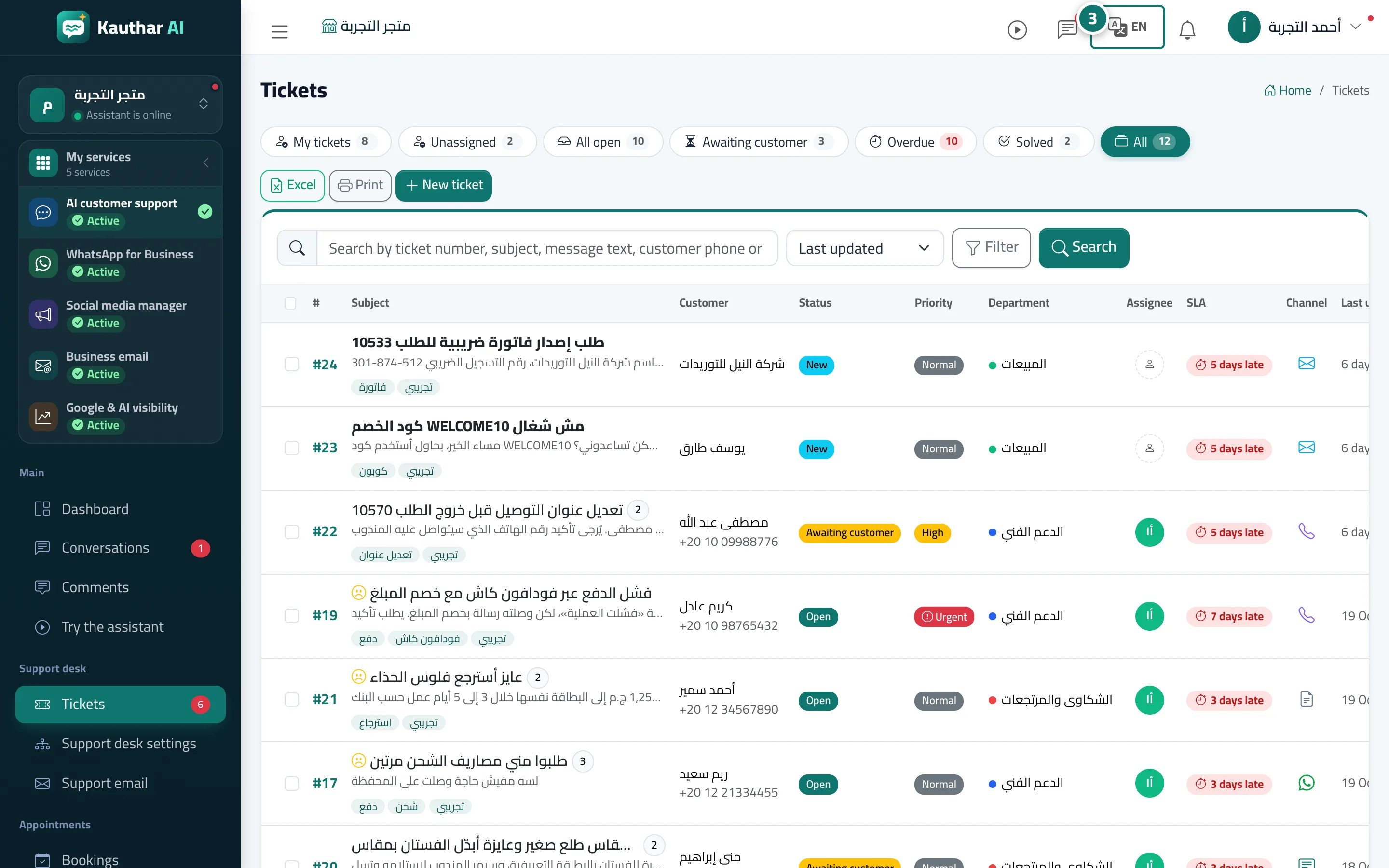
Every screen is designed for the phone first: a bottom bar for quick navigation and easy-to-tap cards instead of tables, in Arabic, English or French.
Vue d’ensemble#
On phones and tablets a bottom navigation bar shows five items (Dashboard · Chats · Knowledge · Try it · More), with a counter for new conversations and a counter for unanswered questions on More. More opens the sidebar with the rest of the screens, and at its top is the business name, which opens My accounts. Large lists such as tickets turn into easy-to-tap cards, and save buttons on long forms stay within reach. The whole interface is available in Arabic (right to left), English and French (left to right) in the Cairo font, and each team member switches their own language from the language button in the top bar. If you turn on Use my brand colour in the dashboard in Brand, active items and main buttons take your business colour.
- Pour qui ?
- Business owner / manager / staff member
- Où le trouver ?
- Any dashboard screen on a phone
Pas à pas#
- Open the dashboard on your phone.
- Use the bottom bar to move around, and More for the other screens.
- To change the language, tap the language button in the top bar and choose العربية, English or Français.
Astuces#
Bon à savoir#
Questions fréquentes#
Can I work from my phone only?
Yes. Every screen works on the phone: replying to conversations and tickets, bookings, uploading files and reports.
I changed the language — does it change for the rest of the team?
No. The language is set per team member and saved to their account, and alerts reach each member in their own language.