
Test the assistant before your customers do
Ask the AI assistant the way your customers would, and check its replies and their sources before you publish the link.
Vue d’ensemble#
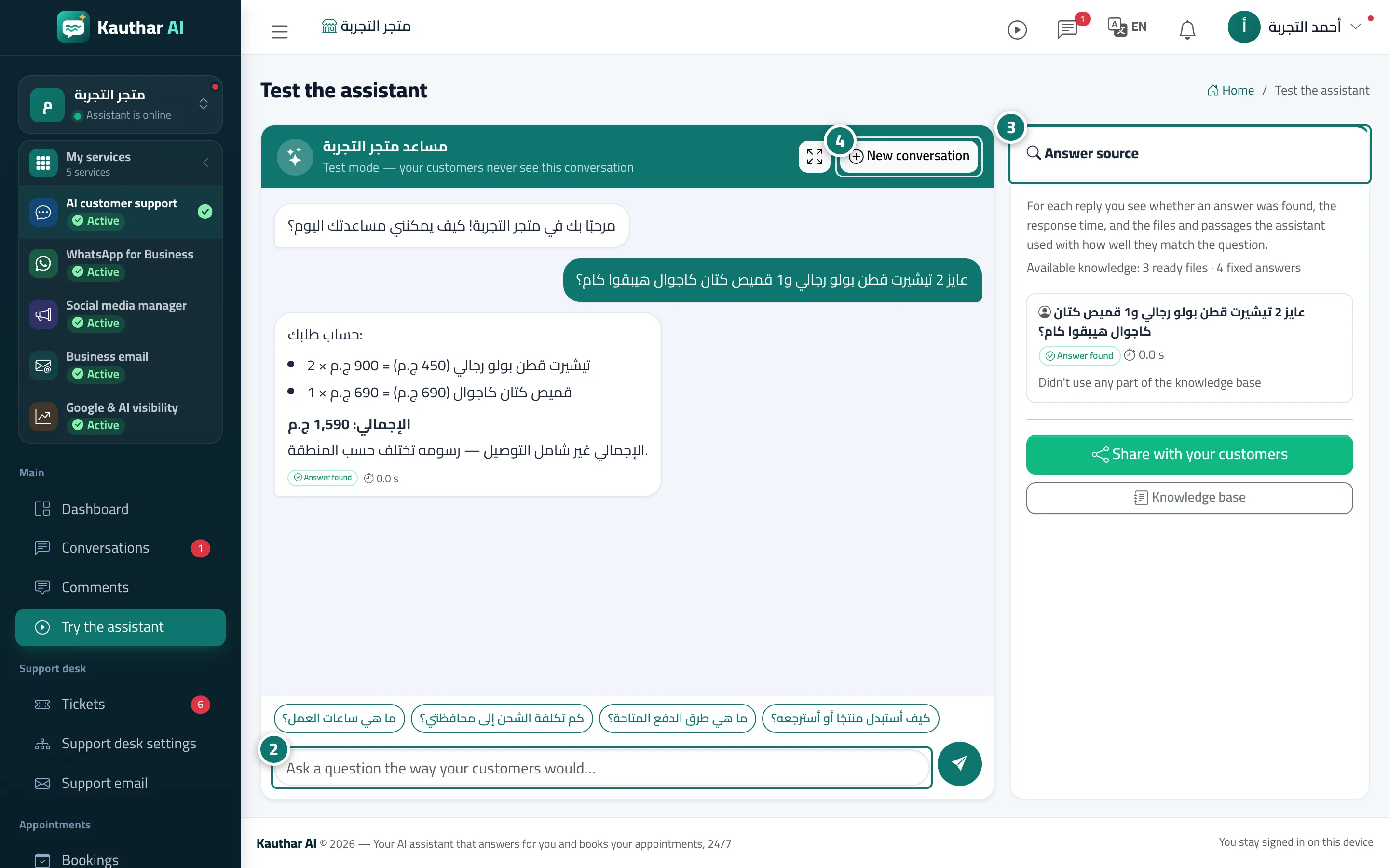
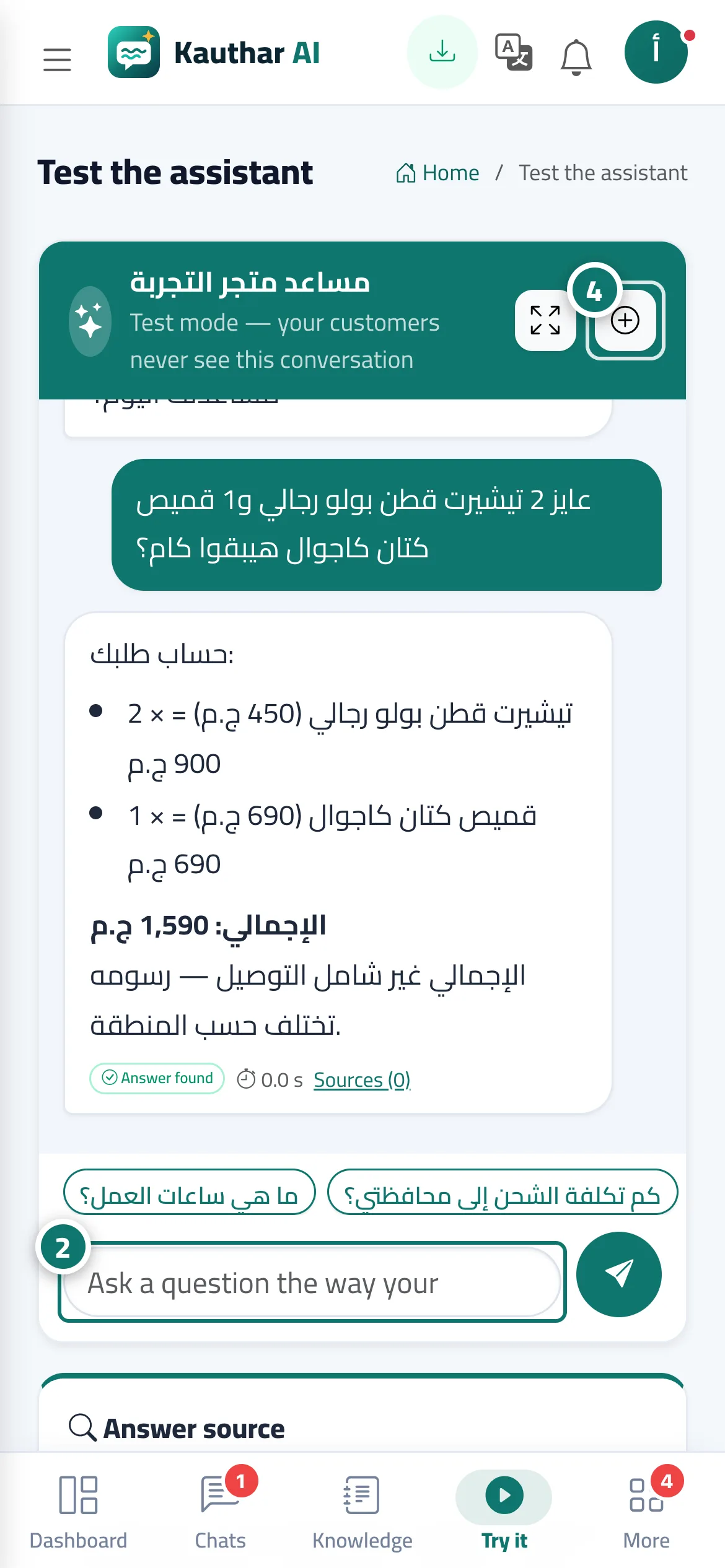
An internal test screen where you chat with the AI assistant using exactly the settings and files it uses with your customers, but the conversation never reaches customers and isn't counted in reports (Test mode — your customers never see this conversation). Next to the chat, the Answer source panel shows for each reply whether an answer was found, the reply time, and the files and passages the assistant relied on with how closely they match the question, plus a summary of the knowledge available (ready files and fixed answers). The suggested questions you added in Assistant settings appear so you can tap them directly.
- Pour qui ?
- Business owner / manager / agent
- Où le trouver ?
- Sidebar → Main → Try the assistant
Pas à pas#
- Open Try the assistant.
- Type a question in the Ask a question the way your customers would… box, or tap one of the suggested questions.
- Check the reply and its details in the Answer source panel.
- If the reply is wrong or incomplete, edit the knowledge base file or add a Fixed answer, then try again. The New conversation button starts the chat over.
Astuces#
Bon à savoir#
Questions fréquentes#
Do test conversations appear in reports or reach my customers?
No. Test conversations don't appear in the conversation reports or on the dashboard, and they never reach your customers.
Why did the assistant say it couldn't find an answer?
Because it is designed to answer only from your files and fixed answers; when the information isn't there, it says so instead of guessing. Add the information in a file or as a fixed answer and try again.
How do I see which file the assistant relied on?
The Answer source panel shows the file name, the passage and the match score for each reply.