
Try the demo
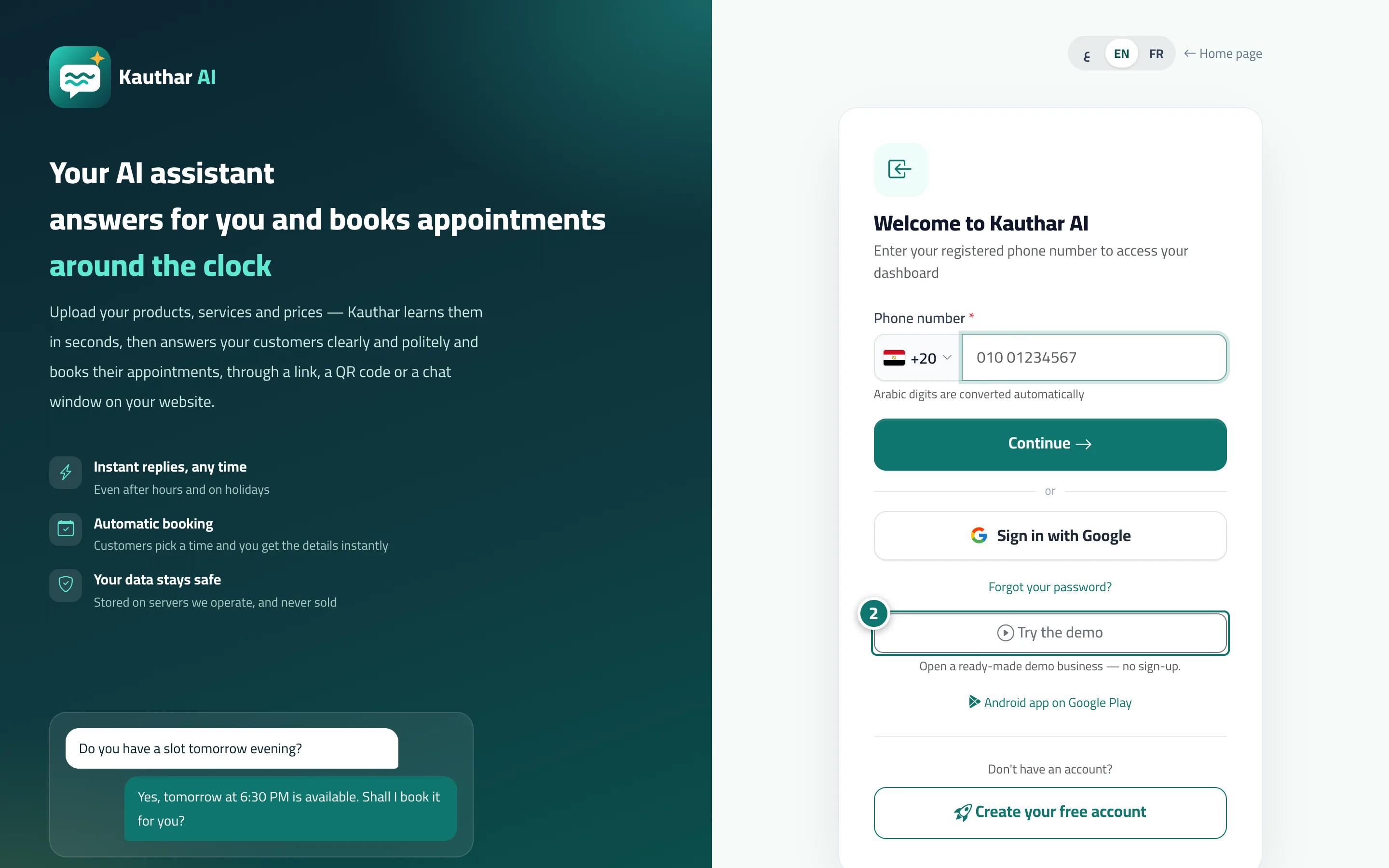
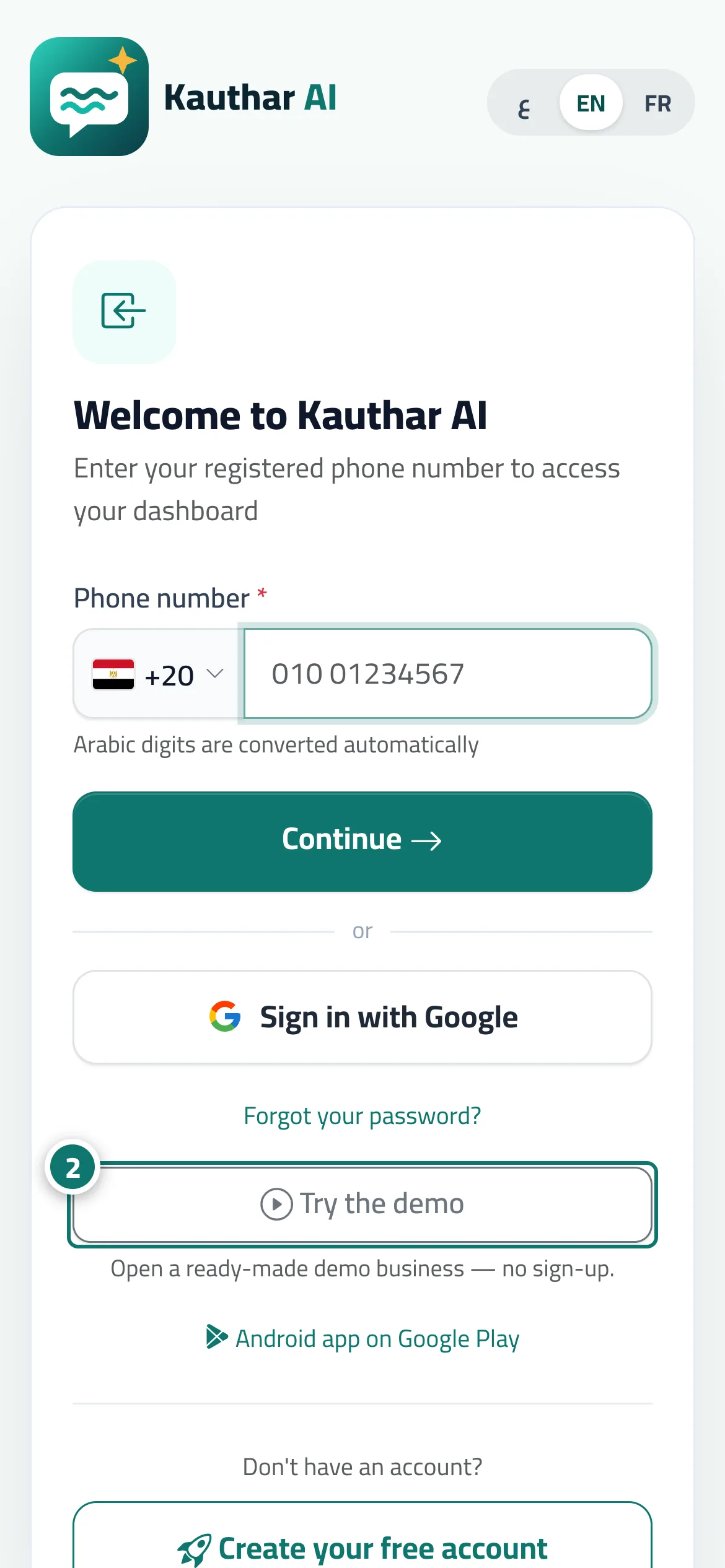
One button takes you into a ready-made demo account with realistic data, so you can try every screen without signing up.
Vue d’ensemble#
Three entry points take a visitor straight into the demo business on the dashboard, with the message You’re now in the demo account — feel free to try everything: the Try the demo button on the sign-in page, the Explore the dashboard with a ready demo account link at the end of the Kauthar website home page, and the Demo account link in the site footer. The account holds conversations, tickets, bookings, knowledge files, reply flows and reports with sample data, so the visitor can try every screen, including Try the assistant. To see only how Kauthar answers, Try Kauthar now on the website opens a chat with Kauthar herself.
- Pour qui ?
- Business owner (a visitor)
- Où le trouver ?
- Sign-in page → Try the demo · End of the Kauthar website home page → Explore the dashboard with a ready demo account · Site footer → Demo account
Pas à pas#
- Open the sign-in page (or scroll to the end of the Kauthar website home page).
- Press Try the demo (or Explore the dashboard with a ready demo account, or Demo account) — you land on the dashboard straight away.
- Move between screens from the sidebar, or from the bottom bar on a phone.
Astuces#
Bon à savoir#
Questions fréquentes#
Is the data in the demo real?
No. It is sample data for a demo store, so you can see the software at work.
Can I move what I tried into my own account?
No, the demo account is separate. Create your free account from Create your free account, then turn on the service you need and start uploading your files.