
Booking reports
Utilisation, cancellations, no-shows, booking lead time and the value of completed appointments — per service, provider and channel.
Vue d’ensemble#
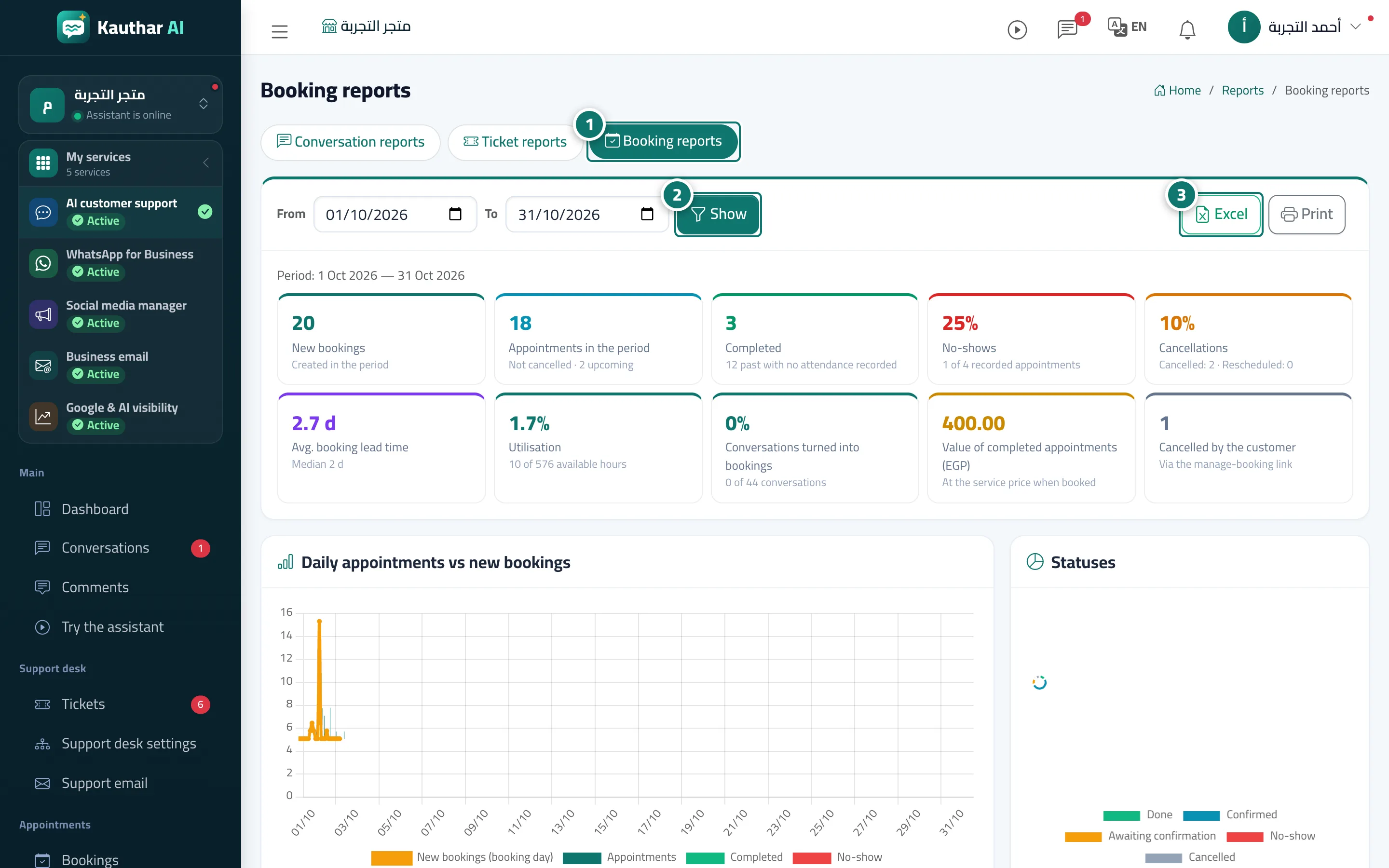
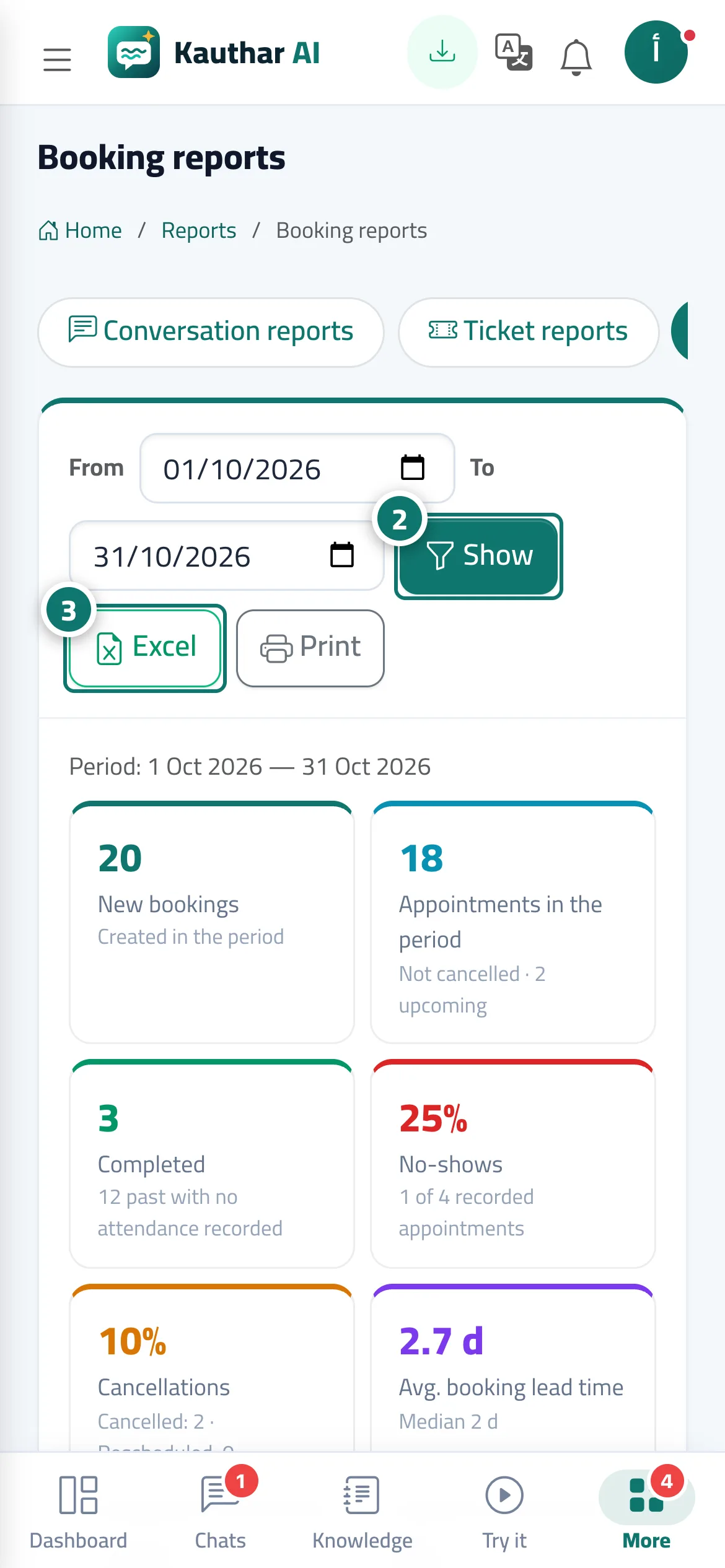
The Booking reports tab shows New bookings, Appointments in the period, Completed, No-shows, Cancellations (cancelled and moved), Avg. booking lead time, Utilisation (booked hours out of available hours), Conversations turned into bookings, the Value of completed appointments in your business currency (based on the service price at booking time), and Cancelled by the customer from the booking management link. It includes charts and tables: daily appointments against new bookings, statuses, channels, the time between booking and appointment, peak times (day × hour), utilisation per provider, and tables by service, provider and channel (chat, booking page, staff…).
- Pour qui ?
- Business owner / manager
- Où le trouver ?
- Sidebar → Channels & customers → Reports → Booking reports tab
Pas à pas#
- Open Reports, then the Booking reports tab.
- Choose the period From and To and press View.
- Export the report with Excel or print it with Print.
Astuces#
Bon à savoir#
Questions fréquentes#
What does utilisation mean?
Booked hours (including the break after each appointment) divided by the providers' available working hours in the chosen period, after time off is deducted.
What's the difference between New bookings and Appointments in the period?
New bookings are bookings created during the period; Appointments in the period are non-cancelled appointments whose time falls within the period.