
An assistant that answers only from your business information
Kauthar answers your customers around the clock using only your files, your store and your fixed answers. When the information isn't there, she apologises clearly and passes the question to you instead of guessing.
Vue d’ensemble#
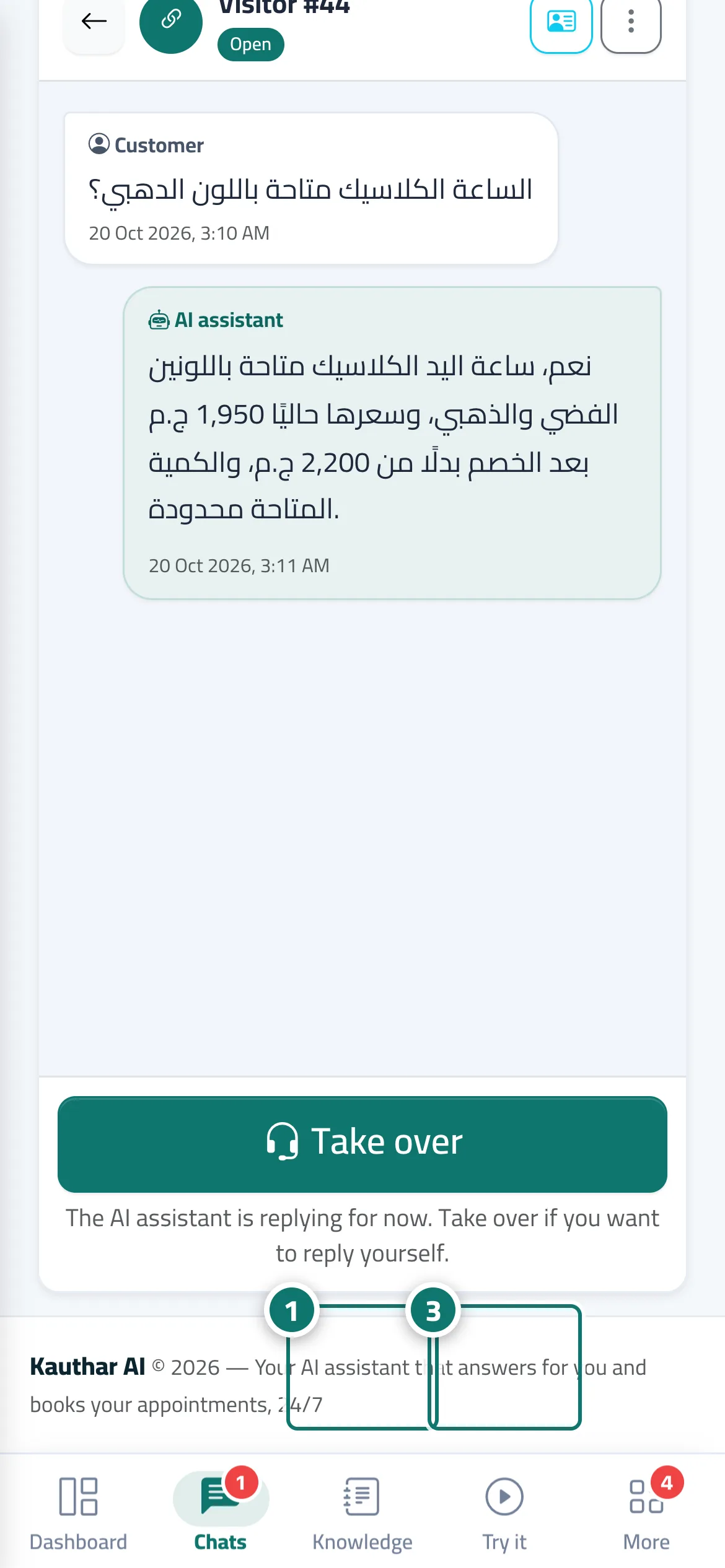
The heart of Kauthar: built-in AI reads the customer's question, searches your business's knowledge base (your files and any connected store or website) and your fixed answers, then writes a short reply based on them alone. If the question matches a fixed answer, that answer is sent exactly as you wrote it. If the information can't be found, the assistant apologises politely (drawing on the Reply when there's no answer text you set in Assistant settings), flags the conversation as needing a team member, records the question under Unanswered questions, sends your team the alert A question the assistant couldn't answer, and offers the customer to leave their details or open a ticket. The customer sees the reply appear word by word as it is written, in the customer's own language (Arabic, English or French). In Arabic it follows the Style of Arabic replies you choose; the default, Customer's dialect, answers Egyptian with Egyptian and Gulf with Gulf, and falls back to simplified Standard Arabic when the dialect isn't clear. The assistant also understands follow-ups such as tell me more or yes and continues on the same topic.
- Pour qui ?
- Business owner / the business's customers
- Où le trouver ?
- Works on every chat channel (link, QR code, chat window on your website) · learns from Sidebar → Train your assistant → Knowledge base and Fixed answers · style from Sidebar → Account → Assistant settings
Pas à pas#
- Upload your files in Knowledge base, or connect your store and website from Connect your store.
- In Assistant settings → the Messages and style card, choose the Style of Arabic replies (default Customer's dialect), the Reply tone and the Reply language, write your Reply when there's no answer, then click Save.
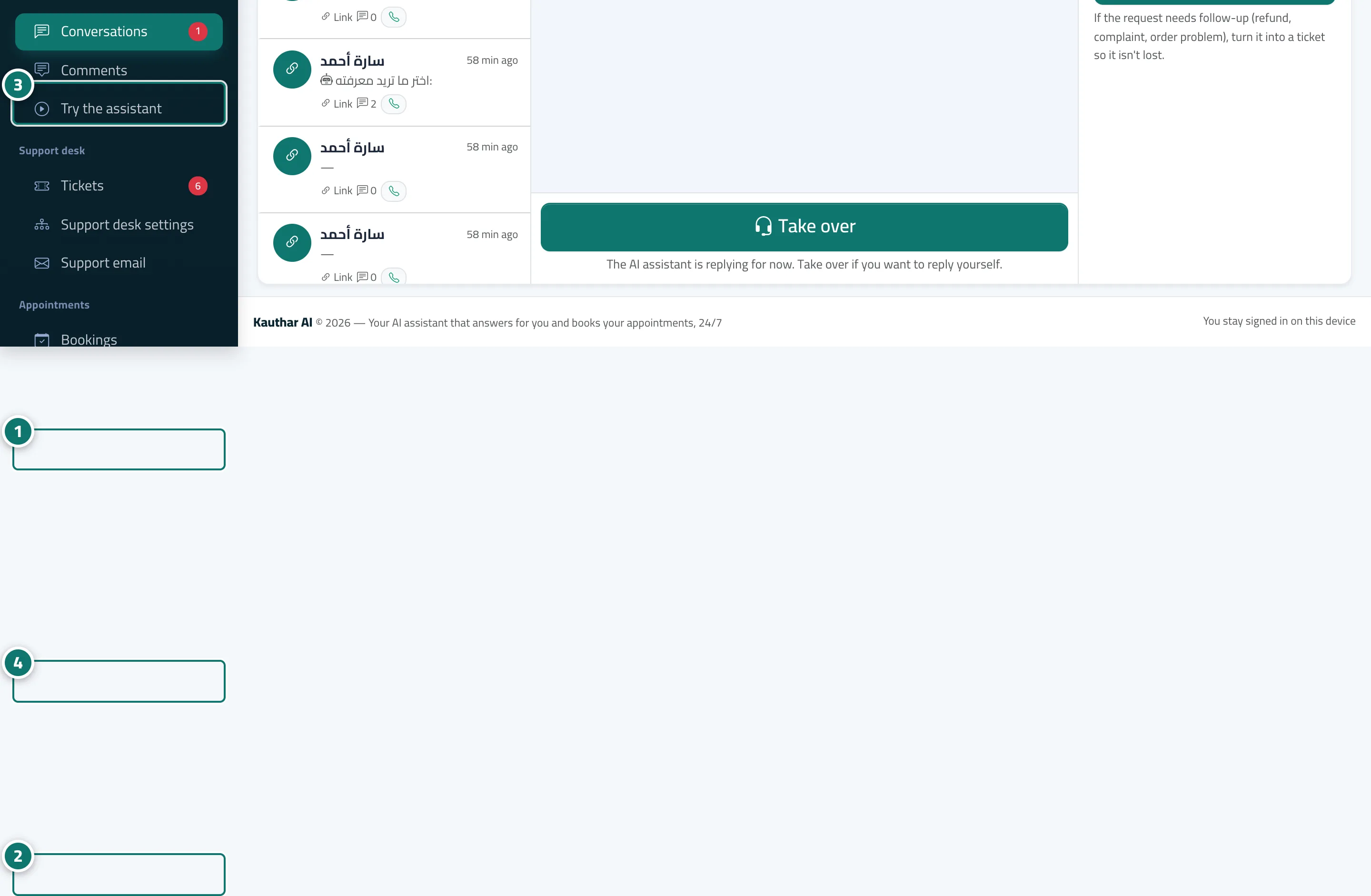
- Test the assistant in Try the assistant by asking the way your customers ask.
- Share the chat link or add the chat window to your website from Channels, and the assistant replies automatically.
Astuces#
Bon à savoir#
Questions fréquentes#
Could the assistant give wrong information about my business?
The assistant is designed to answer only from your information and to apologise when it can't find the answer, and any link that isn't in your files is removed from the reply automatically. Like any AI, it can still occasionally get the wording wrong. The fix: add fixed answers for sensitive information and review conversations regularly.
Does it reply in Standard Arabic or in dialect?
It depends on the Style of Arabic replies in Assistant settings: Customer's dialect (the default) mirrors the customer's own dialect, or you can fix Simplified Standard Arabic, Egyptian, Gulf, Levantine or Maghrebi. You can also choose the Reply tone (friendly, formal, concise).
Does it answer customers who don't speak Arabic?
Yes. The chat page appears in the language of the customer's device (Arabic, English or French), and the assistant replies in that same language when Reply language is set to Automatic.
What happens if the month's AI reply allowance runs out?
Fixed answers and reply paths keep working, and other questions receive your Reply when there's no answer message until the next month starts — or add an extra reply pack or upgrade your plan from the subscription page.
Where are my customers' data and my files stored?
Your files and your customers' conversations are stored on our servers in Frankfurt, Germany, and we never sell them. To write each reply, the customer's question, the conversation context and the related parts of your information are sent to the Kauthar cloud engine (Google Gemini), which writes the reply on our behalf. On the Business plan you can instead connect your own OpenAI, Google or Anthropic account (optional); the same parts are then sent to the provider you chose, and the files themselves stay with us.