
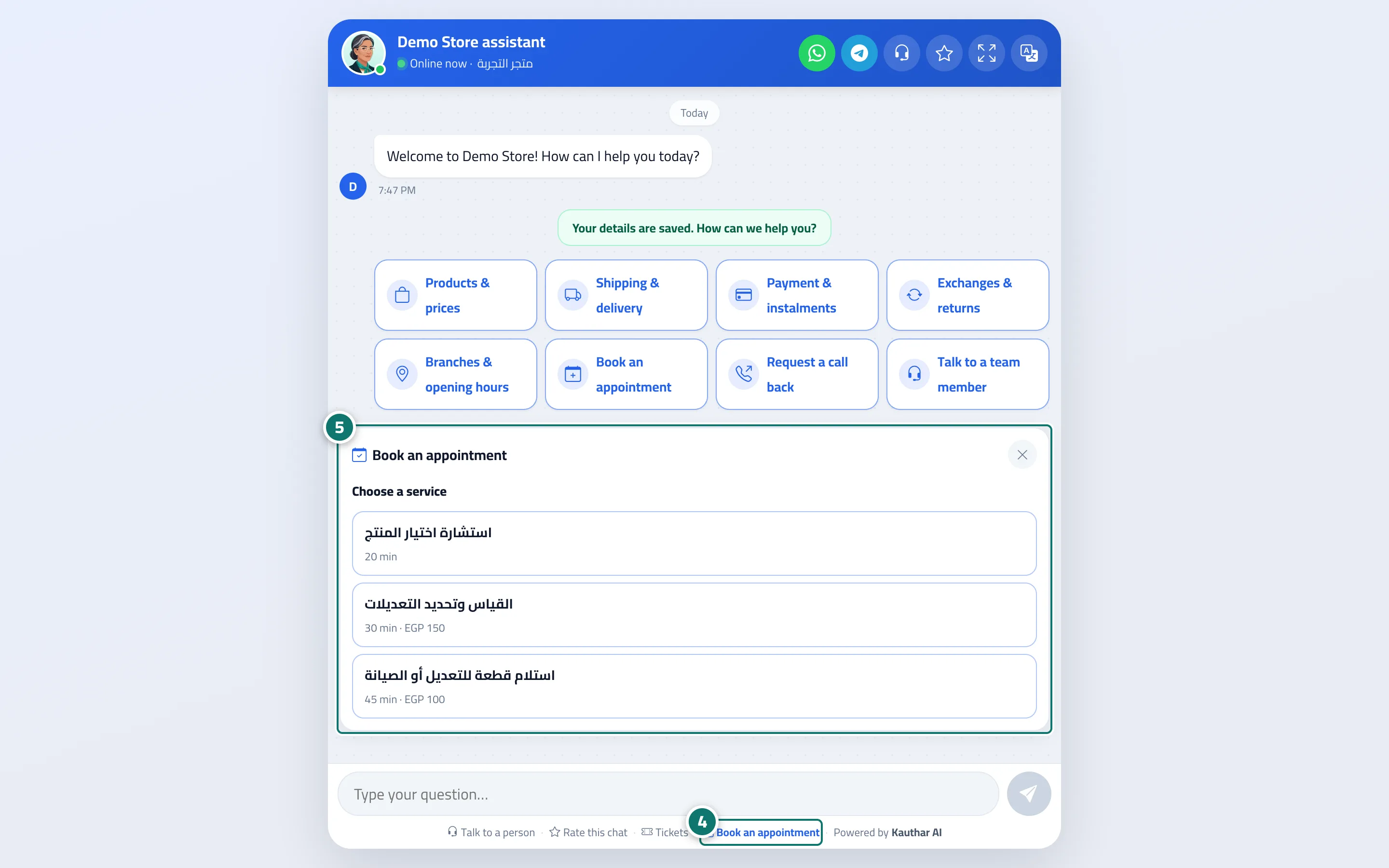
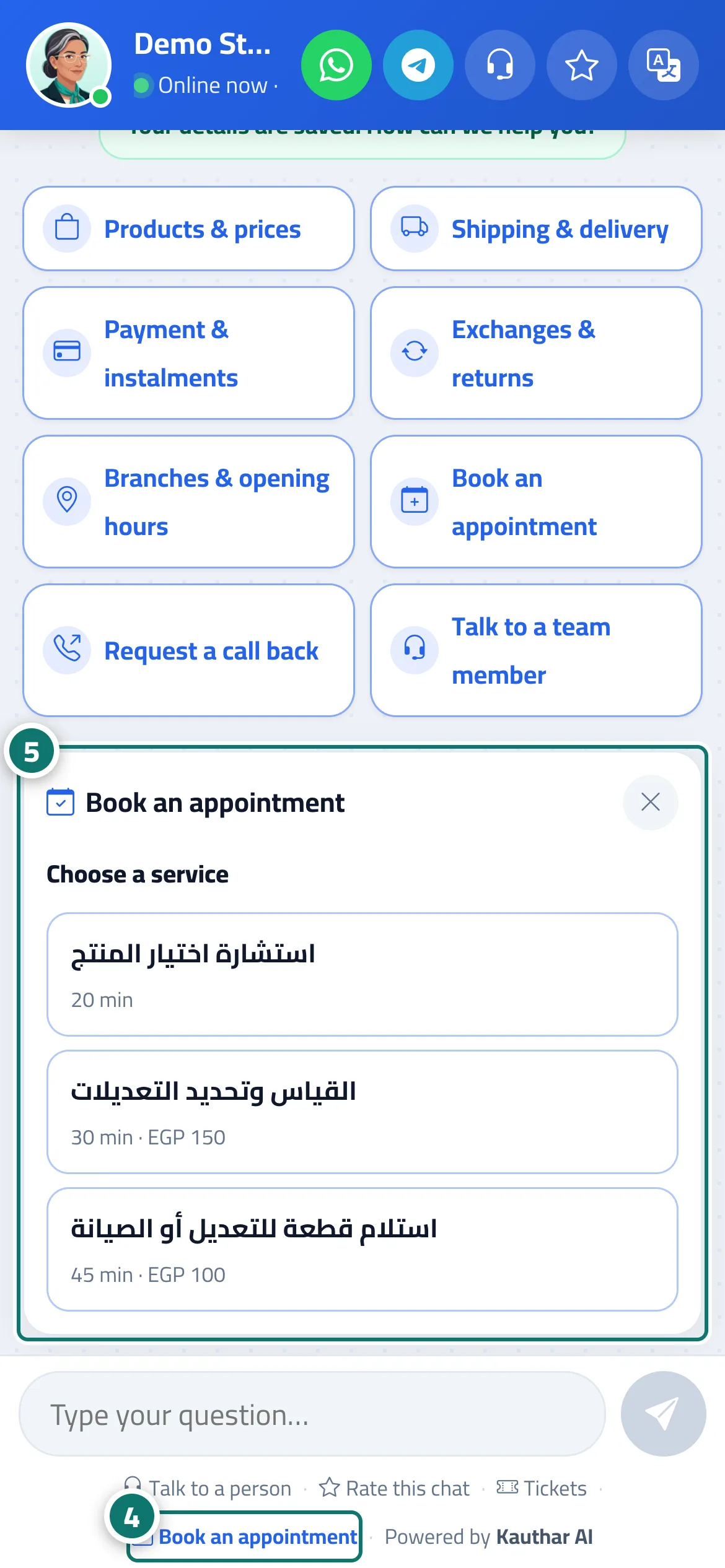
The «Book an appointment» button in the chat
The assistant never books by guesswork: a button opens reliable booking steps right inside the chat.
Vue d’ensemble#
Reply paths include a Book an appointment button type (link it to a specific service or let the customer choose), and a Book an appointment link also appears at the bottom of the chat window whenever booking is on. Tapping it shows a booking card inside the chat: Choose a service → Choose a provider (or Any available provider) → Choose a day → Choose a time (morning / evening) → Your details (name and phone number with country) → Confirm booking. The AI doesn't book anything itself — the steps are fixed buttons built from times that are genuinely free. The booking is recorded with the Chat channel and linked to the conversation, and the customer sees Your booking #… is confirmed (or Your booking request #… has been received if it's awaiting confirmation).
- Pour qui ?
- Business owner / manager (setup) / your customers
- Où le trouver ?
- Sidebar → Train your assistant → Reply paths → Add a button to the main menu → When the customer taps the button → Book an appointment · and in the chat → Book an appointment
Pas à pas#
- In Reply paths, press Add a button to the main menu, and under When the customer taps the button choose Book an appointment.
- Under Service (optional), choose a service or leave — Customer chooses the service —, and add a Message before booking (optional) if you like.
- Pick a suitable icon (such as Book an appointment in the Appointments category), then press Save; the button appears to customers in the chat.
- The customer taps the button in the menu or the Book an appointment link at the bottom of the chat window.
- They choose the service, provider, day and time with buttons, then enter their name and phone number and press Confirm booking.
Astuces#
Bon à savoir#
Questions fréquentes#
Could the assistant book the wrong appointment?
No. Booking isn't done by the AI; the customer picks from times that are genuinely free, and Kauthar prevents any overlap.
What does the customer see if no times are available?
A message saying no times are available in the coming days and inviting them to leave their phone number or talk to a person to arrange a suitable time.