
Suggested questions for your customers
Up to 6 ready-made questions that appear when a customer opens the chat, so they can tap instead of typing.
Vue d’ensemble#
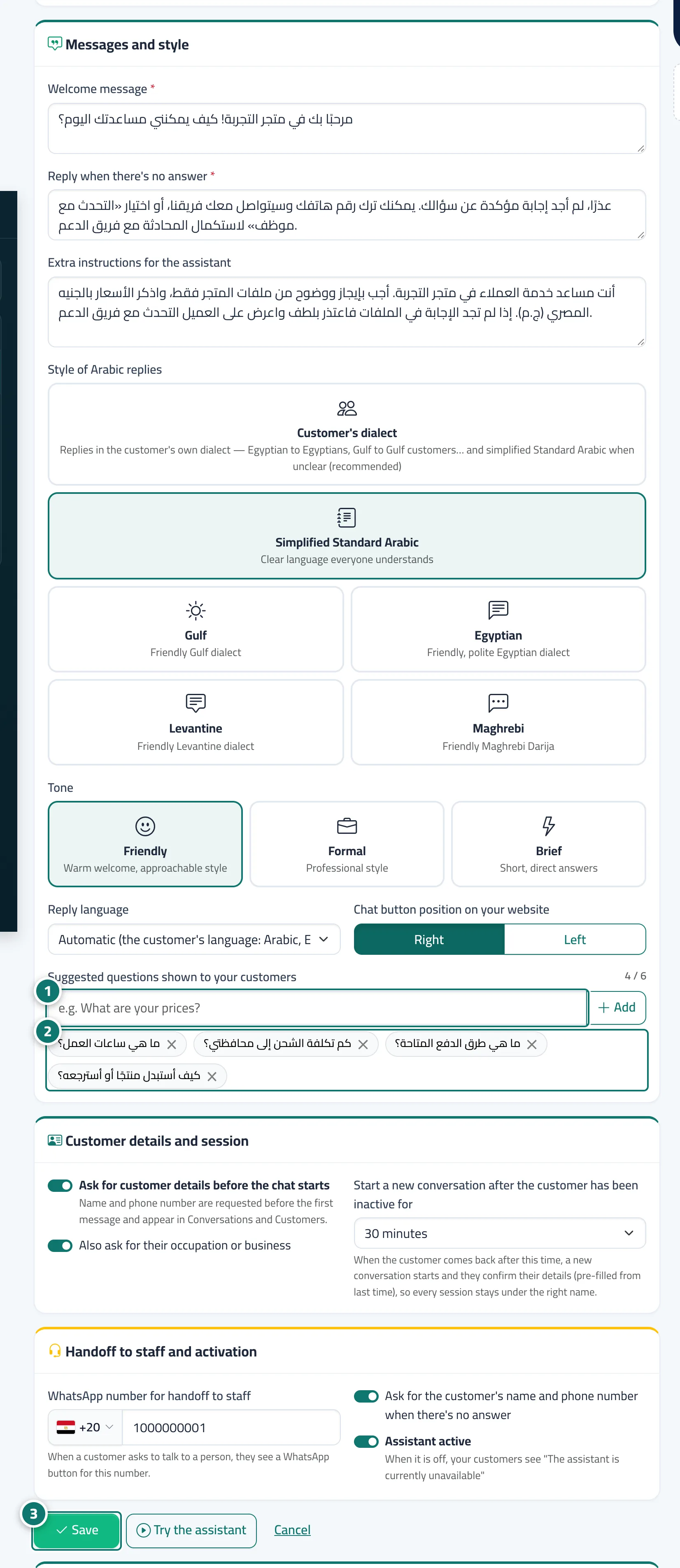
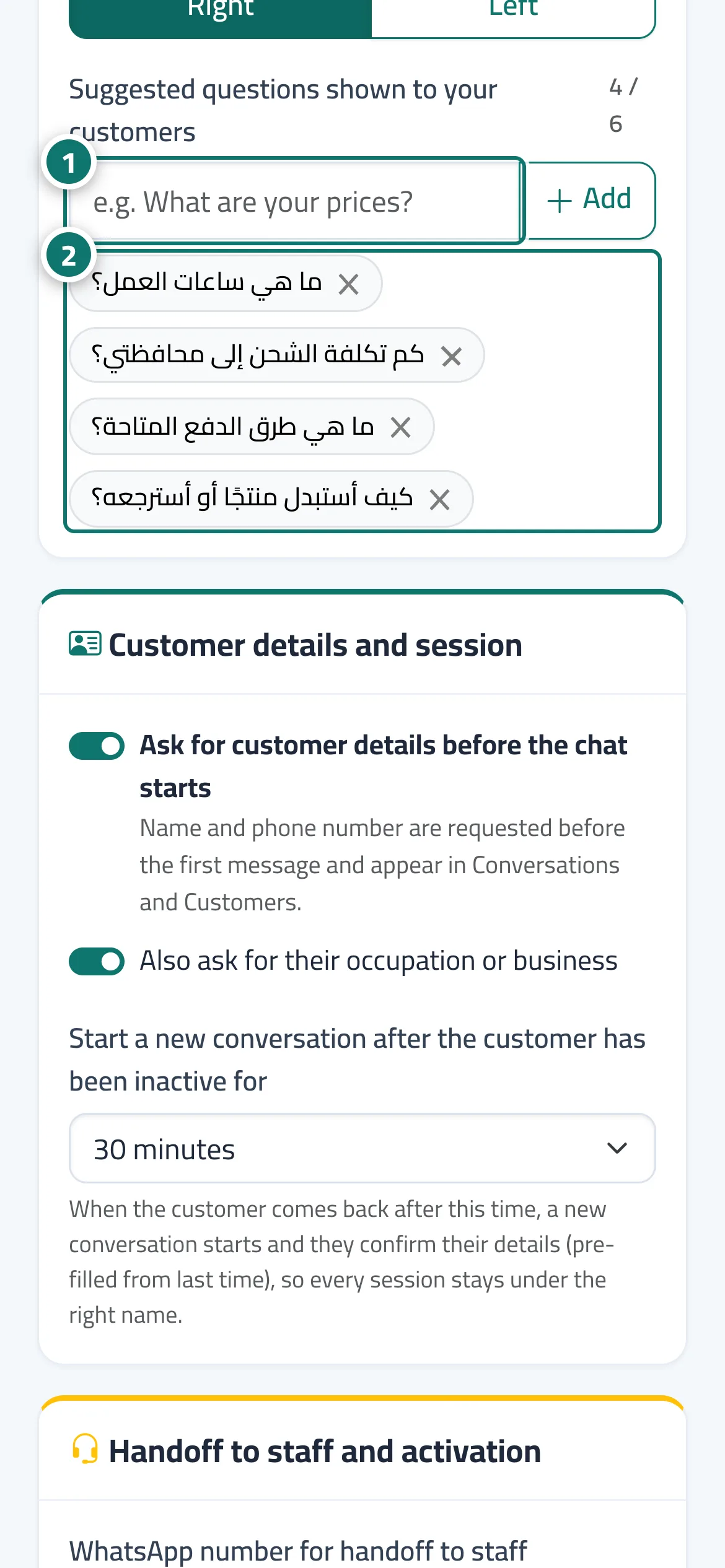
In Suggested questions shown to your customers you add common questions (such as What are your prices?) that appear as small buttons under the welcome message on the chat page and in the chat window on your website. When a customer taps a question it is sent as if they had typed it, and the assistant answers straight away. Every new business starts with four default questions that you can edit.
- Pour qui ?
- Business owner / admin
- Où le trouver ?
- Sidebar → Account → Assistant settings → Suggested questions shown to your customers
Pas à pas#
- Type the question in the box and press Add.
- Repeat for up to 6 questions; remove a question with the close mark next to it.
- Check how they look in the Live preview and press Save.
Astuces#
Bon à savoir#
Questions fréquentes#
How are these different from reply paths?
Suggested questions are simply ready-made questions sent to the assistant. Reply paths are buttons with a specific behaviour (a menu, a fixed reply, handoff to staff, booking an appointment, and so on).
Do the suggested questions also appear in the chat window on my website?
Yes. They appear on the chat link page and in the chat window on your website.