
Trash
Nothing is lost by mistake: any deleted item can be restored in one click.
Vue d’ensemble#
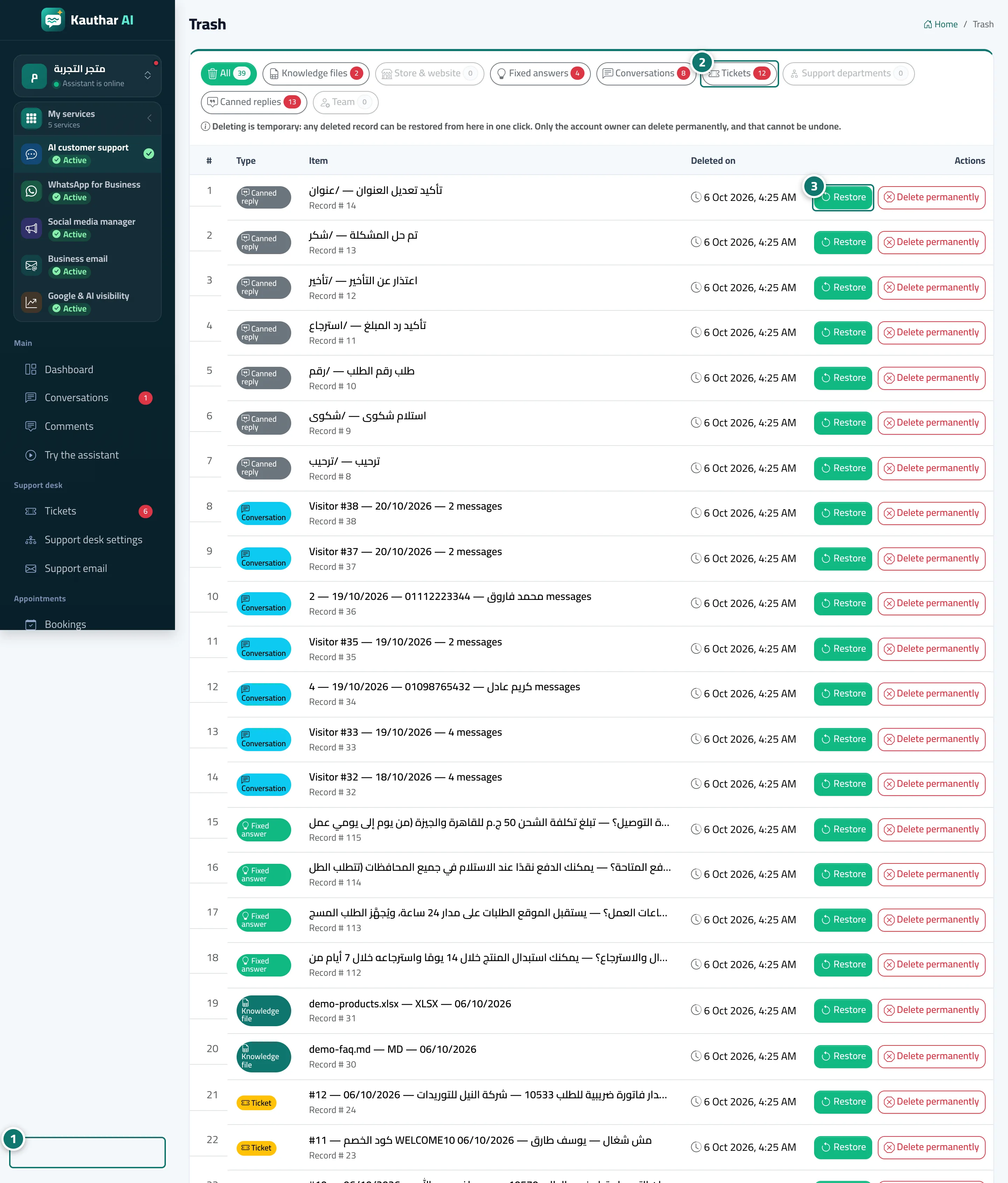
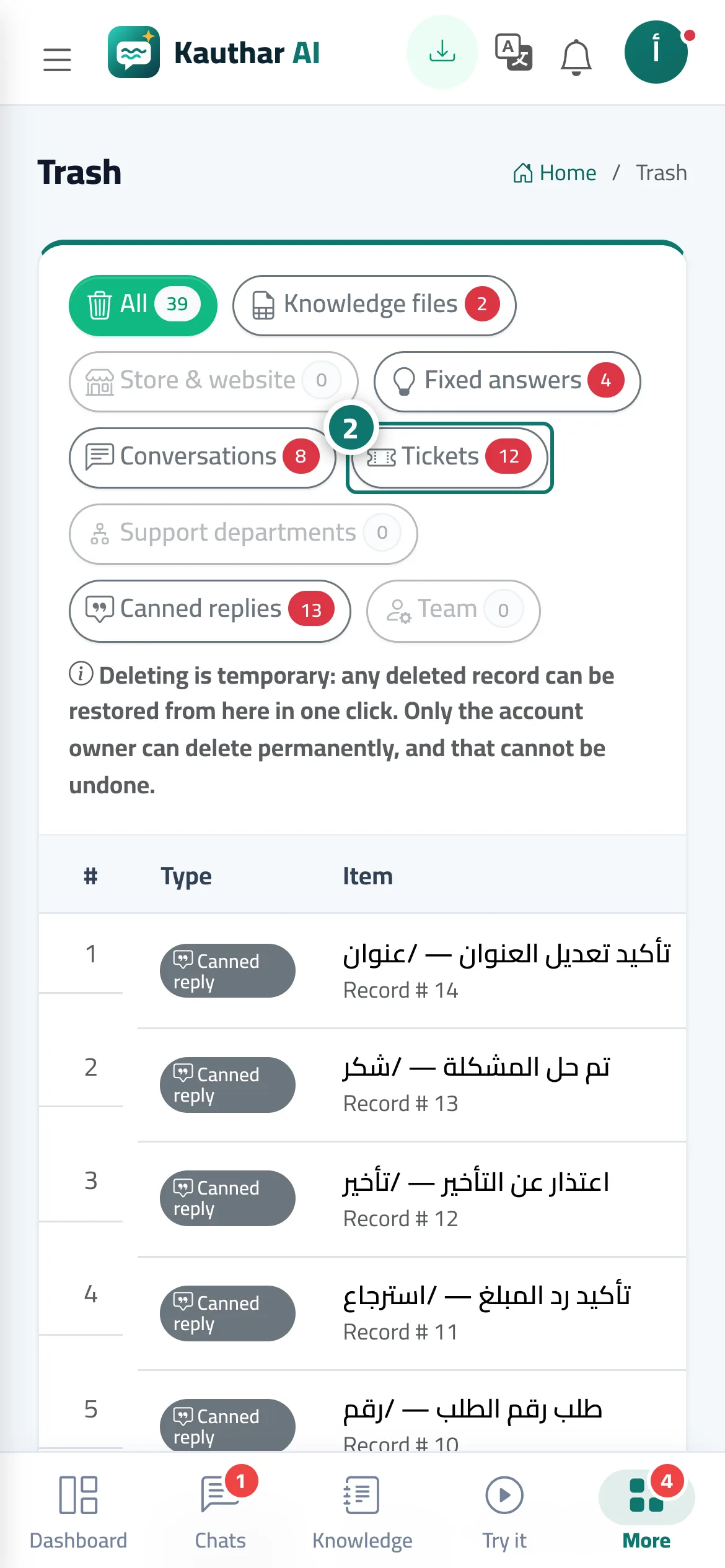
Deleting in Kauthar is temporary: knowledge files, store and website connections, fixed answers, conversations, tickets, support desk departments, canned responses and team members all move to Trash with the time of deletion. The Restore button brings an item back exactly as it was; Delete permanently is for the account owner only and cannot be undone.
- Pour qui ?
- Business owner / admin
- Où le trouver ?
- Sidebar → Account → Trash
Pas à pas#
- Open Trash.
- Choose the type from the buttons at the top (All, knowledge files, tickets…).
- Press Restore next to the item and confirm.
Astuces#
Bon à savoir#
Questions fréquentes#
I deleted a ticket by mistake. What do I do?
Go to Trash → Tickets → Restore; it comes back with all its messages.
I deleted a staff member and want them back.
Restore them from Trash, or add them again with their number and their account is restored automatically (as long as a seat is free in your plan).