
Connecting a store with an API key: EasyOrders, BigCommerce and Magento
EasyOrders, BigCommerce and Magento stores connect with a key or access token you create in your store dashboard (read only), so Kauthar learns your products and follows orders.
Vue d’ensemble#
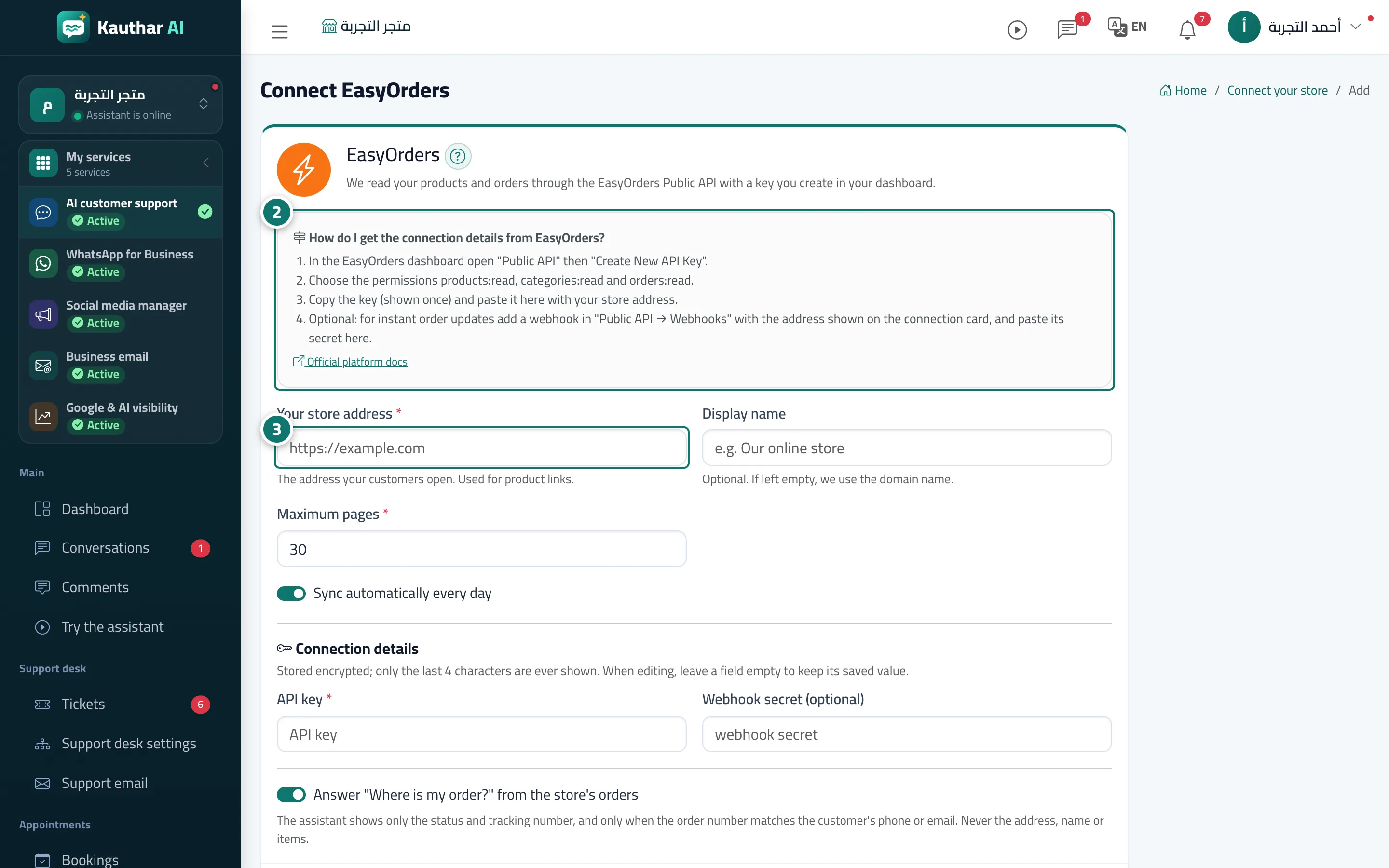
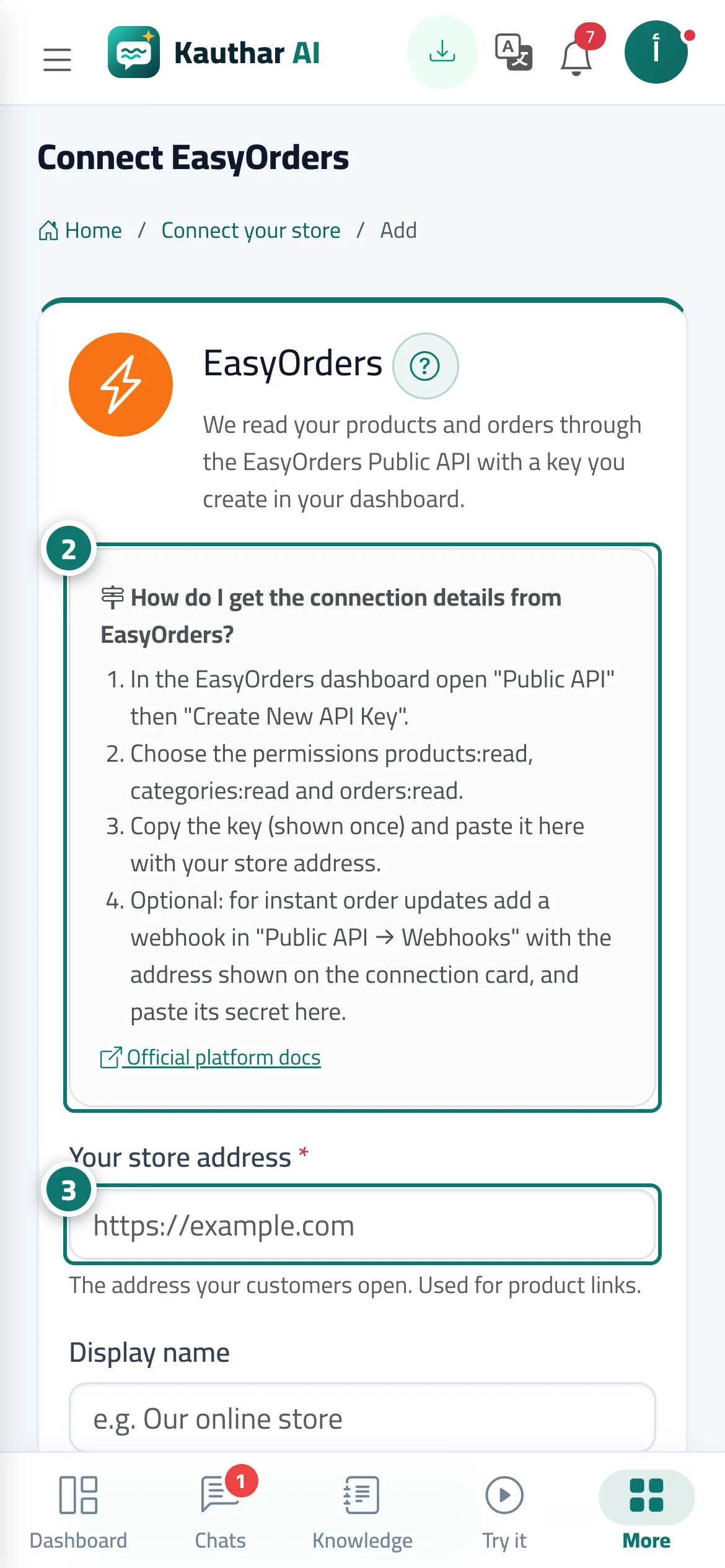
From Connect your store → Choose your store platform, pick EasyOrders, BigCommerce or Magento and the connection form opens. At the top, the How do I get the connection details from …? box lists that platform's numbered steps with a link to its official documentation, followed by Your store address and Connection details: for EasyOrders the API key and the Webhook secret (optional), for BigCommerce the Access token and the Store hash, for Magento the Access token. The details are stored encrypted and only the last 4 characters are ever shown. After Connect and start syncing, Kauthar reads your products (and orders, to answer Where is my order? after checking the customer's phone or email), and the source card shows its status and last sync with Sync now and Test connection.
- Pour qui ?
- Business owner / manager
- Où le trouver ?
- Sidebar → Train your assistant → Connect your store → Choose your store platform
Pas à pas#
- Open Connect your store and pick your platform in Choose your store platform (EasyOrders, BigCommerce or Magento).
- Create the key in your store dashboard as the box shows: EasyOrders: Public API → Create New API Key with
products:read,categories:readandorders:read. BigCommerce: Settings → Store-level API accounts → Create API account, read-only for Products, Orders and Information & settings. Magento: System → Extensions → Integrations → Add New Integration with Catalog and Sales, then Activate, and turn on Allow OAuth Access Tokens to be used as standalone Bearer tokens. - Enter Your store address and paste the connection details (in BigCommerce the store hash is the part after /stores/ in the API path).
- Press Connect and start syncing and wait until the status is Connected, then ask the assistant about a product by name.
- Optional for EasyOrders: add a webhook in Public API → Webhooks with the address shown on the connection card, and paste its secret in Webhook secret so orders arrive instantly.
Astuces#
Bon à savoir#
Questions fréquentes#
Does the assistant see the customer's address or what they bought?
No. For Where is my order? it shows only the status and tracking number, and only when the order number matches the customer's phone or email.